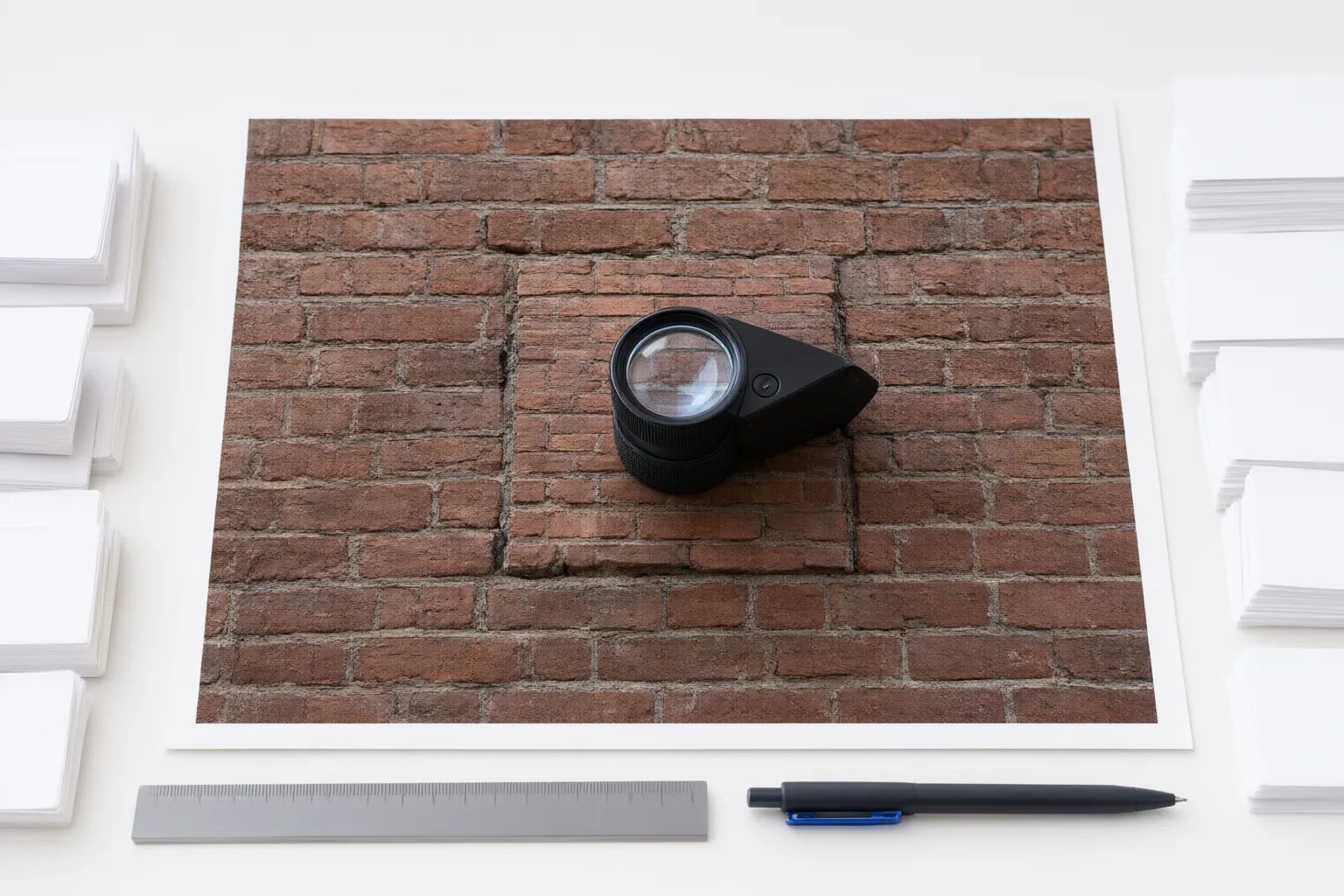
Judge AI object removal across the entire shot, not from one attractive still. Review the repaired area at normal speed, reduced speed, and frame by frame; then determine whether each visible defect comes from tracking, mask scope, or background reconstruction.
Why a Good Still Frame Can Hide a Bad Video Edit
Removing a moving object requires two related tasks: locating it over time and reconstructing what should have appeared behind it. Camera movement, changing object shape, motion blur, and occlusion make both tasks harder. A single paused frame can therefore look convincing even when playback reveals flicker, shimmer, popping, or geometry that changes from frame to frame.
Use three complementary views. Normal-speed playback shows whether the repair attracts attention during ordinary viewing. Reduced speed makes short-lived inconsistencies easier to see. Frame-by-frame inspection helps locate the precise transition where a mask slips or reconstructed detail changes. Give extra attention to motion changes, occlusions, and frames near mask corrections.
Check Tracking, Masks, and Reconstructed Detail Separately
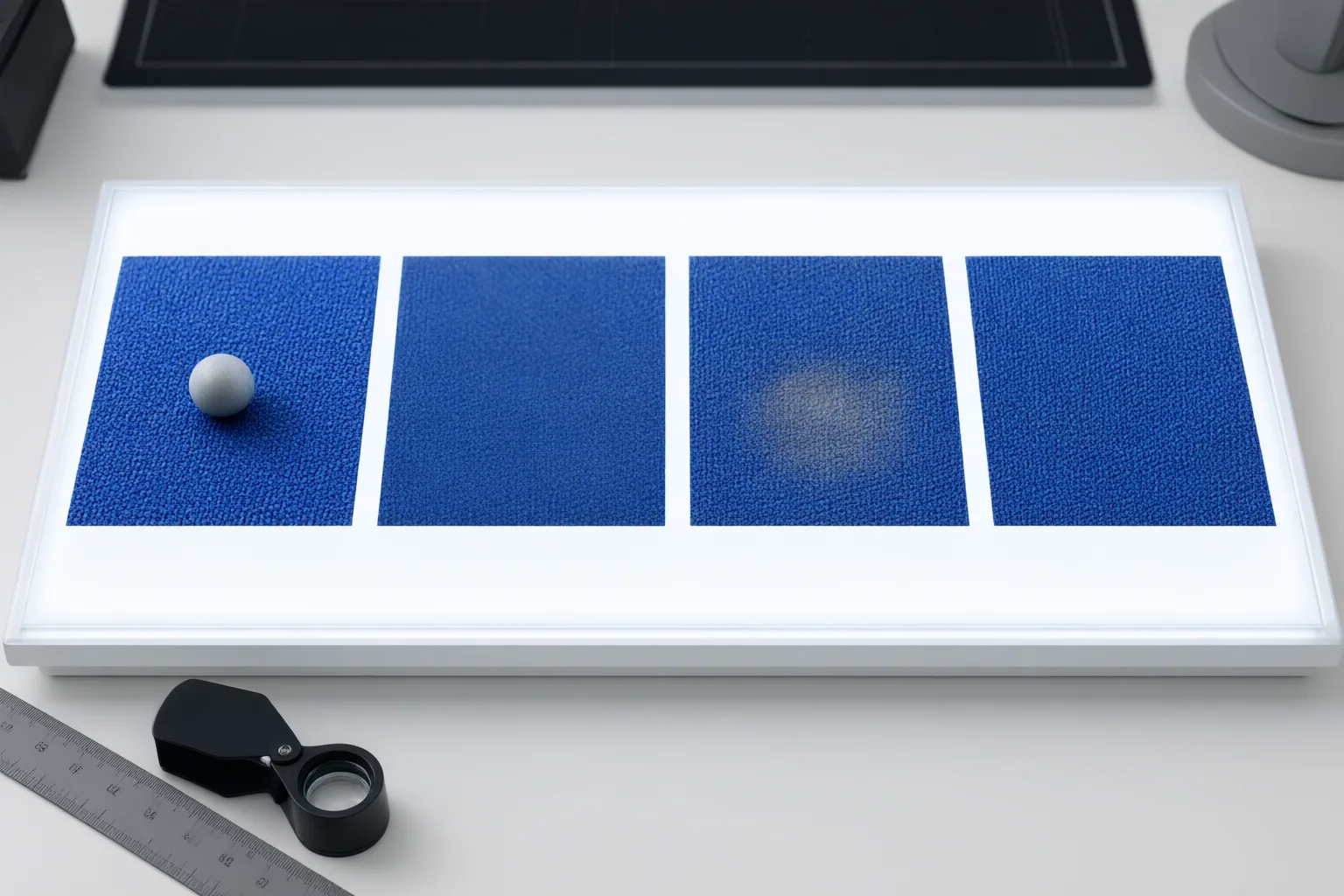
Start with tracking. If the removal mask drifts away from the object or fails to follow scene motion, correct the tracking or mask before judging the generated background. If the mask stays aligned but the filled region contains implausible detail, inconsistent texture, flicker, or changing geometry, treat that as a reconstruction problem. Separating these stages prevents effort from being spent on the wrong correction.
Next, inspect mask scope. A mask that is too tight can leave object fragments, blurred edges, shadows, or other traces. A mask that is too large removes useful surrounding context and forces the system to reconstruct more of the scene. Look beyond the object’s visible body for cast and contact shadows, reflections, dust, ripples, and physical interactions. These dependent details can expose the edit even after the main object has disappeared.
Inspect Difficult Frames and Missing Visual Evidence
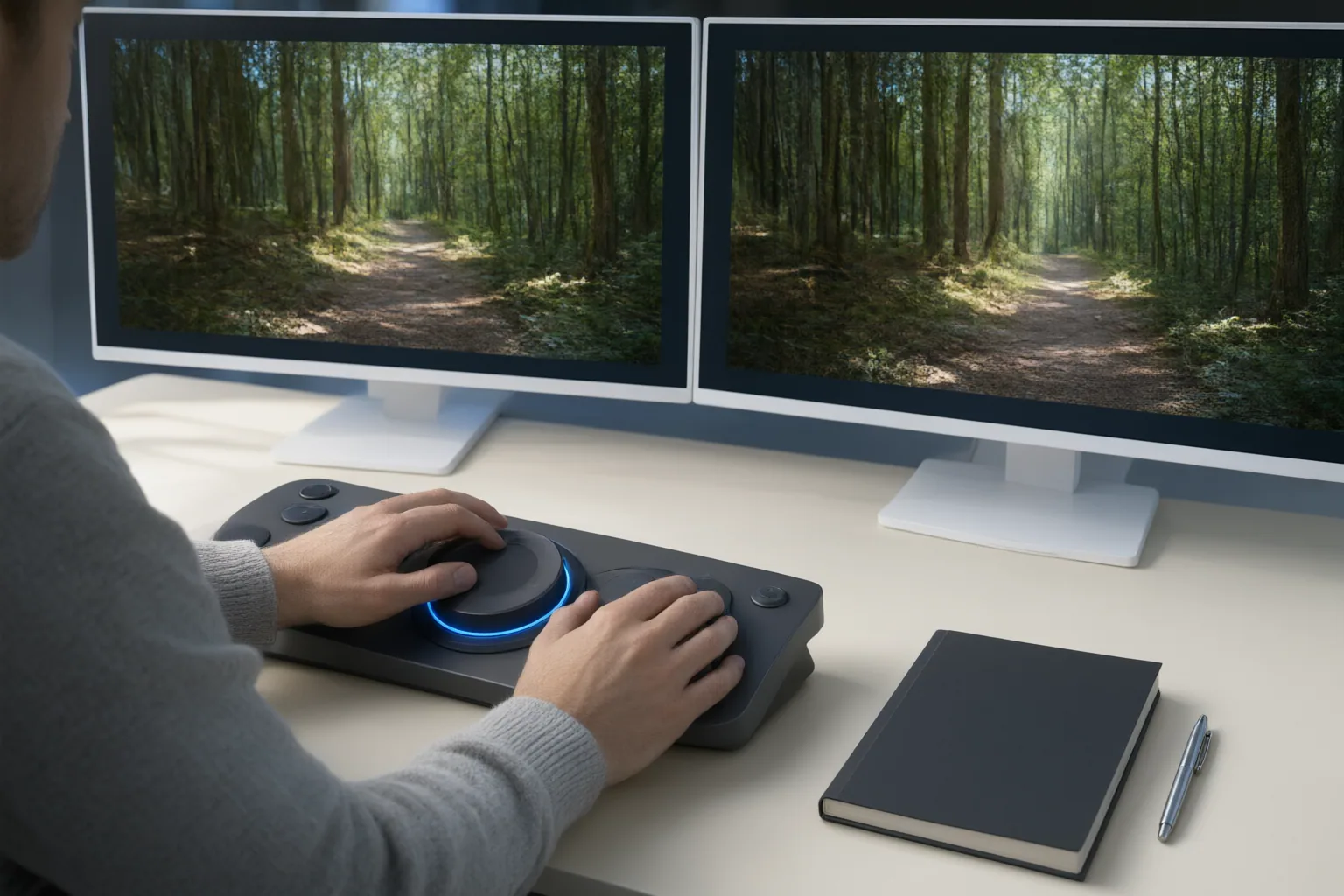
Concentrate review around cuts, long occlusions, major camera changes, and points where the object enters or leaves the frame. These are useful boundaries because continuous tracking may fail or cease to be appropriate. Also inspect changes in direction or speed, motion-blurred edges, reflections, shadows, and interactions with the environment.
When an object conceals the same area for the entire shot, the system has no direct view of the true background. Its result may look plausible without being accurate. A clean plate or a suitable reference frame provides stronger evidence for evaluating or correcting that region.
Moving-camera footage needs additional care. Simple differences between neighboring frames can mistake legitimate camera or scene motion for a reconstruction defect. Align or track the local background first, then examine unexpected changes inside the repaired region. This makes it easier to distinguish natural movement from a patch that appears fixed to the screen or fails to follow changing perspective.
Conclusion
Approve the edit only after checking the whole shot at normal speed, reduced speed, and frame by frame. Inspect difficult boundaries and secondary traces, including shadows, reflections, blur, dust, ripples, and physical interactions. Decide whether each defect is caused by tracking, mask scope, or reconstructed detail. If the hidden background never becomes visible, compare against a clean plate or suitable reference frame when available. Before approval, classify every observed defect and correct the corresponding tracking, mask, or reconstruction stage.
Disclosures and limitations
- This article was prepared with AI assistance and is based only on the supplied research sources identified by the source IDs.
- No product recommendation, price, ranking, hands-on test, or affiliate relationship is presented in this article.
Sources
- How to Remove Moving Objects from Video With AI — UnmarkAI
- AI Video Inpainting 2026: How to Test Object Removal and Replacement Across Frames — DIY AI
Improve this guide
Report a problem or suggest the next question
Submissions enter a private editorial queue. They are reviewed and deduplicated before any public update or new page is created.