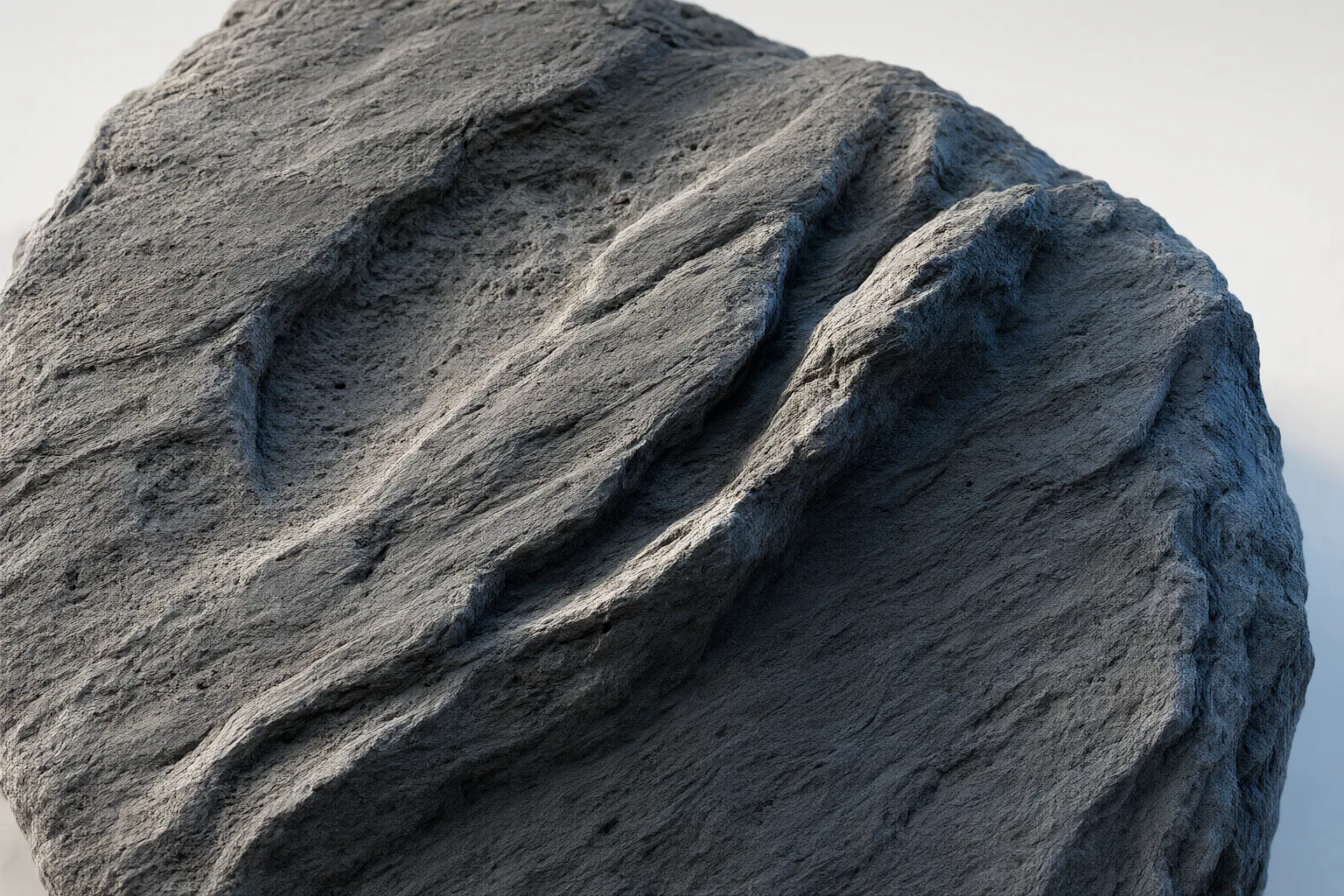
A normal map is an RGB image that changes how light reacts across a 3D surface, creating the appearance of small bumps, dents, and grooves without adding polygons or reshaping the model.
How a normal map creates the appearance of surface detail
A normal map guides lighting calculations by describing the direction a surface appears to face at each mapped point. It is commonly stored as an RGB image: the red, green, and blue channels encode the X, Y, and Z components of a surface-normal direction. A renderer uses those directions to vary highlights and shading, making a flat or simplified surface appear to contain fine bumps, dents, or grooves.
Many workflows use tangent-space normal maps, which express directions relative to the local orientation of each point on the surface. This local encoding makes reuse more practical than object-space encoding in many cases. Tangent-space maps often look predominantly purple because most encoded normals point generally outward from the surface. Their color variations describe changes in direction rather than the visible color of the material.
Normal maps versus height and displacement maps
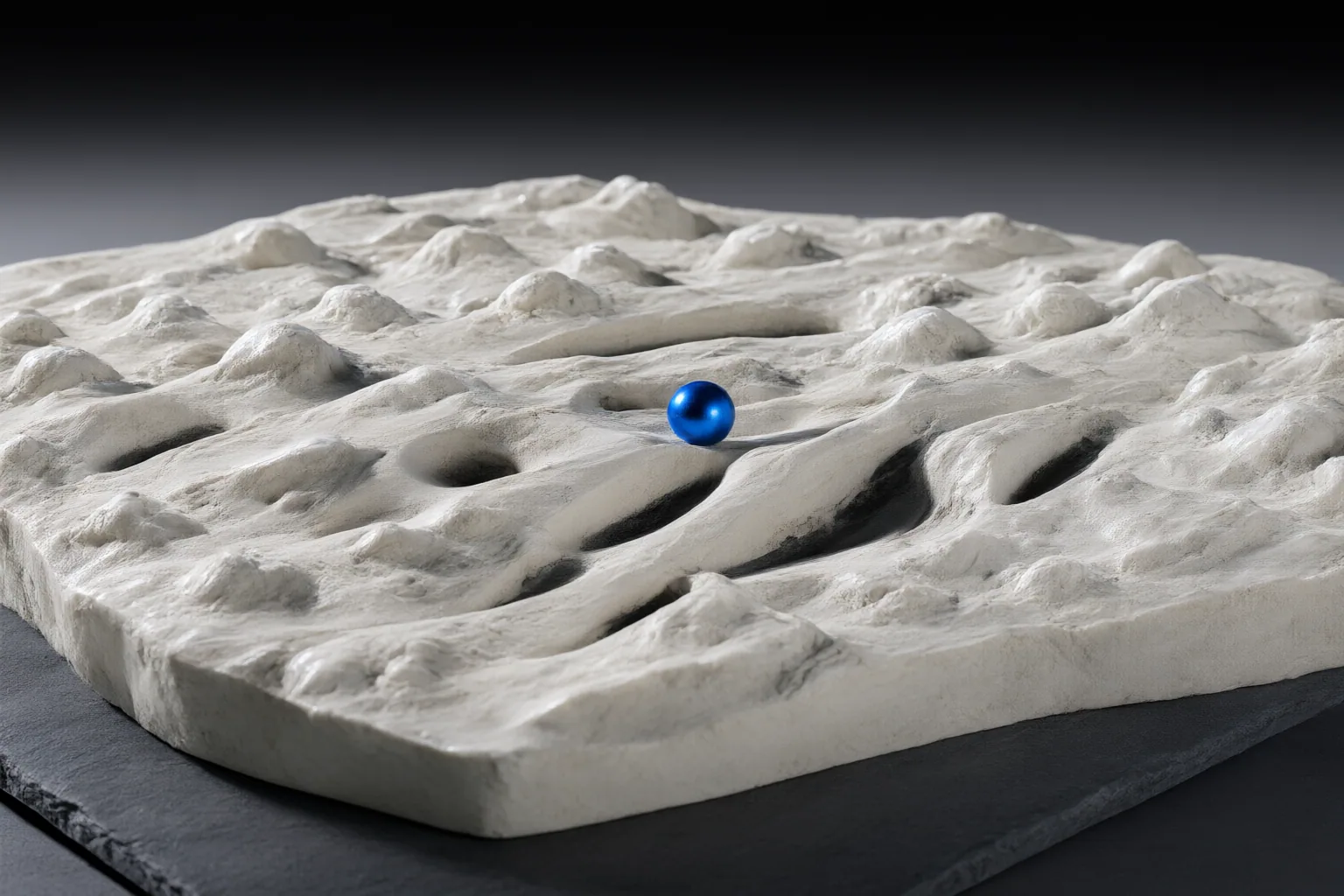
Normal maps create the visual impression of detail through lighting, but they do not deform the model. As a result, they cannot change its silhouette or create physical occlusion. A surface may look deeply grooved when viewed from the front yet retain a smooth outline at its edge.
Displacement maps serve a different purpose: they alter geometry and can therefore affect silhouettes, occlusion, and shadows. Height maps instead represent relative height information, which can be converted into the directional data used by a normal map. Some browser-based tools support this conversion with adjustable settings and a 3D preview. The appropriate map depends on whether a workflow needs efficient lighting detail or actual geometric deformation.
Using and checking normal maps in AI-assisted workflows
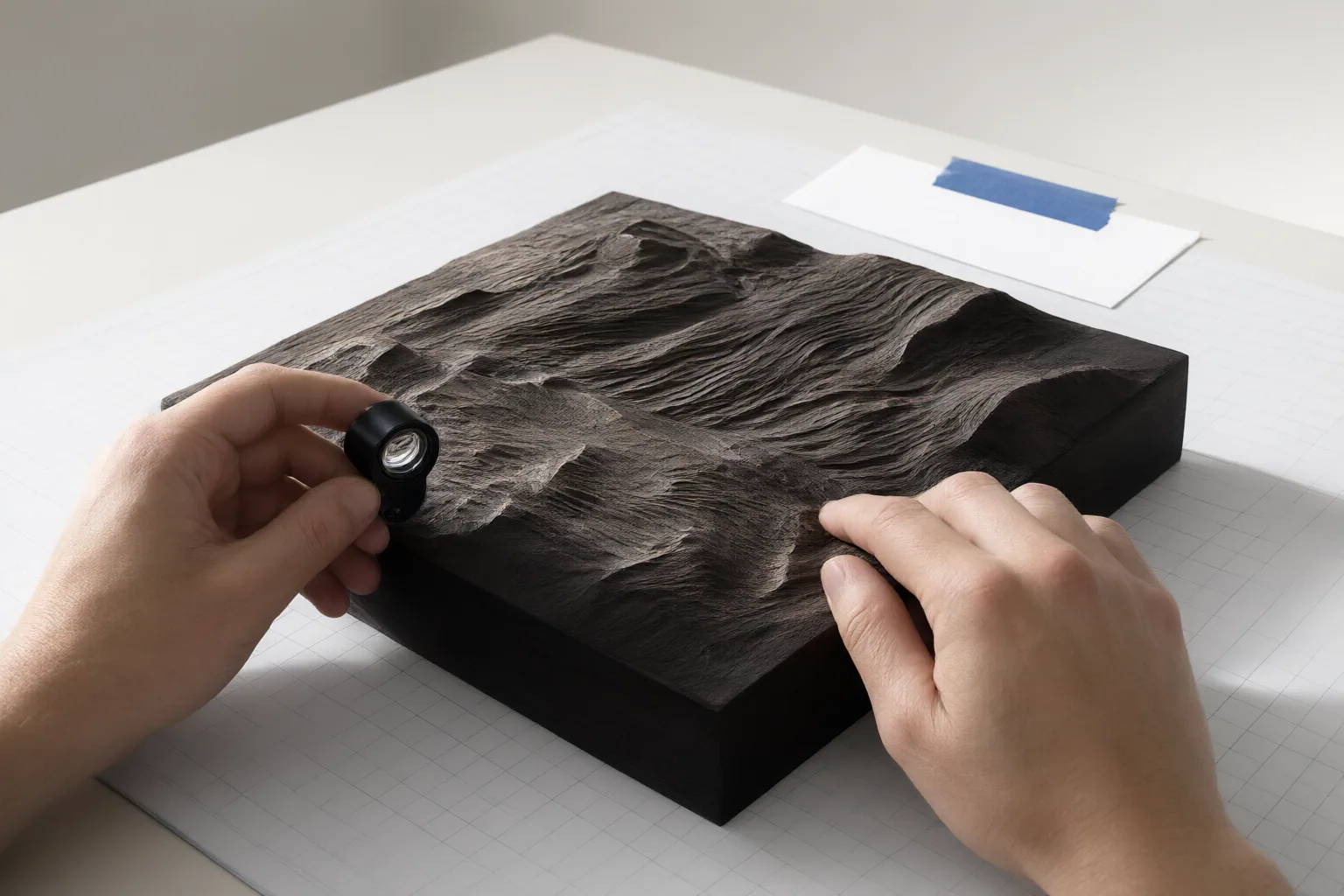
A normal map can be created by converting image-derived height information or by baking surface detail from a high-detail model onto a lower-polygon mesh. Baking lets the simplified model preserve the appearance of finer detail without carrying all of the source model's polygons. One cited photograph-based workflow uses four aligned images of the same surface, captured at the same resolution with lighting from the top, left, right, and bottom.
Inspection matters when evaluating AI-generated 3D assets. An asset may include an attractive baked color texture without clean, separated material maps, making it less prepared for relighting or production than its preview implies. Examine the available normal map and preview it on the intended model under changing light rather than judging the color texture alone.
Also confirm the map convention required by the target renderer. OpenGL-style and DirectX-style normal maps encode opposite directions in the green channel. If the convention does not match, raised details can appear recessed and grooves can appear raised. The supplied evidence supports checking the renderer's required convention, but not a universal engine-specific setting.
Conclusion
A normal map is an efficient way to enrich lighting response while leaving the underlying geometry unchanged. That makes it useful for fine surface detail, but unsuitable when the asset needs a changed silhouette or physical deformation. Before production, preview the map on the intended asset and renderer, vary the lighting, check the silhouette limitation, and confirm that the green-channel convention produces bumps and grooves in the correct direction.
Disclosures and limitations
- This article was prepared with AI assistance and is based only on the sources identified in the supplied research package.
- Some cited sources are commercial tool or vendor pages. Their claims about performance, privacy, speed, compatibility, and output quality were not treated as independently verified facts; no product recommendation or affiliate relationship is presented here.
Sources
- What is a Normal Map? – PBR Texture Guide | NormalMap.ai — Normal Map Online
- NormalMap-Online — cpetry.github.io
- Normal mapping – Wikipedia — en.wikipedia.org
- Free Normal Map Generator Online | Free 3D Texture Tool — normalmap.net
- What Is a Normal Map? A Practical Guide for AI 3D Assets | Customuse Blog — customuse.com
- Free Normal Map Generator | Seamless, Tileable PBR Textures — Normal Map Online
- Normal Map Creation: 4 Production Workflows for 3D Art | NormalMap.ai — Normal Map Online
Improve this guide
Report a problem or suggest the next question
Submissions enter a private editorial queue. They are reviewed and deduplicated before any public update or new page is created.