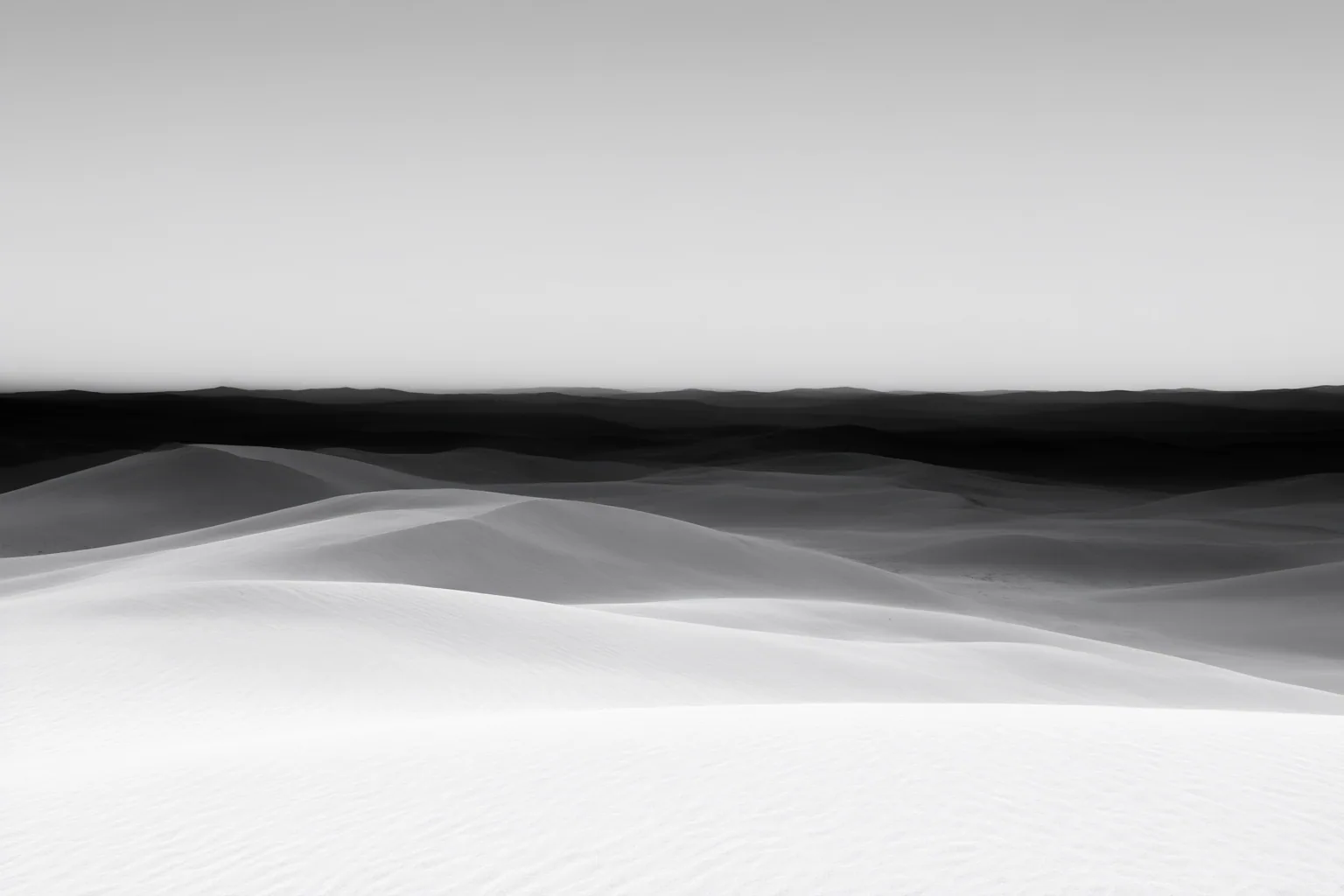
A depth map represents the relative spatial arrangement of a scene, helping supported AI image and video workflows distinguish nearer areas from farther ones. It can guide composition and depth-aware effects, but users must verify each pipeline’s brightness convention and account for estimation errors.
What a Depth Map Represents
A depth map is generally a grayscale image whose pixel brightness encodes distance from the camera. Many workflows represent nearer areas with lighter values and farther areas with darker values, but this convention is not universal. If a pipeline expects the reverse, an uninverted map can guide the scene in the opposite direction from what the user intended.
Monocular depth estimation can produce a map from a single image. The result usually expresses relative depth: it indicates which parts appear nearer or farther, rather than providing verified real-world measurements. This makes the map useful for describing the scene’s broad spatial structure without requiring measured distances.
How Depth Maps Guide AI Images and Video
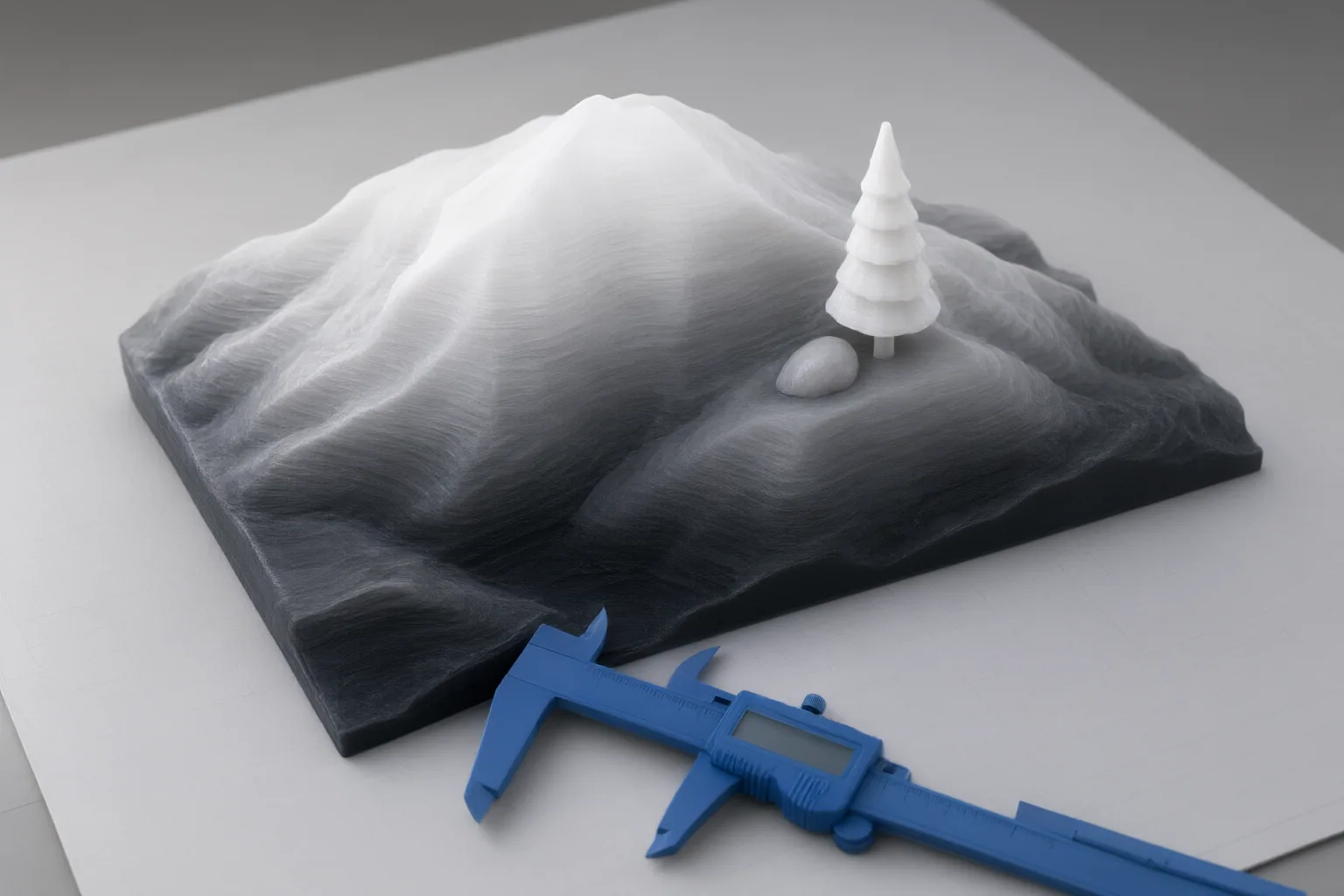
In a supported generation pipeline, depth can serve as an additional conditioning input. It guides spatial arrangement while a prompt or reference image supplies other information. This can reduce how much spatial structure the model must infer from text or a flat image alone.
Depth maps can support parallax, depth-of-field or blur effects, atmospheric effects, compositing, and spatially guided image or video generation. Their role is structural: they communicate distance and volume relationships rather than an object’s exact visual appearance. A depth reference also does not specify how objects or the camera should move, so motion must come from another instruction or control when the workflow requires it.
FAQ: Which Control Should You Use, and Where Can Depth Estimation Fail?
Choose a control according to the property that must remain stable. Depth is appropriate for near-to-far structure, but it is not a substitute for exact outlines, named regions, surface direction, or motion. Estimated maps also need inspection before production use because difficult materials and scene cues can distort the inferred structure. Video adds a temporal risk: estimating frames independently can change the apparent depth scale over time.
Conclusion
Depth guidance is useful when an AI workflow needs a clearer representation of foreground, background, and spatial volume. Before adopting it, confirm whether lighter or darker values mean “near,” inspect glass, water, mirrors, reflections, and thin details, then compare a controlled result with and without depth guidance before using the output in production.
Disclosures and limitations
- This article was prepared with AI assistance using only the supplied research package and its attributed source IDs. The underlying materials are vendor, studio, tool, and glossary pages rather than independent technical standards or peer-reviewed research.
- No product recommendation, performance ranking, price, or compatibility claim is made because the supplied sources did not independently verify those details. No affiliate relationship is asserted.
Sources
- How to Use Depth Maps as Storyboards for AI Video Generation — MindStudio
- Free AI Depth Map Generator — sirv.studio
- Depth-Map References in AI Video Production Explained — invideo
- Depth Map Generator: AI Grayscale Depth in 40 Seconds — Musely
- What is Depth Map? | AI Video Glossary | Apostle — Apostle
- Free Depth Map Generator – Image to Depth Map Online — VectorWitch.com
- Depth Maps: How AI Generation Uses Depth Control — ZOOOP
- Free Depth Map Generator | Artificial Studio — Artificial Studio
- Depth Maps vs. Storyboards: A New Way to Control AI Video Composition — MindStudio
Improve this guide
Report a problem or suggest the next question
Submissions enter a private editorial queue. They are reviewed and deduplicated before any public update or new page is created.