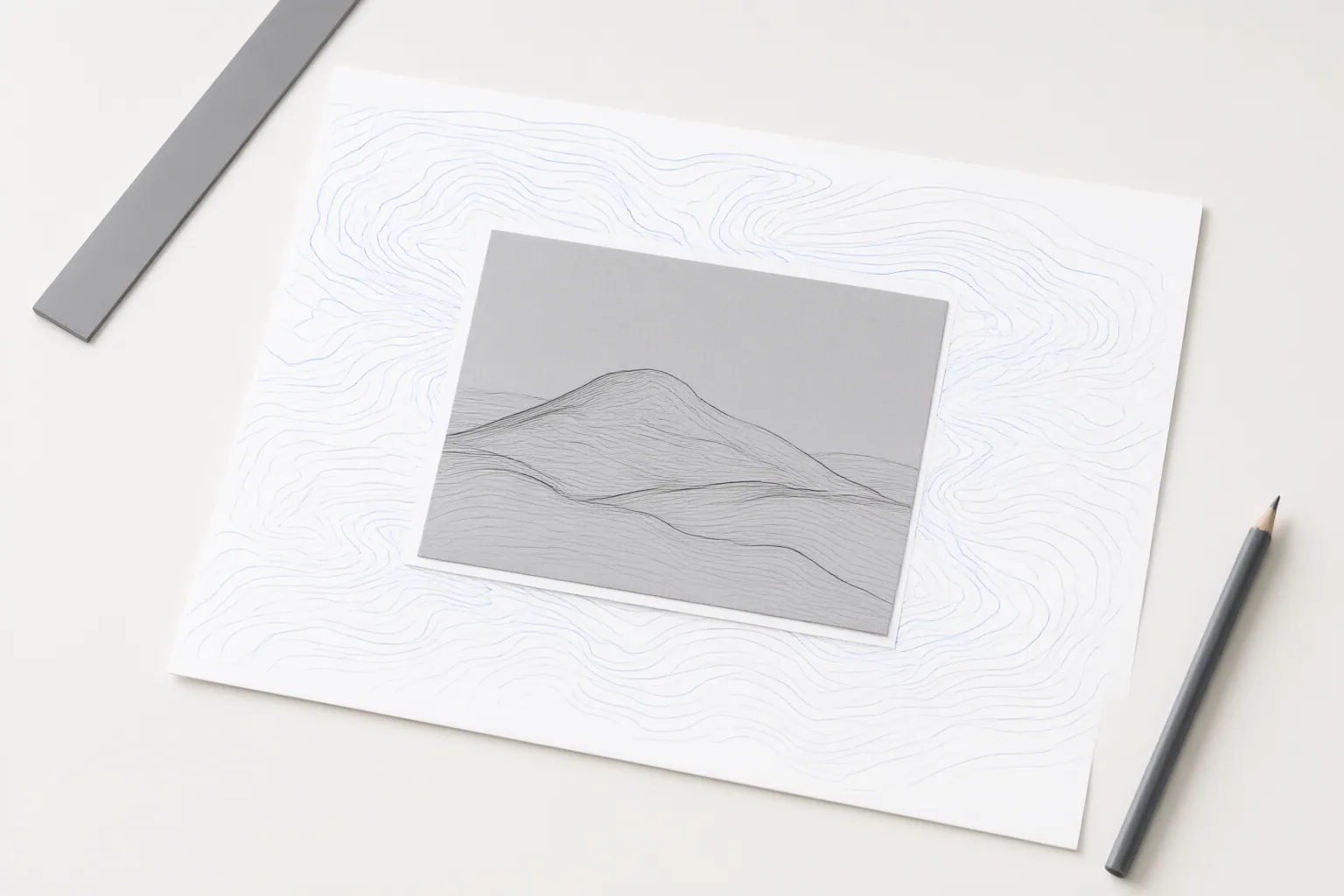
Free AI outpainting expands an image beyond its original borders by generating new surroundings that reflect the existing visual context. It can create space for different layouts, but access terms and output quality require careful checking.
What AI Outpainting Does
AI outpainting generates content outside an image’s existing boundaries. Unlike stretching, which enlarges existing pixels, it creates new surroundings intended to continue the scene. It also differs from inpainting, which fills or replaces an area inside the existing image.
This approach can help when a tightly cropped image lacks space for a headline or logo, or when one image must fit wider, taller, or otherwise different layouts. Possible uses include banners, social posts, advertisements, and ecommerce visuals. The important distinction is that the added area is generated rather than recovered from the original image.
How a Typical Outpainting Workflow Works
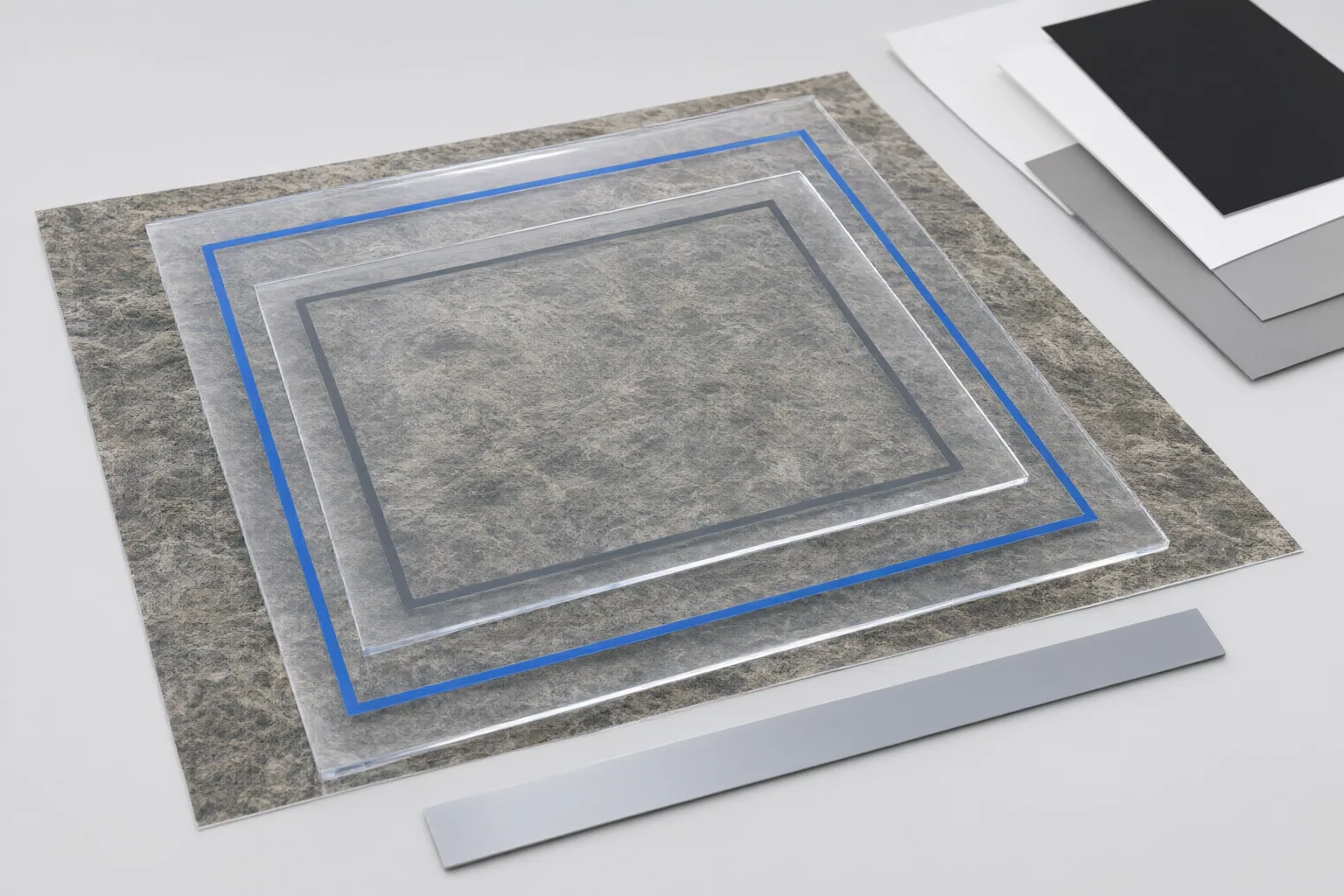
A typical workflow starts by extending the canvas in one or more directions. The system analyzes the original image for visual context, generates content in the newly created area, and blends it along the original boundary. Some tools also accept a text prompt that describes the desired edit or surroundings.
Provider-described workflows vary. Magic Hour presents a sequence of uploading an image, describing the edit with a prompt, and downloading the result. Rewind.ai similarly describes uploading, entering a prompt, running outpainting, and downloading; its page says users can get started without registration or payment. PxBee says users can select the extension directions and upload JPG, JPEG, PNG, or WebP files.
These descriptions show common workflow options, but they are provider claims rather than results from standardized independent testing.
How to Evaluate a Free AI Outpainting Tool
Start by determining what “free” currently means on the provider’s site. Check whether an account is required, whether free use is unrestricted or limited to a starting allowance, and whether usage limits can change. Also verify whether downloaded images carry a watermark and whether the provider permits your intended commercial use.
Review the practical controls before uploading. Confirm that the service supports your file format and lets you extend the image in the direction or aspect ratio your layout requires. PxBee, for example, states support for JPG, JPEG, PNG, and WebP and offers directional extension controls, while other provider pages describe prompt-led workflows.
Privacy terms matter, especially when an image contains sensitive or proprietary material. Check the provider’s current handling terms yourself rather than assuming that free access includes suitable privacy protections.
Finally, inspect the generated result at the boundary between the original and new content. Look for inconsistent lighting, perspective, texture, or composition, along with visible seams. The supplied evidence does not include standardized output comparisons, stable pricing details, or independently verified limits, so it does not support naming a best tool.
Conclusion
Outpainting can make an existing image more adaptable for banners, social posts, advertisements, and ecommerce layouts by generating space beyond its borders. Choose one non-sensitive image, extend it in the direction and aspect ratio you need, inspect the boundary and overall visual consistency, and confirm the provider’s current access, privacy, watermark, usage, and licensing terms before relying on the result commercially.
Disclosures and limitations
- This article was created with AI assistance using only the supplied research sources; no tools were personally tested.
- Provider statements about free access and related conditions were not independently verified. Provider references are informational rather than rankings or product recommendations, and no affiliate relationship is asserted.
Sources
- What Is Inpainting and Outpainting? A Guide to AI's Creative Magic — artsmart.ai
- Free AI Outpainting – Expand Images Online | Magic Hour — Magic Hour AI
- AI Outpainting Explained: How to Extend Any Image Beyond Its Borders (2026 Guide) – AI Photo Generator — AI Photo Generator
- Free AI Outpainting Online – Expand Images Beyond Frame | PxBee — pxbee.com
- Free AI Outpainting Tool | Rewind.ai — Rewind.ai
Improve this guide
Report a problem or suggest the next question
Submissions enter a private editorial queue. They are reviewed and deduplicated before any public update or new page is created.