
Camera trajectory controls define how a virtual camera’s position and orientation change over time. They can make viewpoint, composition, and subject emphasis more explicit, but a requested path does not guarantee consistent framing throughout a generated clip.
What camera trajectory controls define
A camera trajectory is the continuous path a camera follows through three-dimensional space. It includes the camera’s position, its orientation, and how both change over time. These elements determine where the camera appears to be, which direction it faces, and how the viewpoint develops from frame to frame.
This control can supplement text or image conditioning when a creator needs more precise viewpoint changes than a prompt alone provides. CameraCtrl, for example, conditions video diffusion models on camera-pose information. Its paper describes implementations with AnimateDiff for text-to-video generation and Stable Video Diffusion for image-to-video generation. Such research demonstrates one way to represent camera motion explicitly; it does not establish that every AI-video system offers equivalent controls.
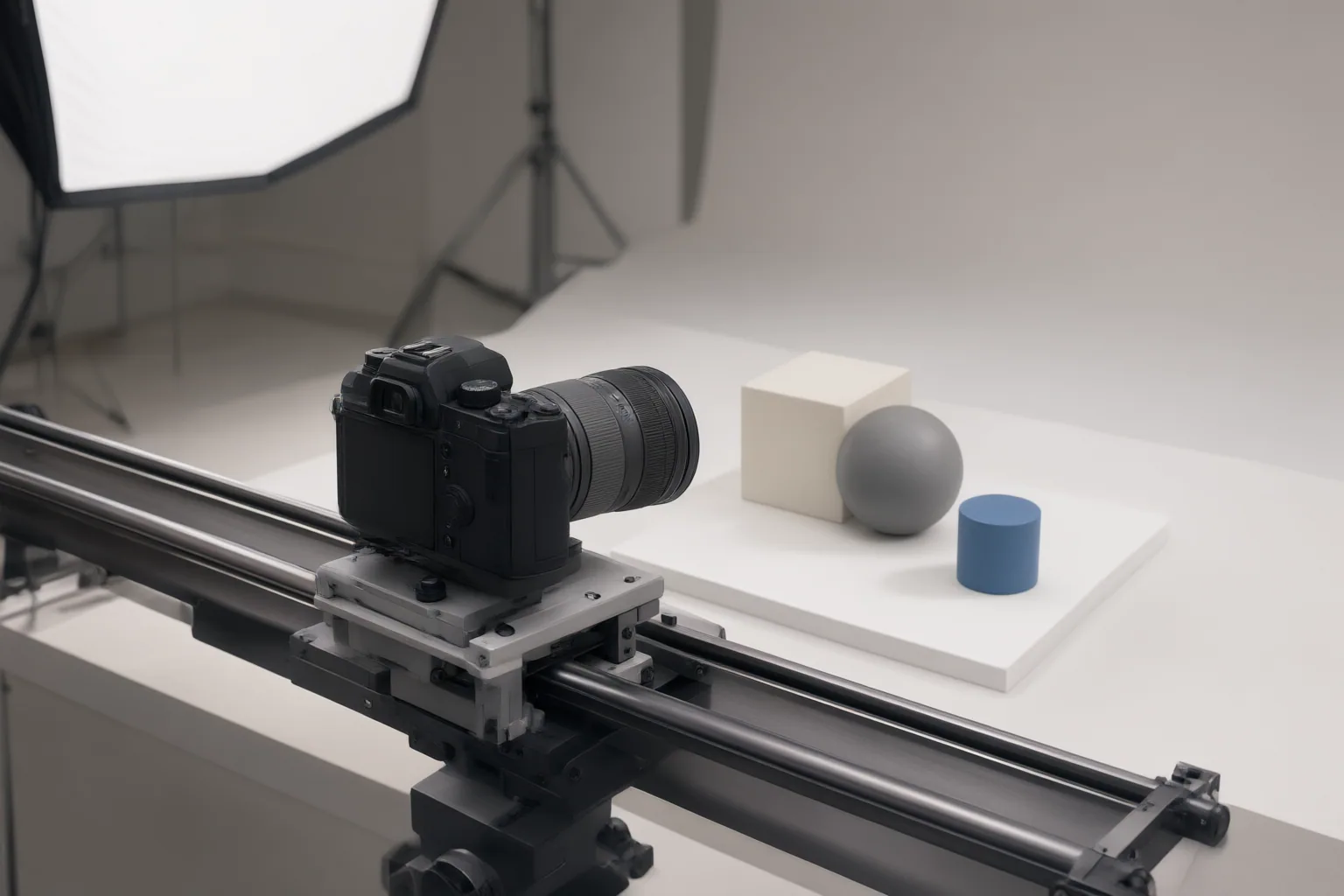
How trajectory changes viewpoint and subject framing
Position and rotation affect different aspects of a shot. Moving forward changes the camera’s location relative to the scene, while lateral movement shifts the viewing position. Yaw changes where the camera faces. Used together, these changes can alter which parts of a scene are visible and how prominently a subject appears.
GenDoP examples illustrate a forward movement producing closer focus on a subject and lateral movement combined with yaw revealing different areas of a landscape. These captions show intended relationships in that research context, not outcomes guaranteed across every model or scene.
Framing also depends on how the camera path relates to subject movement. A virtual-cinematography study adjusts initial camera placement to position an actor according to rule-of-thirds composition, then creates movement that follows spatial action and reflects an emotion variable. This highlights why a path should be considered alongside the desired subject position: camera movement alone does not ensure that the subject remains composed as intended.
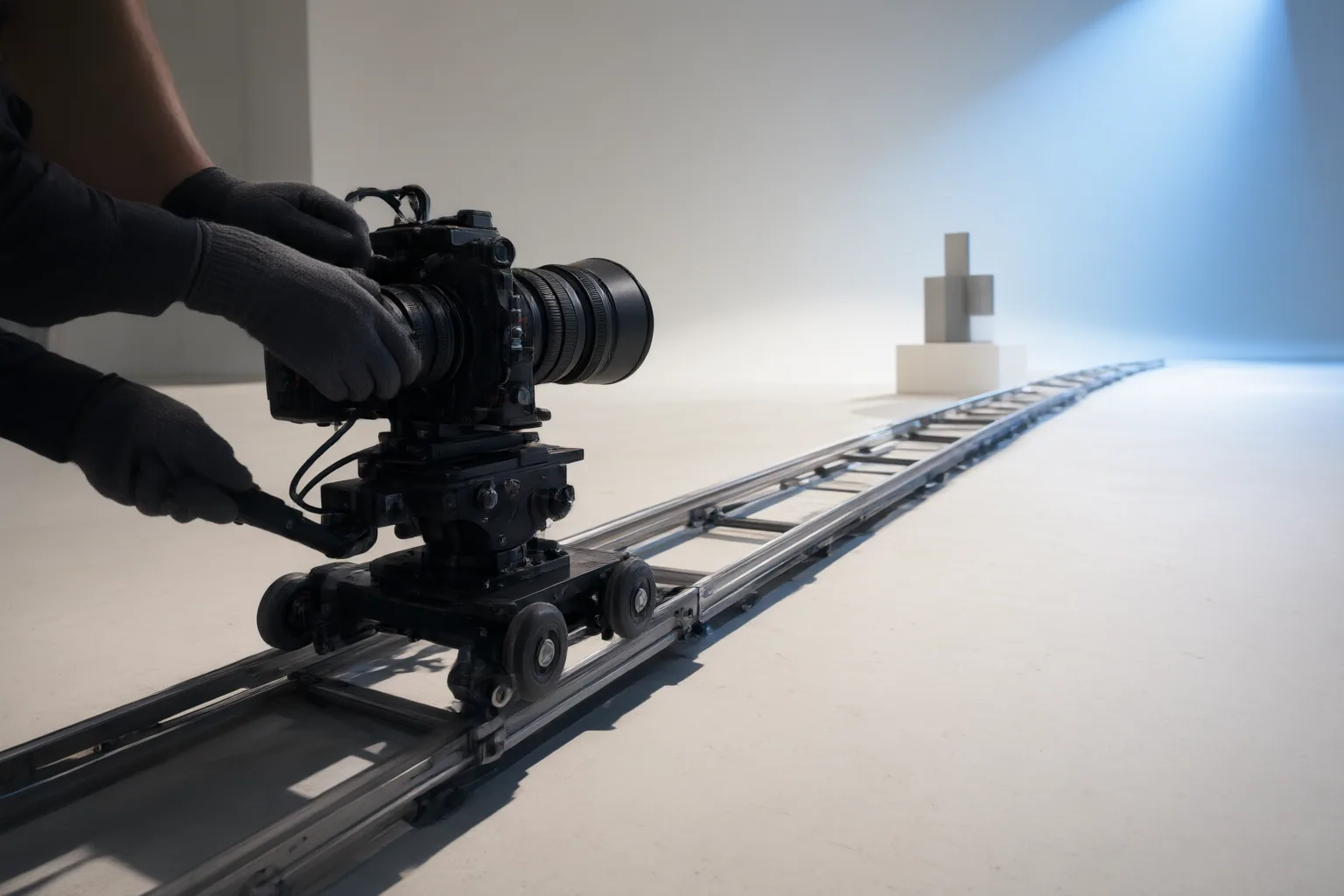
How to plan and evaluate a controlled shot
Begin by defining the opening relationship between camera and subject: the camera’s location, facing direction, and intended subject position in the frame. Next, describe the movement over time. Separate translation—such as forward or lateral travel—from rotation, then consider how both should respond to scene or subject motion.
A trajectory visualization can help clarify the plan before evaluating the generated video. In the CameraCtrl repository’s visualization, each frame’s camera is shown as a tetrahedron: its vertex indicates camera location, while its base represents the imaging plane. Position movement and rotation are displayed separately. This distinction can help identify whether an unwanted viewpoint comes from where the camera moved or where it pointed.
Review the entire clip for trajectory alignment, composition, scene interaction, and motion stability. Check whether the subject holds the intended frame position, whether rotations reveal the expected areas, and whether the path remains suitable as the scene changes. Research spans rule-based, optimization-based, machine-learning, and hybrid trajectory methods, so control behavior and tradeoffs can differ by implementation.
Conclusion
Camera trajectory controls make position, orientation, and motion explicit inputs to an AI-generated shot, giving creators a clearer way to plan viewpoint and framing. However, implementations vary, and a chosen path may not preserve composition automatically. Storyboard the intended subject position, viewpoint, and camera movement together, then inspect framing through every stage of the generated clip rather than judging only its opening frame.
Disclosures and limitations
- This article was prepared with AI assistance from the supplied research package. Claims are limited to the cited research papers and project materials; no products were independently tested, ranked, or evaluated for price.
Sources
- Camera Trajectory Generation: A Comprehensive Survey of Methods, Metrics, and Future Directions — arxiv.org
- GitHub – hehao13/CameraCtrl — GitHub
- GenDoP: Auto-regressive Camera Trajectory Generation as a Director of Photography — kszpxxzmc.github.io
- Motion Control Models – Pose, Camera & Trajectory Control for AI Video – WaveSpeedAI — WaveSpeedAI
- CameraCtrl: Enabling Camera Control for Video Diffusion Models — arxiv.org
- Automatic Camera Trajectory Control with Enhanced Immersion for Virtual Cinematography — arxiv.org
- GitHub – Alexankharin/camera-comfyUI: ComfyUI nodes for the different projection models and camera movements — GitHub
Improve this guide
Report a problem or suggest the next question
Submissions enter a private editorial queue. They are reviewed and deduplicated before any public update or new page is created.