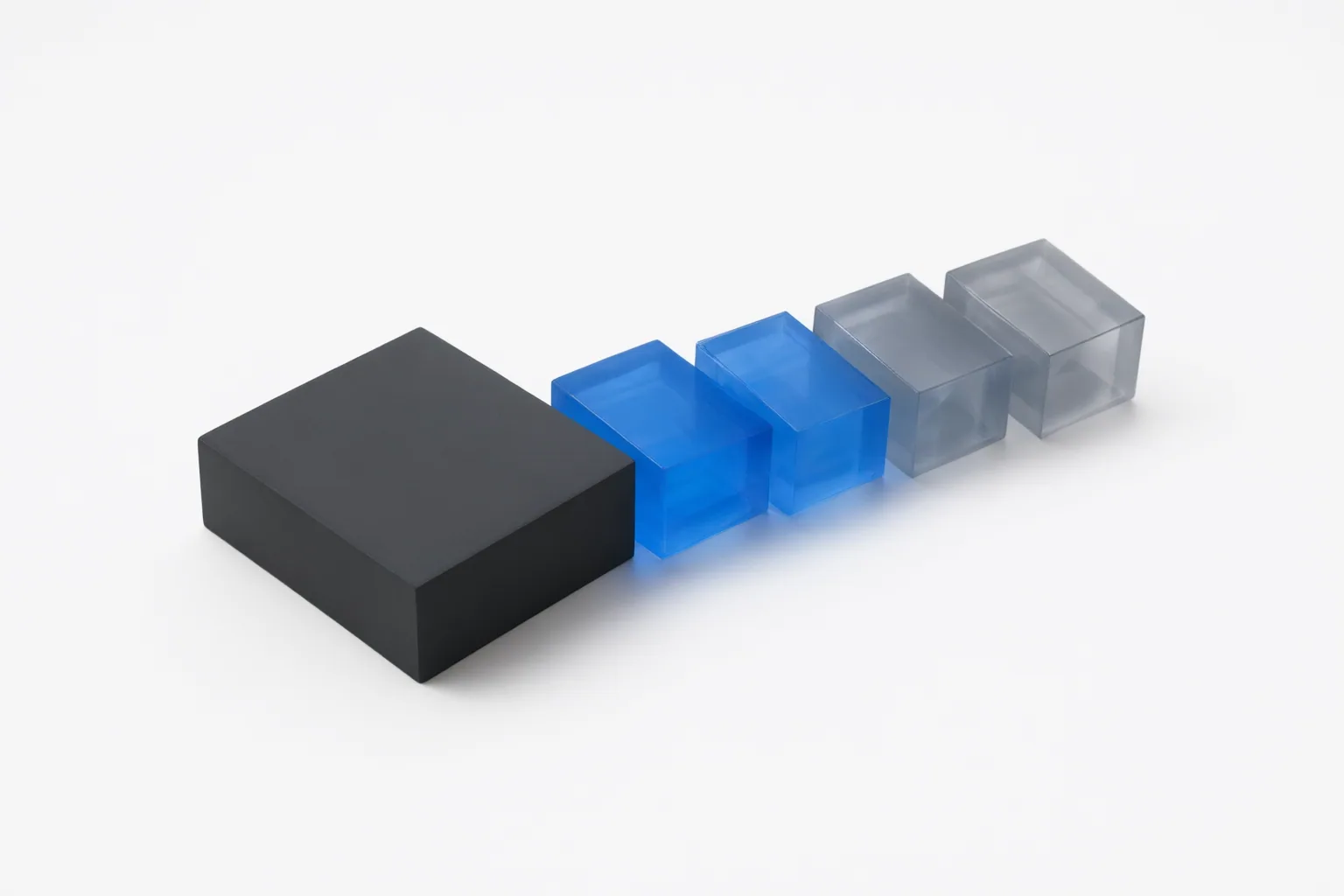
A GOP keyframe interval determines how often a compressed video provides a major decoding access point. Shorter intervals can improve seeking and scrubbing, while longer intervals can improve compression efficiency. The right setting depends on the editor, encoder, and delivery workflow—not on a universal rule for AI editing.
What a GOP keyframe interval means
GOP stands for Group of Pictures. A GOP begins with an intra-coded I-frame and includes the predictive frames before the next I-frame. Because an I-frame can serve as a major decoding access point, the keyframe interval describes how far apart these access points are.
An interval expressed in frames only becomes meaningful when paired with the video's frame rate. Divide the GOP length by the frame rate to calculate the approximate duration in seconds. For example, a GOP length of 60 frames in a 30 fps video represents a two-second interval. The same 60-frame value would represent a different duration at another frame rate, so frame count and frame rate should always be checked together.
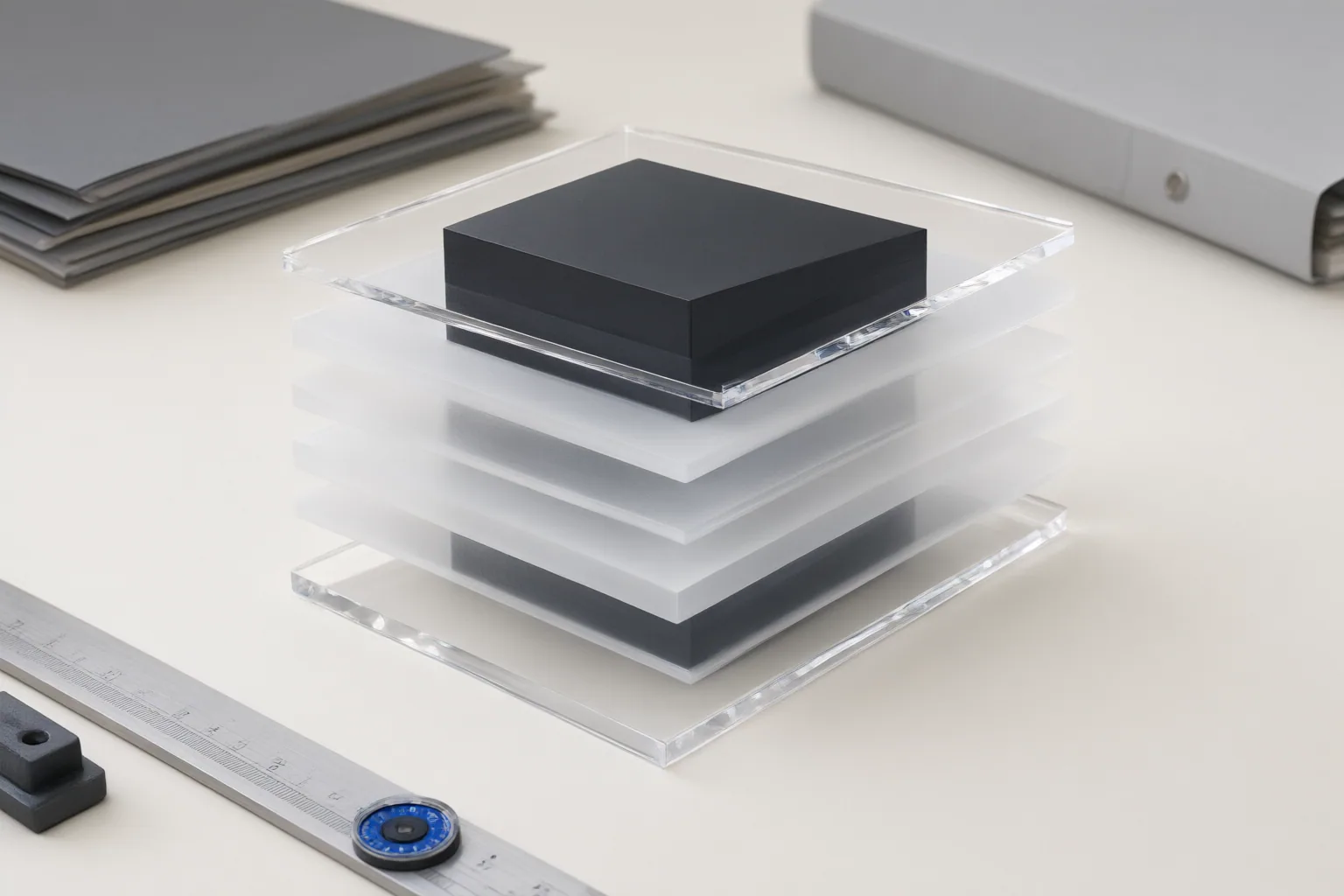
How shorter and longer intervals affect editing and file size
A shorter interval adds more frequent access points. That can make seeking and timeline scrubbing more responsive, particularly when an editor must navigate a compressed recording containing many cuts. It also creates more places where a cut made without re-encoding may begin cleanly. However, it does not make lossless cutting possible on every frame; frame-accurate work may still require decoding and re-encoding part of the video.
A longer GOP uses fewer independent frames and can improve compression efficiency, but navigation may feel less responsive because access points occur less often. Shortening the interval can increase file size in some workflows because independent frames generally need more data than predictive frames.
Keyframe spacing is not the sole—or necessarily the largest—influence on file size. Codec, bitrate, resolution, frame rate, rate-control settings, motion, and image noise also matter. Changing keyframe placement generally requires re-encoding rather than stream copying, adding processing time and a possible quality consideration. These effects are established for general video workflows; the supplied evidence does not show behavior unique to a particular AI editor.
How to inspect and choose an interval for the destination workflow
Start by checking both GOP length and frame rate, then convert the frame count into seconds. Inspect several intervals rather than assuming the first one represents the whole file: some encoders insert additional keyframes at scene changes, producing variable spacing.
A two-second keyframe interval is common in streaming, but it is not automatically best for a local recording or offline export. Adaptive streaming also requires GOP boundaries to align with media segments so playback can begin or switch streams at suitable keyframes. GOP type matters as well. A closed GOP keeps frame references inside the GOP, allowing decoding to begin cleanly at its keyframe. An open GOP may reference frames from the preceding GOP and can provide some compression benefit, but it is less suitable for clean streaming transitions.
In FFmpeg, the -g option controls the maximum GOP length in frames. A fixed cadence can be configured by matching the maximum and minimum keyframe intervals and disabling scene-change insertion, but the exact controls and acceptable values depend on the encoder and destination. Before changing them, compare the requirements of the editing application, encoder, and delivery platform. Prioritize more frequent access points when navigation is important, or greater compression efficiency when the destination permits a longer GOP.
Conclusion
No single GOP interval fits every AI-assisted or conventional video workflow. The decision balances seeking and editing responsiveness, compression efficiency, and streaming compatibility. Inspect a representative file's frame rate and keyframe spacing, decide which of those priorities matters most, and verify any proposed change against the target editor, encoder, and delivery platform before re-encoding the footage.
Disclosures and limitations
- This article was prepared with AI assistance using only the supplied research package and its attributed sources.
- Implementation details can vary by editor, encoder, and delivery platform; verify their current requirements before changing settings or re-encoding media. No products or affiliate offers are recommended here.
Sources
- GOP and keyframe interval — what they are, why they matter, and how to set them — MpegFlow
- Keyframe Interval Explained: Best Settings & GOP Size | totalmedia.ai — TotalMedia
- Keyframe Interval Calculator — GOP Size for Video Encoding — Top10k Tools
- Set Video Keyframe Interval (GOP) Online — gizza.ai — gizza.ai
- Keyframe Interval (GOP): Definition and Streaming Impact | Flicknexs Wiki — Flicknexs
- Set Keyframe Interval in FFmpeg – ffmpeg — salivity.github.io
- GOP / Keyframe interval — OBS Forums
- Keyframe Interval Calculator – GOP Size for Video Encoding — ZEN Calculators
- How to Set GOP Size in FFmpeg libvpx – ffmpeg — salivity.github.io
Improve this guide
Report a problem or suggest the next question
Submissions enter a private editorial queue. They are reviewed and deduplicated before any public update or new page is created.