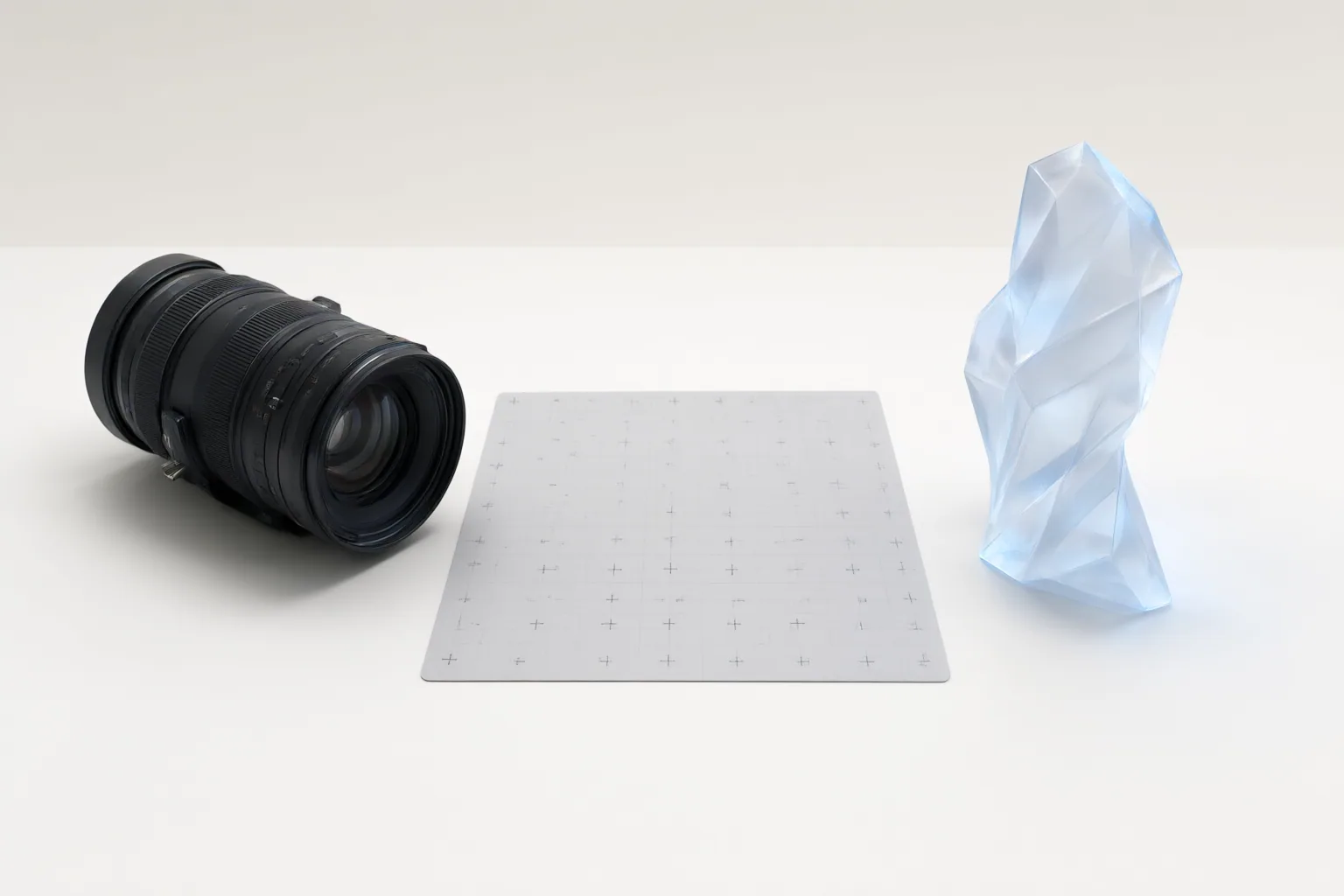
Judge the composite across the entire shot: confirm that the generated subject follows the shot requirements, has a clean matte, occupies the scene convincingly, shares its lighting and texture, and remains coherent in motion. Document every failed check so the responsible capture, generation, tracking, matte, or grading variable can be revised.
Check the Plate and Generated Candidate Before Compositing
Start by comparing each generated candidate with the declared requirements for the shot. Check its starting state, camera behavior, subject action, timing, and final-frame condition. Generation controls may guide these elements, but they do not guarantee that the result will comply.
Review the available live-action materials at the same time. A clean plate, camera and lens metadata, tracking references, depth information, and lighting references can support later integration, although what can be captured will vary by production. Before matting, compare the subject’s camera angle, lens character, and light direction with the plate. Rejecting a fundamental mismatch early may prevent unnecessary edge cleanup or grading work later.
Inspect the Matte, Edges, and Layering
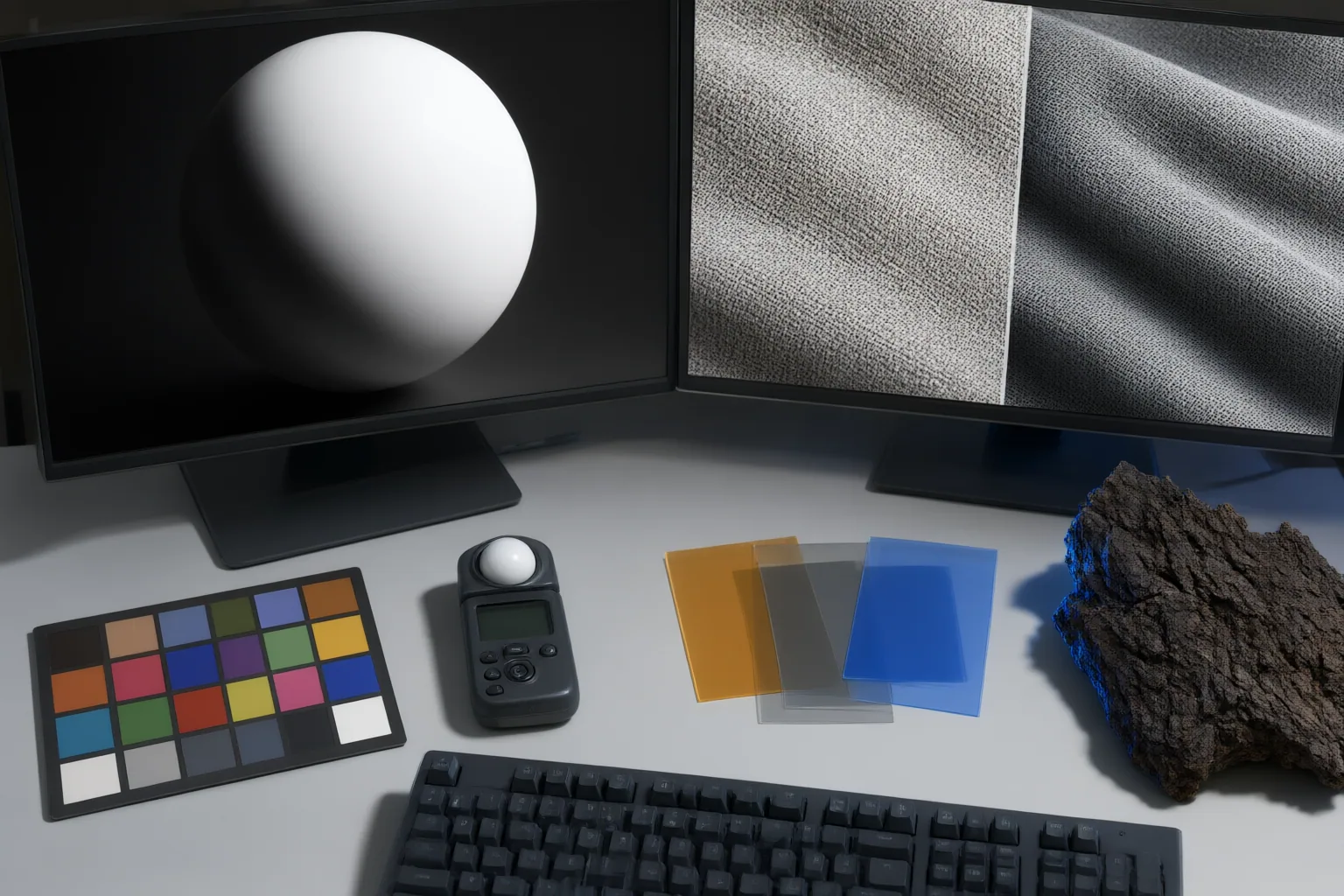
A composite combines foreground and background layers. Transparency, commonly represented through an alpha channel, allows the lower layers to remain visible around an isolated subject. A clean-looking cutout is therefore necessary, but it is not sufficient by itself.
Inspect the matte at working size and under closer examination. Pay particular attention to fine hair, motion-blurred contours, semi-transparent regions, and places where limbs overlap. Automated isolation can fail in these areas, so manual refinement may be needed. Look for clipped detail, unwanted background remnants, hard or unstable contours, and transparency that does not behave plausibly. Then review the edges in motion, because problems hidden in one frame can become obvious as the subject or camera moves.
Match Space, Light, Color, Texture, and Motion
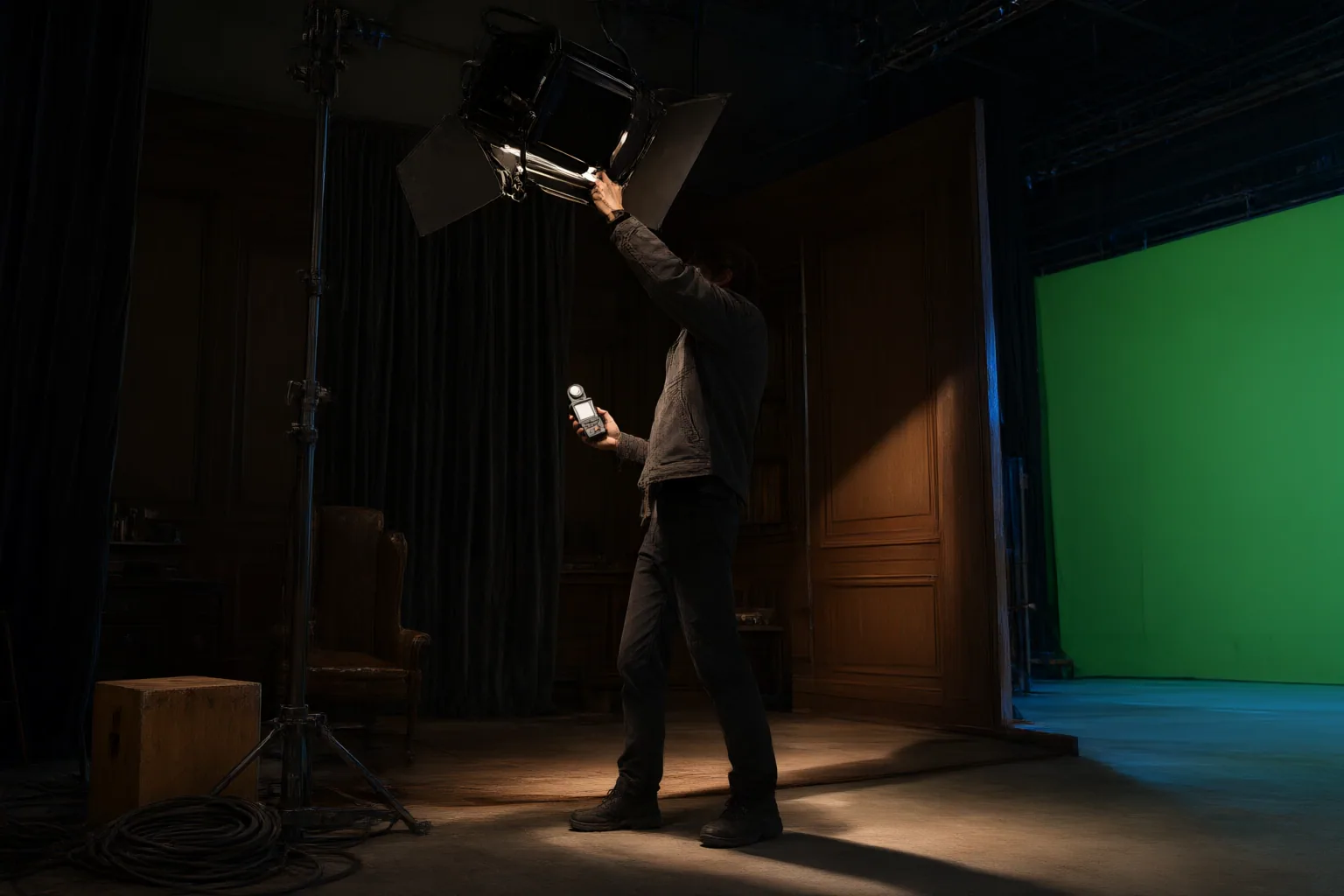
Review spatial integration first. Compare camera perspective, subject scale, depth ordering, and tracking. Occlusion should be plausible when the subject passes behind or in front of scene elements. Errors in these relationships can make the subject appear to float or move separately from the photographed environment.
Next, compare light direction, intensity, color temperature, exposure, and white balance. Contact shadows and consistent illumination help anchor the subject instead of leaving it visually detached. One supplied workflow recommends correcting exposure and white balance for individual sources, completing the composite, and then applying a unified final grade. Treat that sequence as workflow guidance, not a universal production rule.
Finally, compare lens character, grain, noise, overall texture, and motion blur. Color matching alone may not conceal differences between generated and captured material. Play the complete shot to check temporal coherence: identity, motion, luminance, color, edges, tracking, and shadows should not flicker or drift across frames. A persuasive still frame does not establish that the moving composite will remain convincing.
Conclusion
Turn the checklist into a repeatable review record. For each candidate, capture the prompt or instruction, reference inputs, model and version, duration, aspect ratio, candidate identifier, reviewer decision, and rejection reason. This gives the team a traceable basis for deciding which variable needs another attempt.
Before delivery, watch the full composite rather than approving it from a single frame. Record every failure, identify whether it belongs to capture, generation, matte refinement, tracking, or grading, and correct that stage before reviewing the shot again.
Disclosures and limitations
- This article was prepared with AI assistance from the supplied research package. Its workflow claims are synthesized from third-party and vendor-affiliated guidance, not independent benchmark testing.
- No products, prices, rankings, or affiliate recommendations are included. Any future commercial relationship or affiliate placement should be disclosed separately before publication.
Sources
- Compositing AI Subjects Into Live-Action With AI Roto — The Cascade Hub
- AI Video Compositing: Tech… | SoPrompts – AI Video Prompts — soprompts.com
- AI Video Compositing Workflow for Live-Action Plates and Generated Shots | SEELE AI — seeles.ai
- AI Photo Composition Guide: Mastering Image Compositing — VIFE
- How to match AI-generated footage with live-action scenes | CineBotica — CineBotica
- How to Combine AI Footage with Real Video — Techniques, Workflow, and Best Practices – UpUply AI Video Technology Blog — UpUply
- How to Combine AI-Generated Images with Real Photography — artsmart.ai
Improve this guide
Report a problem or suggest the next question
Submissions enter a private editorial queue. They are reviewed and deduplicated before any public update or new page is created.