
Before enabling AI meeting transcription, verify how the tool obtains consent, what it captures, where every artifact is stored, how retention and deletion work, who can gain access, how vendors may use the data, and whether speaker identification creates voiceprints.
Start With Notice and Consent
Recording and transcription requirements can differ by jurisdiction and context. US law includes federal and state requirements, and some states apply an all-party-consent standard to private conversations. That makes a single passive notification potentially inadequate when participants join from different locations.
Establish a repeatable process before transcription begins. Reed Smith recommends advance written notice, active consent prompts, a verbal announcement, and access limited to authorized personnel. Organizers should also determine what happens if someone declines or cannot provide consent. Document who receives notice, when consent is requested, and how the decision is recorded.
These measures are a practical starting point, not case-specific legal advice. The appropriate privacy or legal reviewer should assess the meetings, participants, and jurisdictions involved.
Map Collection, Storage, Retention, and Deletion
Inventory every artifact the system creates—not only the recording and transcript, but also summaries, action items, and other generated meeting materials. For each item, identify its storage location, applicable retention policy, deletion method, and whether deleting one copy removes all copies. Durable, searchable records may become relevant to legal discovery, regulatory disclosure requests, or privacy claims.
Microsoft Teams illustrates why this mapping must be product-specific. Microsoft says intelligent recap requires recording and transcription to be enabled, with those settings managed through Recording & transcription meeting policies in the Teams admin center. When both recording and transcription are enabled, Microsoft says one transcript copy is stored in the organizer’s Exchange Online account and another is stored in OneDrive with the recording. With transcription alone, a copy is stored in the organizer’s Exchange Online account. Microsoft also says intelligent recap follows the meeting-recording retention policy and inherits the organization’s Teams security, compliance, and privacy policies.
Do not assume another service uses the same locations or policies. Obtain documented answers for every artifact and confirm how administrators can enforce retention and deletion.

Verify Access, Vendor Use, and Voice Identification
Access controls should restrict recordings, transcripts, and generated artifacts to authorized personnel. Review sharing defaults, administrative permissions, and the vendor’s permitted uses of meeting data. Reed Smith recommends a written data-protection agreement governing third-party vendor use. This is particularly important for confidential or privileged discussions because third-party processing or retention can add disclosure risk.
Ask explicitly whether meeting data is logged, shared, or used to train or test AI models. Vendor practices differ. For intelligent recap, Microsoft states that customer data is not logged or used for AI model training or testing and is not shared with non-Microsoft parties, including OpenAI. Treat that as a documented Microsoft statement, not a general rule for transcription services.
Speaker identification deserves a separate review. Goodwin states that processing voice characteristics to identify people may generate voiceprints regulated under some US state biometric privacy laws. Determine whether the tool merely labels audio or creates a voice identifier, then assess whether additional notice or consent is required.
Conclusion
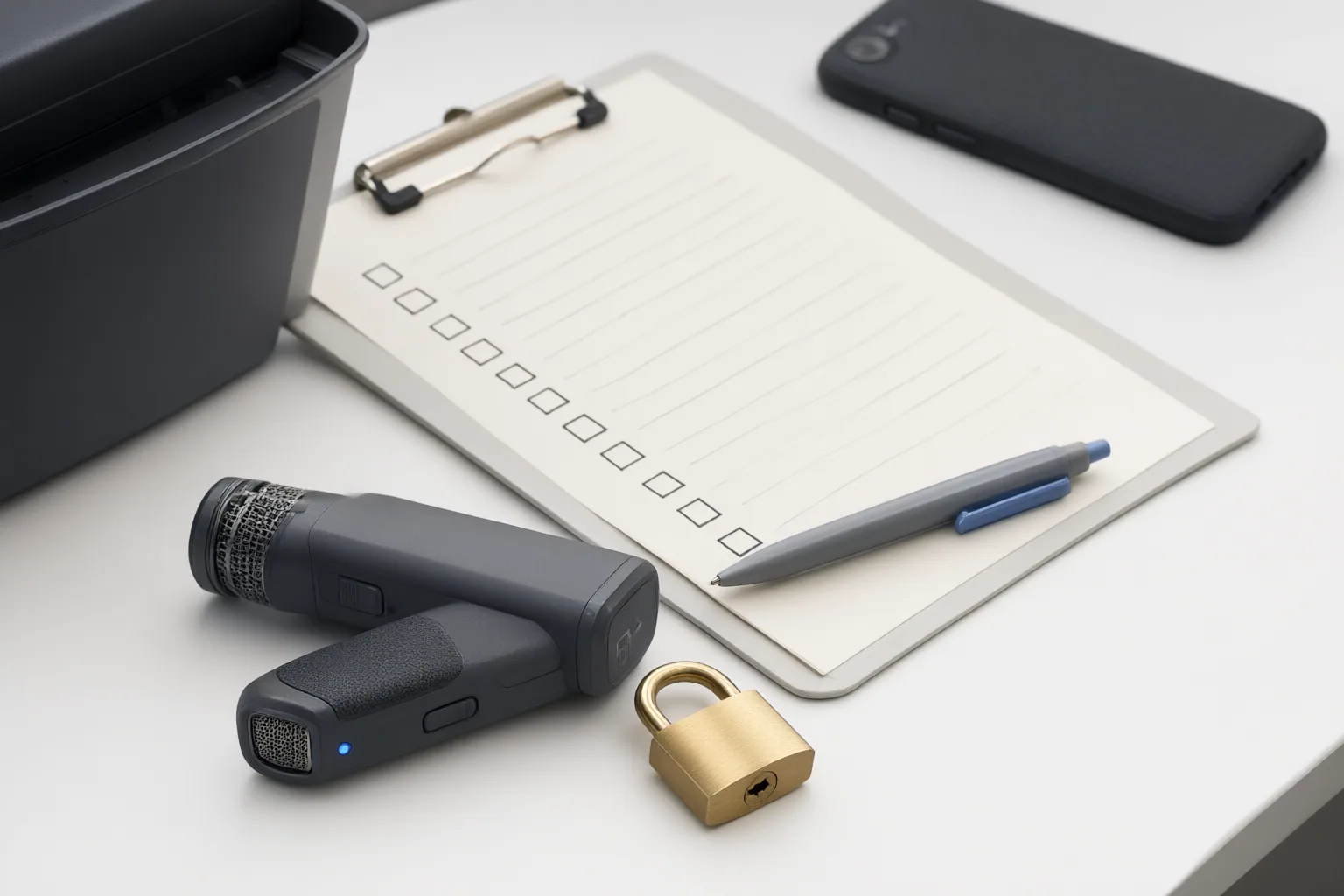
Before deployment, create a written checklist covering:
- how notice and consent are obtained;
- which recordings, transcripts, summaries, and action items are created;
- where each artifact is stored;
- how retention and deletion work;
- who can access or share the data;
- whether vendors may log, share, train on, or otherwise use it; and
- whether speaker identification creates voiceprints.
Do not treat generated records as automatically authoritative. AI transcription can misidentify speakers or misinterpret jargon and intent, while generated summaries or action items may include statements that were not spoken. Document the tool’s controls and have the appropriate privacy or legal reviewer assess the requirements for your meetings and jurisdictions before enabling transcription.
Disclosures and limitations
- This article was prepared with AI assistance using only the supplied Microsoft and law-firm source materials. It provides general information, not case-specific legal advice, and makes no product ranking or affiliate recommendation.
Sources
- Data, privacy, and security for intelligent recap in Teams Premium – Microsoft Teams — learn.microsoft.com
- The legality of AI-powered recording and transcription — reedsmith.com
- AI Transcription Tools Under Scrutiny: Navigating Privacy Risks and Practical Mitigation Strategies | Insights & Resources | Goodwin — goodwinlaw.com
Improve this guide
Report a problem or suggest the next question
Submissions enter a private editorial queue. They are reviewed and deduplicated before any public update or new page is created.