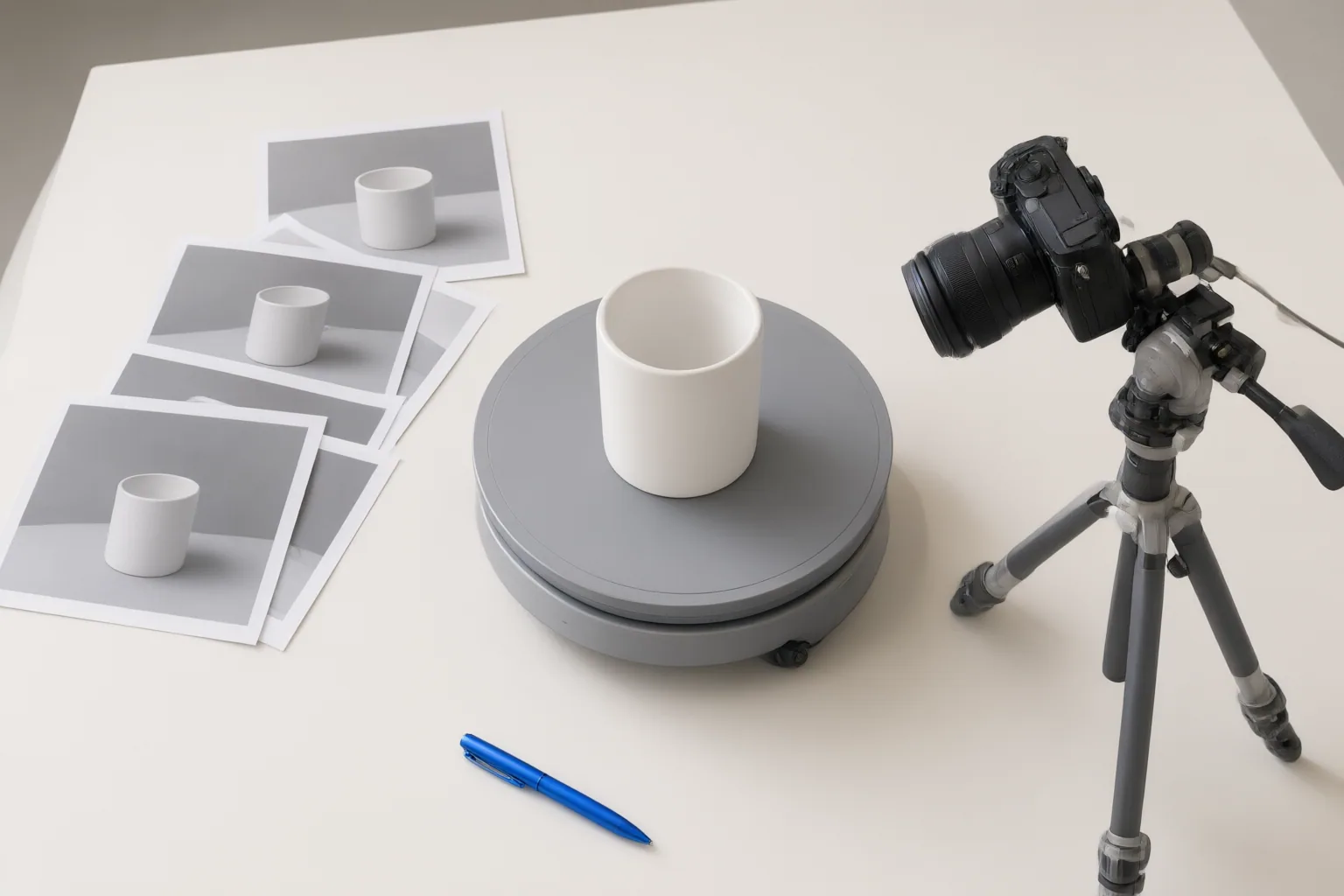
Before publishing an AI-generated 360-degree product spin, compare every angle with reliable product references, check continuity and motion, and confirm that the format fits its intended ecommerce placement.
Verify the Product Against Reference Images
Review the complete spin frame by frame alongside reliable product photographs. Check whether labels, logos, text, shape, proportions, texture, color, closures, controls, and other defining features remain consistent as the item rotates. Pay particular attention to angles that were not visible in the original input: a workflow that begins with one front-facing image can generate views that the source photograph does not document.
Treat those generated angles as visual proposals, not verified product evidence. A stable first and last frame can help continuity, but it does not prove that every intermediate view is accurate. If a label shifts, an edge changes shape, a texture disappears, or an unseen feature is invented, withhold the result or generate another version. Multi-view references provide a stronger basis for comparison; Google Merchant Center, for example, asks for front, back, left, right, and top views from preferably the same photo shoot.
Check Motion, Presentation, and Placement Fit
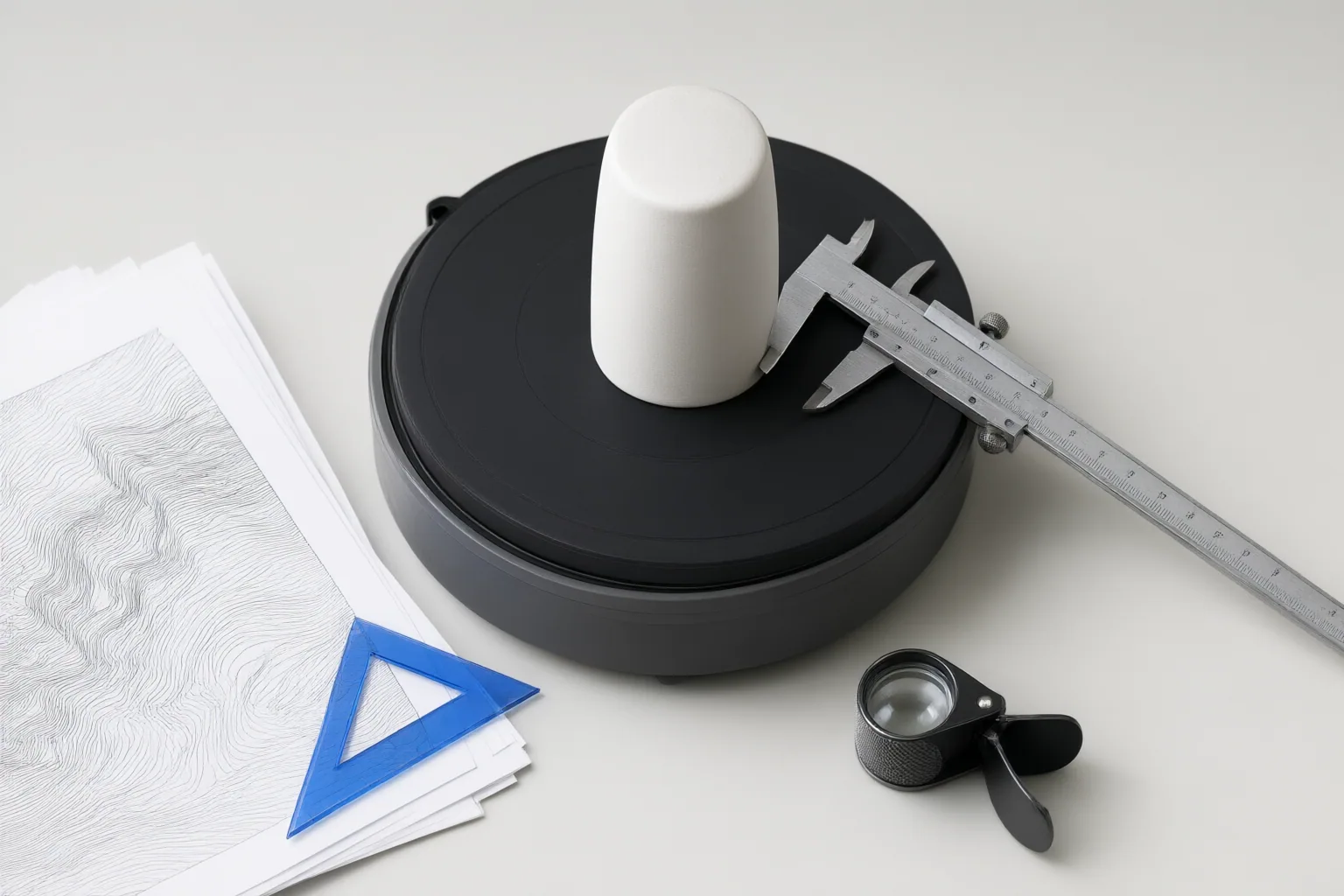
Inspect the spin at normal playback speed and one frame at a time. Look for smooth rotation, steady product geometry, and a seamless transition from the last frame back to the first. Segmind describes using the same generated image for both endpoints to reduce start-to-finish changes, while FlexClip specifically advises reviewing smoothness, detail clarity, effects, and overlays before download.
Then assess the presentation against its destination:
- Confirm that the selected speed and duration give viewers enough time to understand the product.
- Check that the aspect ratio and framing suit the intended listing or marketing placement.
- Look for flickering, abrupt jumps, warped edges, changing shadows, or inconsistent lighting.
- Verify that the background stays stable and does not obscure or visually merge with the item.
- Inspect effects, text, and overlays for incorrect placement or interference with product details.
Do not assume a default output is publication-ready. Segmind documents normal or fast rotation, five- or eight-second outputs, and background choices, making these settings part of the review rather than merely generation options.
Account for Inputs and Workflow Limitations
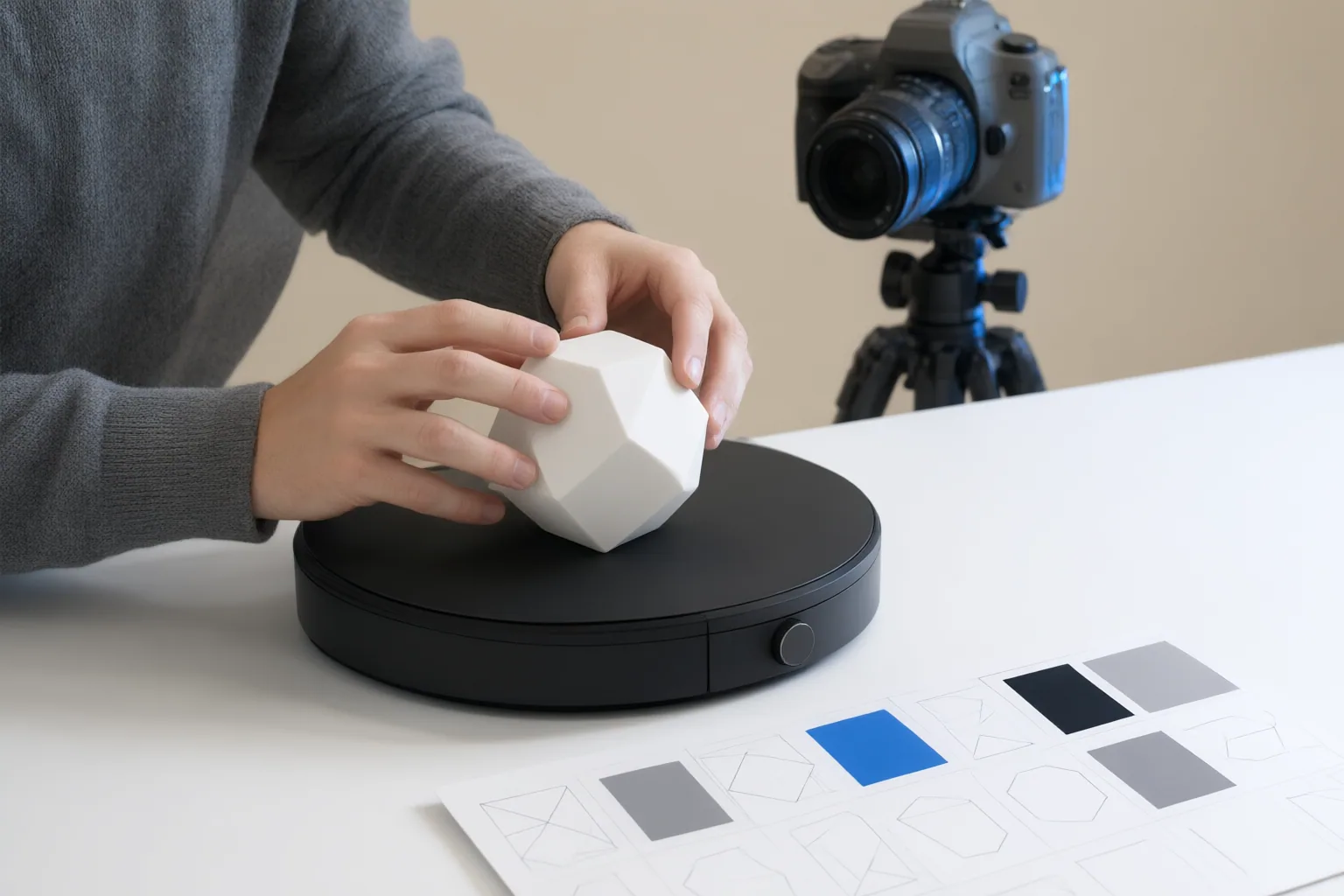
Input requirements differ by workflow. FlexClip, Segmind, and Picsart describe processes that can begin with one image. Their guidance favors a sharp or high-resolution image with a centered, unobstructed product, clean background, and even lighting; FlexClip also advises avoiding shadows and filters. Better-controlled input makes it easier to identify whether later variations came from the generation process rather than the original photograph.
Google Merchant Center documents a different approach for its automated 180- or 360-degree spins. It requires at least five high-resolution images showing the front, back, left, right, and top, with one item in each image, and recommends images from the same photo shoot. Google says the feature is currently available to US merchants. Processing can take up to two weeks, and supplying additional images does not guarantee that a spin will be created.
Plan review time accordingly. Compare generated scenes with the finished animation, retain only results that accurately represent the product, and rerun outputs that miss the mark. Vendor-authored workflow descriptions establish available controls and recommended checks, but they are not independent performance tests.
Conclusion
Publish only when the product’s identity remains consistent throughout the rotation, its generated views agree with reliable references, and its motion, background, lighting, framing, duration, and overlays suit the destination. When details change or the presentation fails its placement requirements, rerun or withhold the output. Before approval, perform one final frame-by-frame comparison against trusted product images and document any mismatch that prevents publication.
Disclosures and limitations
- This article was prepared with AI assistance using the supplied FlexClip, Segmind, Picsart, and Google Merchant Center source material; vendor-authored claims were treated as workflow documentation, not independent testing.
- No prices, ratings, comparative test results, firsthand product use, or affiliate relationship claims are included.
Sources
- AI 360° Product Photography: Static Image to Interactive Spin Video — flexclip.com
- AI Product 360° Video Pixelflow Template — Segmind
- How to make 360 spin product photography with AI — Picsart Blog
- Use Google AI to display interactive spins of your products – Google Merchant Center Help — support.google.com
- Free AI 360 Spin Video Generator – Create 360° Videos from Photos | VideoMaker.me — videomaker.me
- AI 360 Product Views: Build Immersive E-Commerce Experiences — Dyerbolical
Improve this guide
Report a problem or suggest the next question
Submissions enter a private editorial queue. They are reviewed and deduplicated before any public update or new page is created.