
Verify facial anonymization on the complete exported video, not just selected frames or the editing timeline. Review every appearance through movement, occlusion, cuts, reflections, and low-light moments, then assess whether other visible or audible details could still identify someone.
Define What the Review Must Protect
Begin by defining the audience, the reason for sharing the footage, and which information must be protected. This determines whether the task is limited facial de-identification or broader anonymization. Gallio distinguishes these concepts and warns that obscuring a face may not prevent identification from clothing, posture, tattoos, or geolocation metadata. SecureRedact similarly identifies license plates, badges, documents, screens, addresses, uniforms, and voices as possible identifiers.
Create an inventory of people and identifying details before reviewing. Include foreground and background subjects, people who appear only briefly, and anyone shown in embedded photographs or screens. Decide what must remain useful in the footage so that reviewers can recognize both under-redaction, which exposes information, and unnecessary over-redaction, which can reduce the recording’s usefulness.
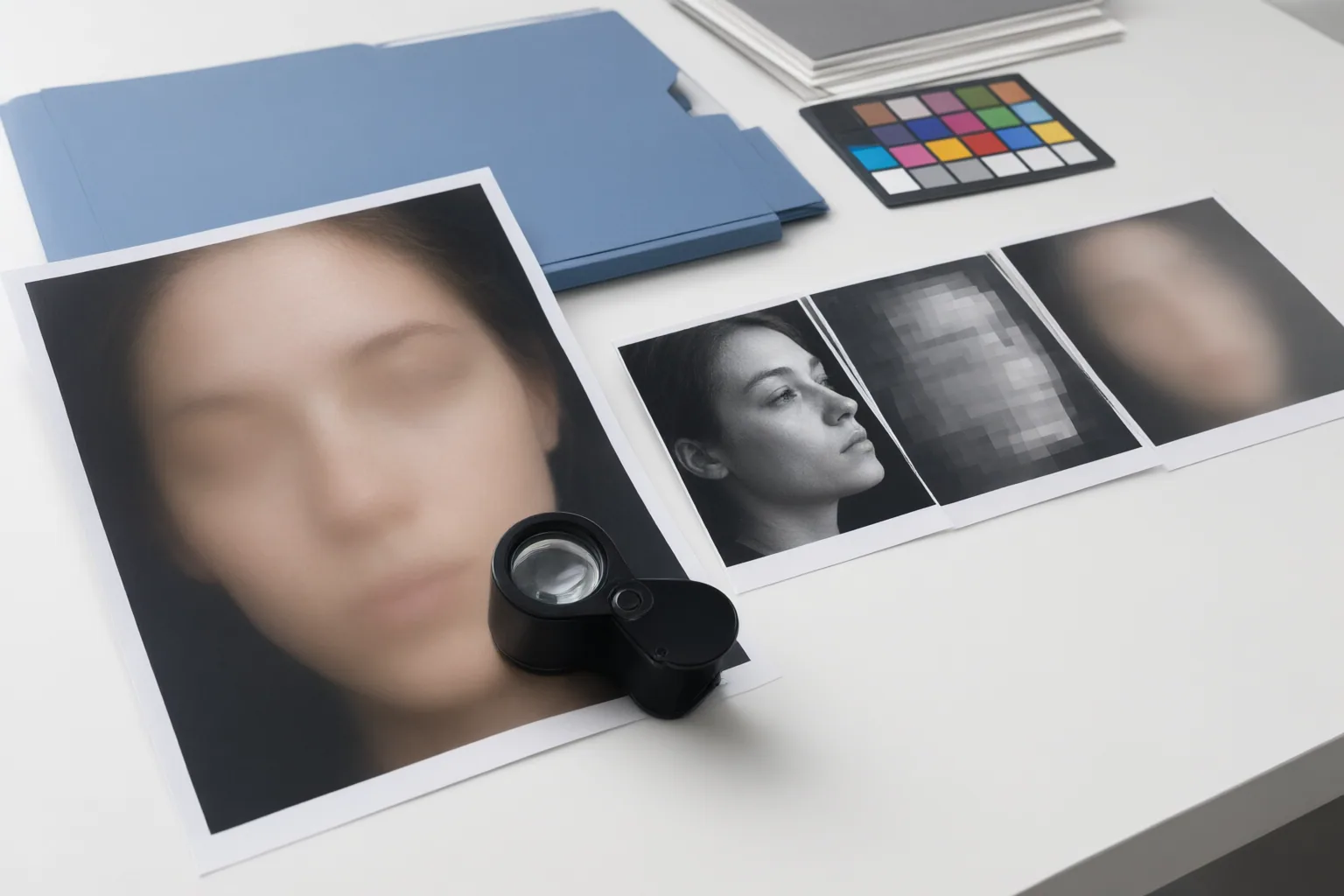
Treat blur strength as part of the protection decision. Gallio notes that a treatment suitable for lower-resolution footage may not provide equivalent protection in a high-resolution close-up. A face that looks obscured during a quick preview therefore should not automatically be considered anonymous.
Check Tracking Through Movement and Occlusion
Watch each person from their first visible frame to their last. Static masks can lose alignment when a face moves, while motion tracking is intended to keep the anonymization attached as position changes. Check moments when a subject turns away, crosses behind an object or another person, leaves the frame, or returns. Also inspect newly entering people rather than assuming the system detected them.
Slow down around side profiles, partial occlusions, and low-light footage. Guardiavision describes per-frame face detection combined with tracking between frames when detection confidence temporarily falls, while acknowledging reduced detection accuracy under those difficult conditions. Human review remains necessary because a tracker can drift, disappear, or resume on the wrong location.
For every failure, record the person, time, and type of problem. Correct missed frames and poorly aligned coverage, then replay the surrounding sequence rather than checking only the repaired frame. This helps reveal whether the correction remains aligned before, during, and after the difficult moment.

Review Cuts, Reflections, and the Final Export
Review the complete exported file frame by frame. Give extra attention to the frames immediately before and after every cut or scene transition. The supplied sources do not describe a dedicated editorial cut-testing protocol, so checking cut boundaries is a practical workflow synthesis: a new shot can introduce different people, positions, lighting, or backgrounds that require fresh detection and coverage.
Search beyond the main subject. Faces may appear in mirrors, windows, reflective vehicle surfaces, screens, photographs, and crowded backgrounds. Pause on short appearances and inspect both foreground and background areas. SecureRedact recommends a final frame-by-frame quality check even after automated detection, while the FIVA abstract identifies consistent anonymization across frames and identity tracking as evaluation concerns.
Use the exported video for sign-off because it is the file viewers will receive. After confirming facial coverage, separately inspect clothing, tattoos, plates, documents, badges, addresses, uniforms, screens, metadata, and identifying voices. Also consider reconstruction risk: the FIVA authors evaluate defenses against reconstruction attacks, and Gallio cautions that blur alone may leave recoverable facial signal or contextual clues. Correct any failure and export again; each new export requires another complete review.
Conclusion
A reliable sign-off process combines automated detection and tracking with human inspection. Review every person across the entire export, concentrating on movement, temporary disappearance, low light, reflections, crowded backgrounds, and shot boundaries. Then assess whether contextual identifiers or recoverable facial information could defeat the intended protection.
Do not treat one successful pass as permanent: a later edit or export can change timing and coverage. Before release, log every missed or drifting mask, correct it, and conduct a fresh frame-by-frame review of the complete exported file until all intended identifiers remain protected.
Disclosures and limitations
- This article was prepared with AI assistance using only the supplied research package. Material claims were synthesized from the cited vendor guidance and an arXiv abstract; product-specific performance, accuracy, pricing, and compliance claims were not independently verified or included. No product recommendation or affiliate relationship is presented.
Sources
- Deepfake Detection Methods: Compare Forensic, AI, Audio and Provenance Techniques — adaptivesecurity.com
- FaceGuard AI: How Modern Anonymization Preserves Image Integrity While Protecting Privacy — frameandfocal.com
- De-identification and anonymization – is face blurring irreversible? | Gallio — Gallio
- 8 Face-Blurring Solutions Built for Compliance and Privacy — SecureRedact — SecureRedact
- AI Face Blur: How Automatic Privacy Protection Works — guardiavision.com
- FIVA: Facial Image and Video Anonymization and Anonymization Defense — arXiv.org
- How to Anonymise Faces in Your Video Editing Workflow — SecureRedact — SecureRedact
- Detect AI Deepfakes: Essential Tools & Techniques — adaptivesecurity.com
Improve this guide
Report a problem or suggest the next question
Submissions enter a private editorial queue. They are reviewed and deduplicated before any public update or new page is created.