Evaluate a representative clip for clear letterforms, spacing, contrast, character recognition, and readability on every intended screen. Treat the result as a practical typography and accessibility review, not as a benchmark of any particular AI video generator.
Start With Letter Clarity and Stability
Review the clip frame by frame wherever text appears. Look for smooth, consistent letter shapes and even spacing. Flag characters that become jagged, crowded, overlapping, or visibly different from one frame to the next. Colored fringes, shimmer, and color shifts are also reasons to revise the text treatment.
Then play the sequence normally and shift your attention away before looking back at the text. It should remain readable without prolonged inspection. Record each failure by frame or time position so you can determine whether the problem affects one moment or the entire text segment. These are general display-clarity checks applied to generated video; they do not establish how any specific generator performs.
Check Typography, Contrast, and Character Recognition
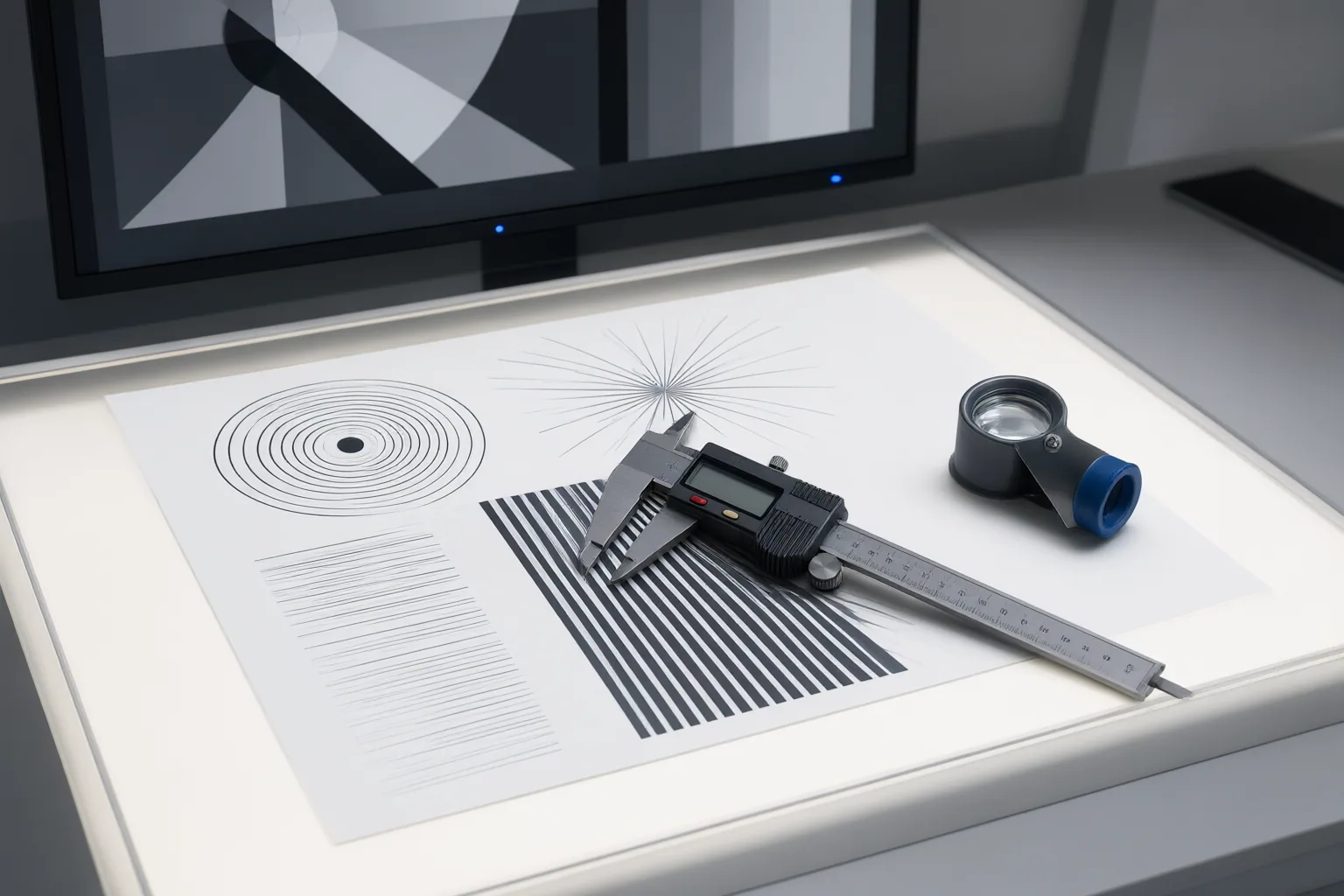
Assess the complete text treatment, including font choice, size, line height, hierarchy, spacing, and contrast against the background. There is no universally best font: suitability depends on the context. Favor clear letterforms, balanced spacing, open apertures, and characters that are easy to distinguish.
Use challenging character combinations in a test phrase. Uppercase I, lowercase l, and the number 1 should not blur into the same form; O and 0 should also remain recognizable. This matters for names, prices, labels, codes, and other text where one mistaken character can change the meaning.
For contrast, Section508.gov’s summary of WCAG criteria provides useful reference points: at least 4.5:1 for ordinary text and 3:1 for large text. Treat those ratios as accessibility references rather than the only test. The audience, background, display, and viewing context still affect whether text can be read comfortably.
Repeat the Test Across Viewing Conditions
Test at the sizes and on the screens your audience is expected to use. Text that seems acceptable on a desktop display may be too small or difficult to read on a mobile screen. Check the clip at its intended presentation size rather than relying only on a magnified editing view.
Also enlarge the content and confirm that the words remain understandable. Section508.gov notes that text should be resizable to 200 percent without loss of content or functionality and recommends actual text instead of images of text when possible, because image-based text can become jagged under high magnification. Video commonly presents text as part of the imagery, so creators should recognize this limitation and provide an accessible text alternative where their delivery format allows it.
Repeat the clarity, spacing, and contrast review under each target condition. The resulting notes describe the tested clip, not the general capabilities of its generator.
Conclusion
Use a pass-or-revise decision for every text segment. Pass it only when letter shapes stay clear, spacing avoids crowding and overlap, similar characters remain distinct, and size, hierarchy, line height, and contrast support comfortable reading on the intended displays.
Now test a representative clip on every target screen, review each text appearance frame by frame, and log failures by category and frame. Revise, redesign, or replace any text that viewers cannot read reliably.
Disclosures and limitations
- This article was prepared with AI assistance from the supplied research package and applies cited typography, display-clarity, and accessibility guidance as an evaluation framework. The sources do not provide AI video-generator benchmarks or product-specific test results.
- No products are recommended and no affiliate relationship is presented in this article. Any future product recommendation should disclose relevant commercial or affiliate relationships.
Sources
- Display Test – Free Monitor Testing Tools — display-test.app
- Legibility: 7 Typographic Tools To Create Readable Screens — uxstudioteam.com
- Accessible Fonts | NCEH | CDC — cdc.gov
- Best Fonts for Reading: 10 Easy-to-Read Picks – Fontfabric™ — Fontfabric™
- 15 Most Legible Font Choices For Clear And Accessible Reading – Get Studio — Get Studio
- Section508.gov — Section508.gov
Improve this guide
Report a problem or suggest the next question
Submissions enter a private editorial queue. They are reviewed and deduplicated before any public update or new page is created.