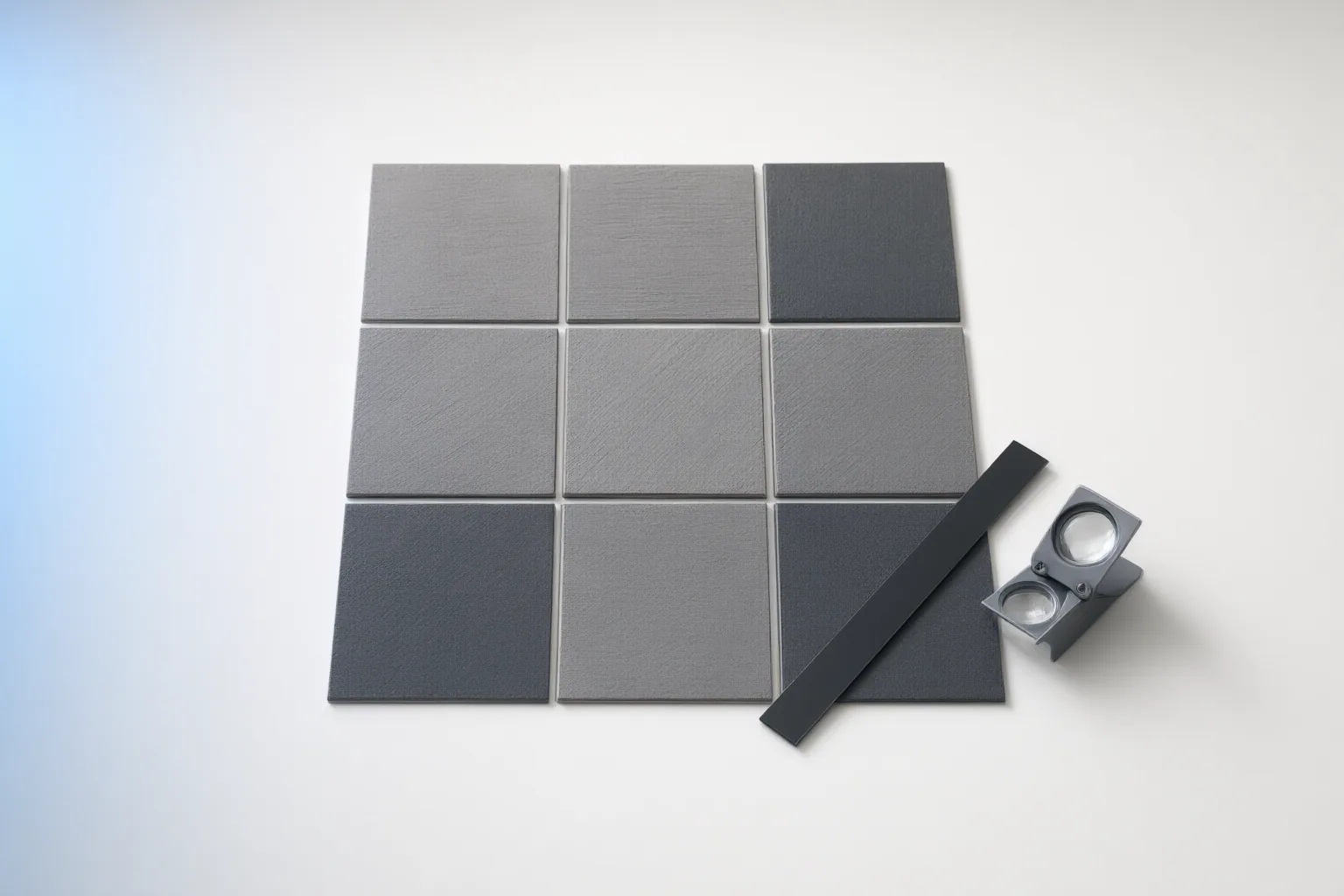
Inspect an AI-generated texture as a repeated surface, not just as a single tile. Start with a 2×2 or 3×3 grid, move opposite edges into the center with an offset view, and then check repetition, lighting, and appearance at the intended scale.
Start With a Repeated Grid Test
Place the texture in a 2×2 or 3×3 repeated grid. The internal boundaries show how its opposite edges connect in practice and can reveal defects that remain hidden when the tile is viewed alone.
Inspect every internal boundary for hard horizontal or vertical lines, abrupt endings in motifs, and changes in color, brightness, or hue. Also examine the points where four tiles meet. A block-like corner or a sudden change around that intersection can make the grid visible even when most of each edge appears continuous.
Do not stop after finding one clean direction. A texture may repeat convincingly from left to right while exposing a mismatch from top to bottom, so both axes need attention.
Move Opposite Edges to the Center With an Offset View
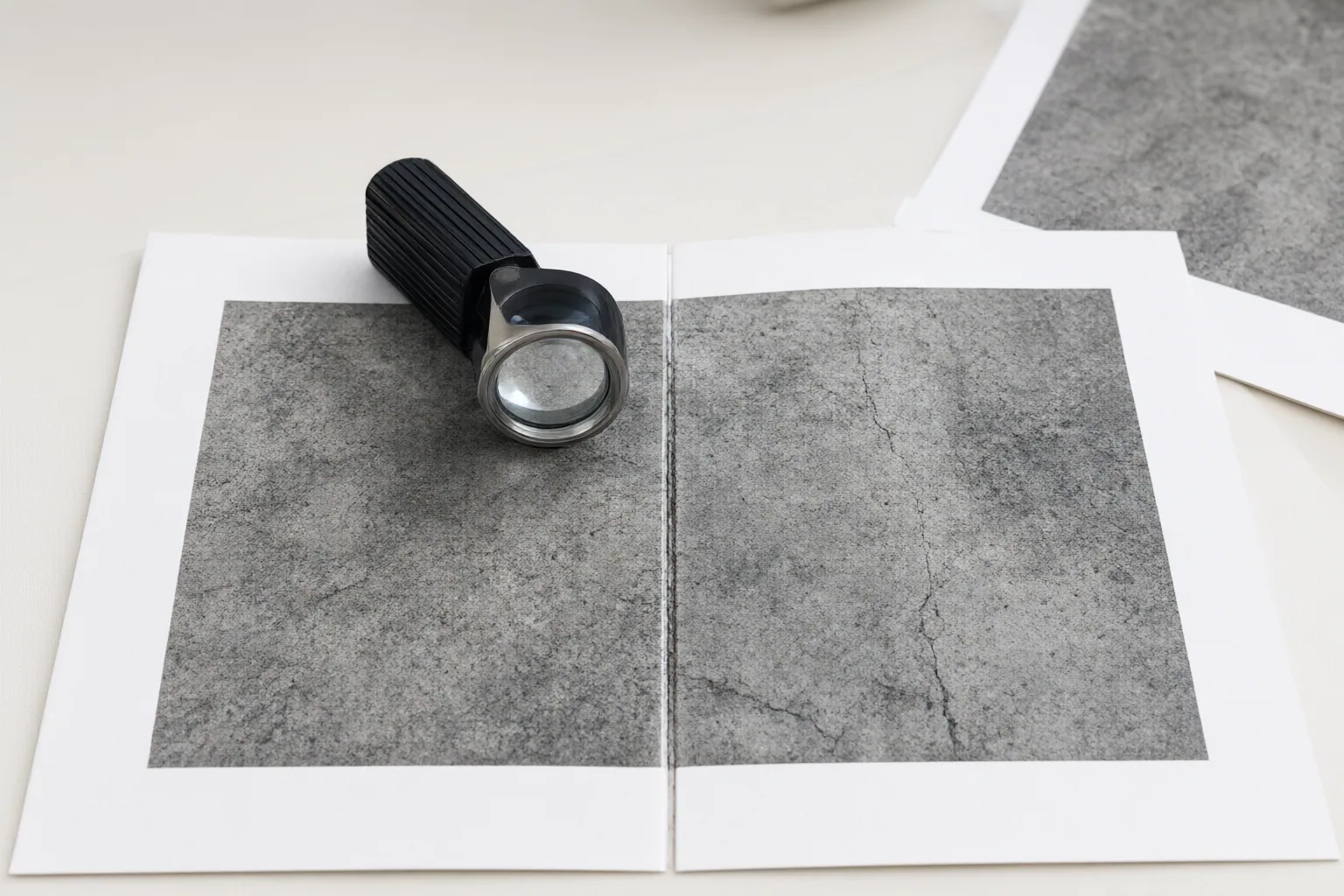
Use an offset view to shift the texture's opposite edges into the center. This makes the joins easier to see and places them where they can be inspected or repaired without repeatedly comparing distant borders.
Evaluate the horizontal and vertical joins separately. Look for displaced shapes, broken lines, interrupted grain, and sudden tonal changes along each centered boundary. One axis can pass while the other still contains a visible defect.
Apply repairs cautiously. Increasing blend width or repair strength may conceal a boundary, but it can also blur detail, duplicate structured elements such as grout, or disrupt directional grain. After each adjustment, return to the repeated grid: a centered join that looks smooth in isolation can still produce an obvious pattern when tiled.
Check Repetition, Lighting, and the Final Use Case
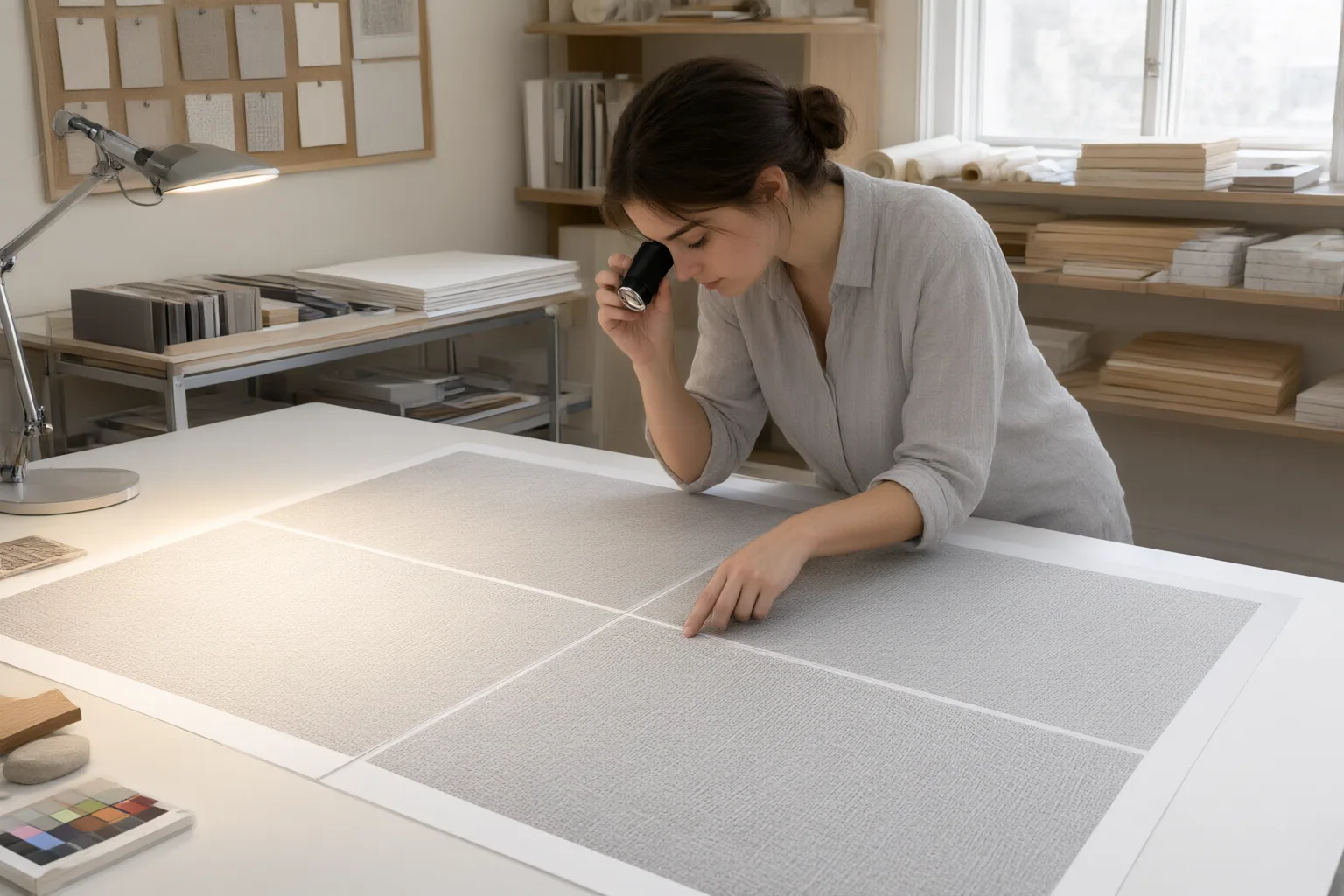
Expand the preview beyond the initial grid when possible. A wider repeated surface can expose recurring stains, distinctive objects, broad lighting gradients, or directional features that are difficult to recognize in one tile. These artifacts may form stripes, clusters, or an unmistakable rhythm even when the borders themselves connect.
Photo-derived textures deserve particular scrutiny because uneven lighting, perspective distortion, incomplete repeating elements, and conspicuous landmarks can remain visible across the tiled surface. Edge repair alone does not remove those broader problems.
Treat opposite-edge color or luminance measurements as diagnostic aids. A low difference can indicate that border pixels are similar, but it does not establish that the result looks natural. Such a score does not judge obvious repetition, perspective, large lighting patches, motif rhythm, or the final UV-mapped appearance.
Finally, inspect the texture at its intended tiling scale and viewing distance. A small preview can hide repetition or tonal bands that become prominent across a large surface.
Conclusion
Use a consistent sequence: examine a repeated grid, center the opposite edges with an offset view, test each axis separately, and then study a wider repetition for landmarks, lighting changes, and directional patterns. Repeat the review at the scale and distance expected in the final use.
For coordinated material maps, compare the maps to identify which one contains an edge mismatch. If a seam remains on a mapped mesh, investigate UV seams and normal-orientation problems separately rather than assuming the texture edge is responsible.
Before approval, test the texture in a repeated grid, inspect its centered joins, and review it once more at its intended scale and viewing distance.
Disclosures and limitations
- This article was prepared with AI assistance from the supplied research package and should be checked against its cited vendor-authored sources before publication.
- No product, price, rating, review, or affiliate recommendation is included.
Sources
- Prompting Seamless Patterns and Tileable Textures | Floniks — Floniks
- Tileable Texture Generator: Seamless AI Textures | Sloyd — sloyd.ai
- Texture Seam Checker: Find Visible Tiling Edges Online | PLAYTEX AI — PLAYTEX AI
- AI Seamless Texture Generator | Tileable PBR Materials | 3D AI Studio — 3daistudio.com
- How to Fix Visible Seams in a Texture — Seamless Texture Generator
- Seamless Texture Generator — Make Tileable Textures with AI | Pattern Weaver — Pattern Weaver
- Seamless Texture Fixer — Check & Repair Tile Seams | PLAYTEX AI — PLAYTEX AI
Improve this guide
Report a problem or suggest the next question
Submissions enter a private editorial queue. They are reviewed and deduplicated before any public update or new page is created.