Use native AI-generated audio when speed, frequent script revisions, and easier synchronization matter most. Choose a separate workflow when you need granular editorial control, specialist judgment, or restricted processing. A hybrid approach can provide a fast first pass followed by human refinement.
What Native and Separate Audio Workflows Involve
Audio generation creates new sound from a prompt or another input, while audio editing manipulates and combines generated or existing material, often in a digital audio workstation. A separate workflow therefore gives creators a distinct production stage for arranging, replacing, and refining sound.
Native or integrated workflows bring more of that work into the video-creation process. HeyGen describes a slideshow workflow that can generate narration, align captions with speech, add background music, and regenerate audio after script revisions. TextVidai reports that some video models create dialogue, ambience, and sound effects in the same pass as the visuals. These are documented workflow capabilities, not independent comparisons of output quality.
When Native AI-Generated Audio Fits the Project
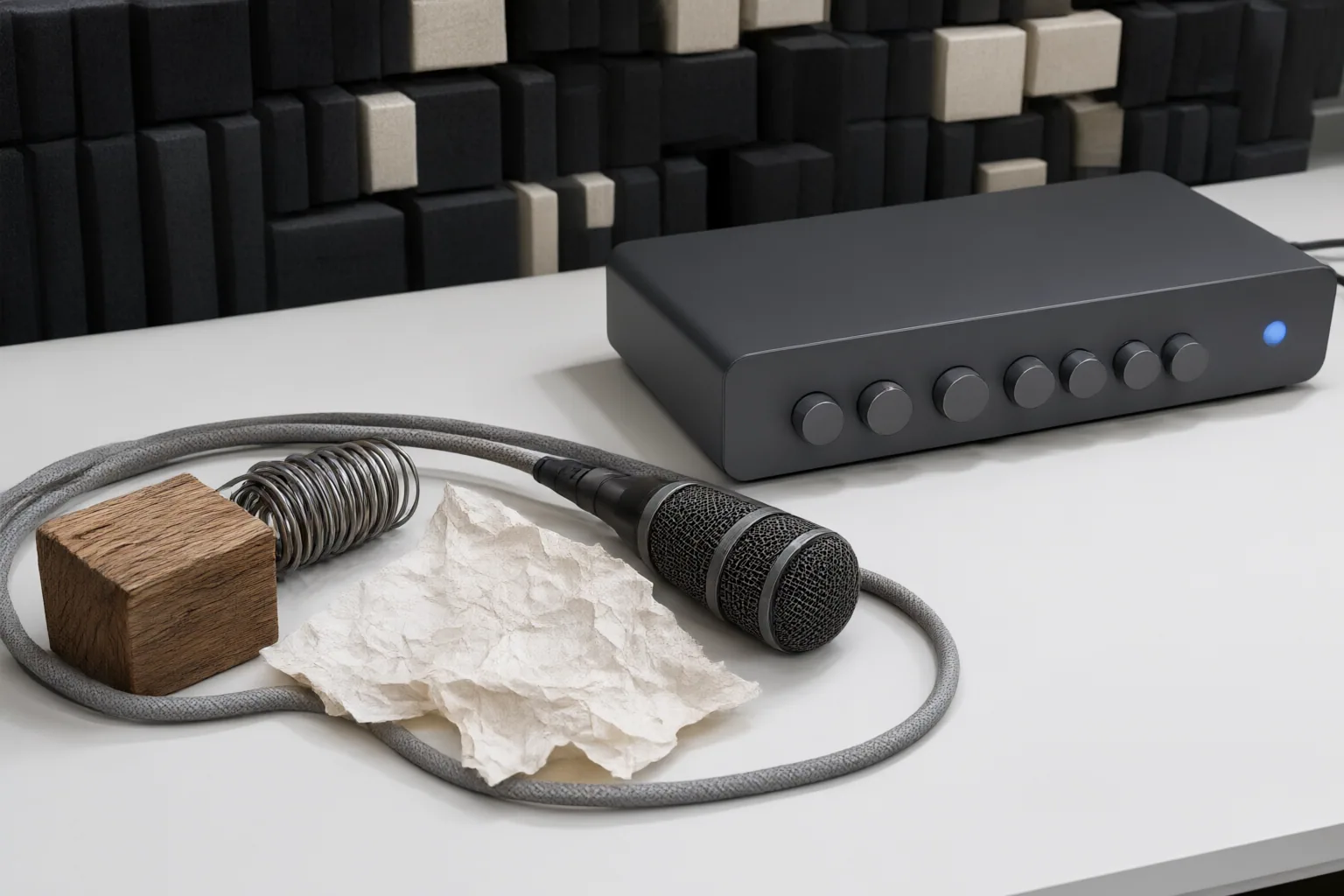
Native generation is a practical fit when the immediate goal is speed or exploration. Morphic identifies temporary music beds, placeholder voiceover, sound effects, and early experimentation with a project’s sonic character as useful applications. These uses let creators establish direction before committing to detailed audio editing.
It can also suit content with frequently changing scripts. In HeyGen’s described workflow, creators can revise text and regenerate narration instead of recording it again. For projects involving dialogue, ambience, or effects, generating audio with the visuals may also reduce subsequent synchronization work, according to TextVidai.
These advantages support native audio for prototypes and tightly integrated production, but the supplied sources do not establish a universal quality threshold or prove that native generation will produce finished audio for every project.
When to Use a Separate or Hybrid Sound Workflow
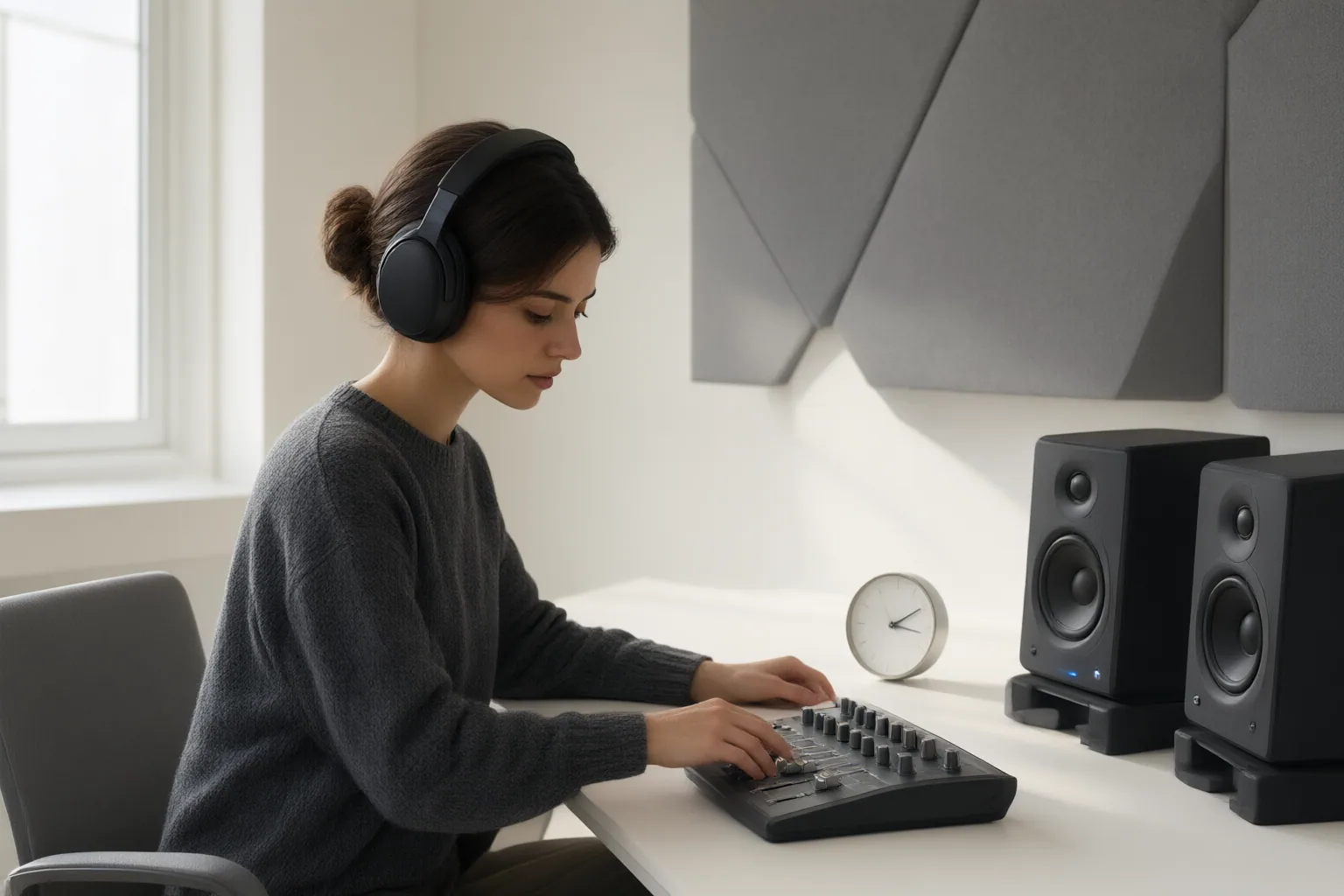
Choose a separate workflow when individual sound elements require detailed editorial decisions or substantial final refinement. Generated material can still provide a base track, but creators can move it into an editing environment to adjust, combine, replace, or polish it. Morphic describes this combination of generation and editing as a modern hybrid approach.
Human review becomes more important when the material depends on specialized knowledge or sensitive context. In its audio-description workflow, Recap Innovations uses AI for a first pass and human reviewers for refinement. It also reports lower automated accuracy when content involves specialized equipment, mathematical notation, or culturally specific context, and recommends human authoring for restricted material or work requiring specialist expertise.
Accordingly, a separate or hybrid process is better supported when control, expert interpretation, governance requirements, or processing restrictions outweigh the convenience of an all-in-one workflow.
Conclusion
Use three questions to choose an audio workflow:
- Does the project need rapid drafts, frequent narration changes, or less manual synchronization? Favor native generation.
- Does it require granular editing, specialist interpretation, human review, or restricted handling? Favor a separate workflow.
- Would a fast draft be useful even though the final sound needs human refinement? Use a hybrid process.
This decision rule synthesizes the cited workflow descriptions; it is not a measured performance benchmark. For your next project, classify its revision frequency, synchronization effort, required editorial control, specialist context, and processing restrictions, then select native, separate, or hybrid audio accordingly.
Disclosures and limitations
- This article was prepared with AI assistance from the supplied research package. Material claims are attributed to vendor or industry-publisher sources and should not be read as independently verified performance benchmarks. No product recommendation or affiliate relationship is presented.
Sources
- Audio generation: AI creation of music, voice, and sound | Morphic — Morphic
- AI Slideshow Maker : Turn Decks Into Narrated Videos — HeyGen
- Best AI Voice Generators for Content Creators in 2026 — wireflow.ai
- AI vs. Human Audio Description Workflows: How to Choose the Right Approach for Your Video Library | Recap Innovations — recap-innovations.com
- AI Music Disclosure Rules 2026: What You Must Declare (or Get Pulled) — undetectr.com
- The Future of AI Video Generation in 2026 | TextVidai — textvidai.com
- 17 Best AI Voiceover Tools in 2026 — Thinkdom
- AI-generated audio vs text and video reactions | Chris Yeh posted on the topic | LinkedIn — LinkedIn
- AI Influencer Content 2026: Disclosure Rules + EU AI Act — AuditSocials
Improve this guide
Report a problem or suggest the next question
Submissions enter a private editorial queue. They are reviewed and deduplicated before any public update or new page is created.