
Plan every required aspect ratio before generating video. Check the narrowest frame first, keep essential elements within the area shared by all planned crops, and prepare a separate source image for each format.
Start With Every Required Output Ratio
Begin by listing every destination format. Aspect ratio describes the proportional shape of a frame, while resolution describes its pixel dimensions; two images can have different pixel counts but the same aspect ratio.
The cited guidance associates 9:16 with full-screen short-form mobile placements and 16:9 with horizontal uses such as YouTube, desktop pages, websites, and presentations. Those shapes offer very different composition space. As an illustration, center-cropping a 1920×1080 image to a full-height 9:16 slice retains a width of about 608 pixels—roughly 32% of the original frame area. A subject, product, logo, or text placed toward either side can therefore disappear during late recropping. Choosing the required ratios first makes those constraints visible before motion is generated.

Use the Narrowest Crop as the Composition Check
Treat the least-forgiving required ratio—often a narrow 9:16 frame—as the first composition check. Preview that crop over the source image, then place indispensable subjects and details inside the region that remains visible across all planned formats. This shared region is a practical planning aid, not a universal safe zone.
Pay particular attention to faces, products, logos, subtitles, and other details near the edges. A vertical frame provides less horizontal room, and interface overlays may obscure some content. No single safe-zone percentage in the supplied evidence applies reliably to every platform and interface, so inspect the actual destination context instead of relying on a fixed margin.
This check does not mean every version must use an identical composition. It identifies what cannot be lost and reveals when the visual concept needs repositioning or a format-specific arrangement.
Create and Review a Separate Source Crop for Each Format
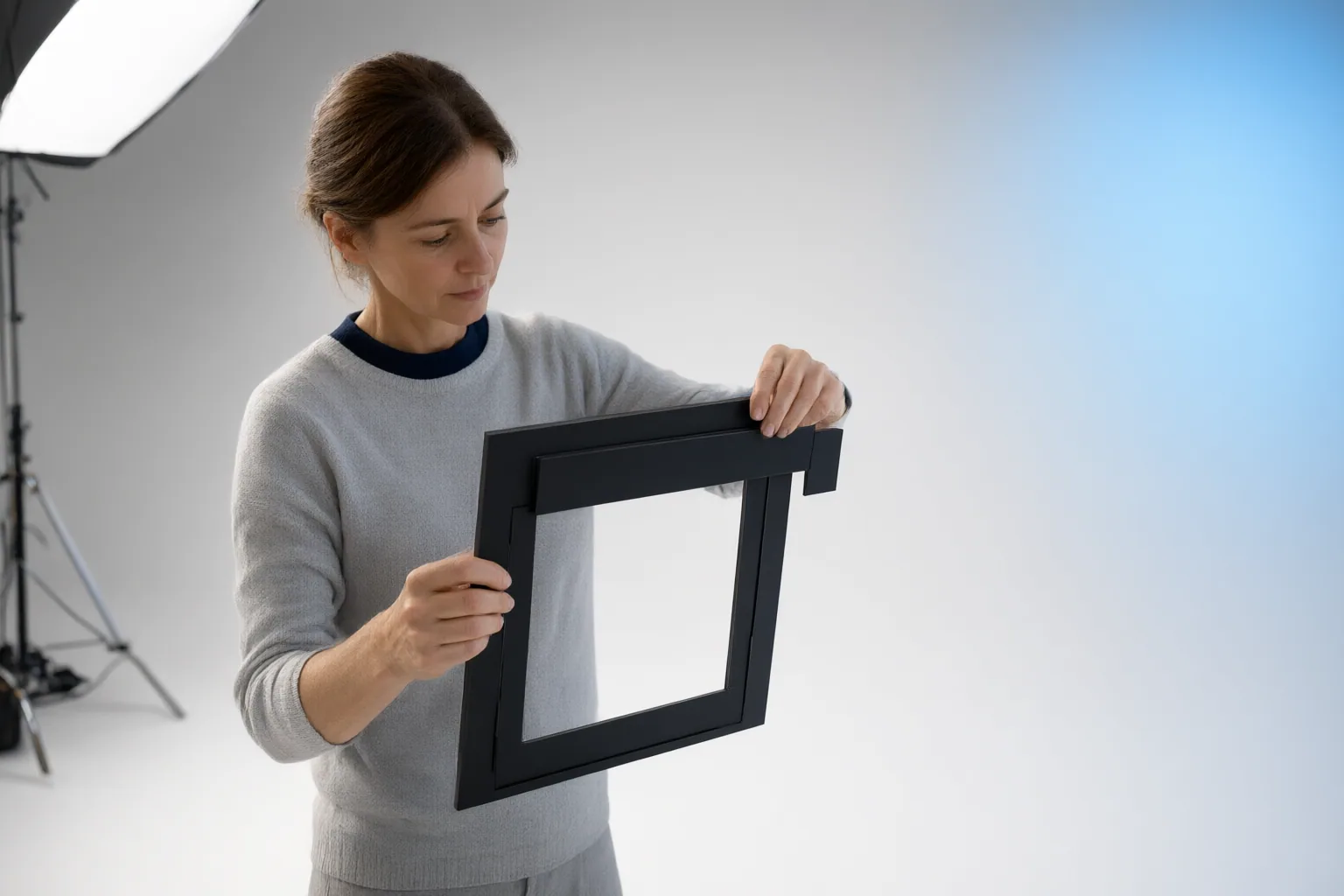
Once the shared essentials are protected, create a separate source crop for each delivery ratio. Browser-based crop tools represented in the sources offer locked presets including 1:1, 4:5, 9:16, and 16:9, which can help preview and export consistent ratio-specific images.
A practical workflow is:
- Select each destination platform and required ratio.
- Preview the source using the matching locked crop.
- Reposition the composition so essential content remains clear.
- Export a distinct source image for that ratio.
- Generate the corresponding video.
- Review every result in its intended setting, including on a phone for mobile delivery.
Matching the source crop to the requested output also reduces reliance on the AI system to invent content outside the image’s original boundaries. Such expansion can introduce uncertainty at the edges. The supplied evidence does not establish that one AI tool or crop strategy produces superior video quality, so evaluate each generated result rather than assuming equivalent behavior across tools.
Conclusion
A ratio-first workflow is more dependable than forcing one finished video into every frame shape. Document all required delivery ratios, validate the narrowest composition, and then prepare a separate source crop for each format. Inspect every generated output where viewers will encounter it before publishing. Because platform requirements and AI tool behavior can change, verify current specifications before production.
Disclosures and limitations
- This article was prepared with AI assistance and is based only on the supplied third-party and vendor-published sources. Platform requirements and AI tool behavior should be independently verified before production.
Sources
- The Aspect Ratio Mistake That Wastes 68% of Your AI-Generated Video | HackerNoon — hackernoon.com
- AI Video Size Guide: Best Aspect Ratios When Turning Images Into Short Videos – sizeframes.com — sizeframes.com
- Crop your images in seconds for free! — iLoveIMG | The fastest free web app for easy image modification.
- AI Image Aspect Ratios & Resolutions: A Cheat Sheet — Creator.ms — Creator.ms
- MooCrop — Free Online Image Cropper (No Upload, No Sign-Up) — moocrop.com
- Aspect Ratio 101: Selecting the Best Frame for Your Goal — Hailuo AI
- Free Image Cropper – 1:1, 16:9, and 4:5 crops in the browser — miniwebtool.com
Improve this guide
Report a problem or suggest the next question
Submissions enter a private editorial queue. They are reviewed and deduplicated before any public update or new page is created.