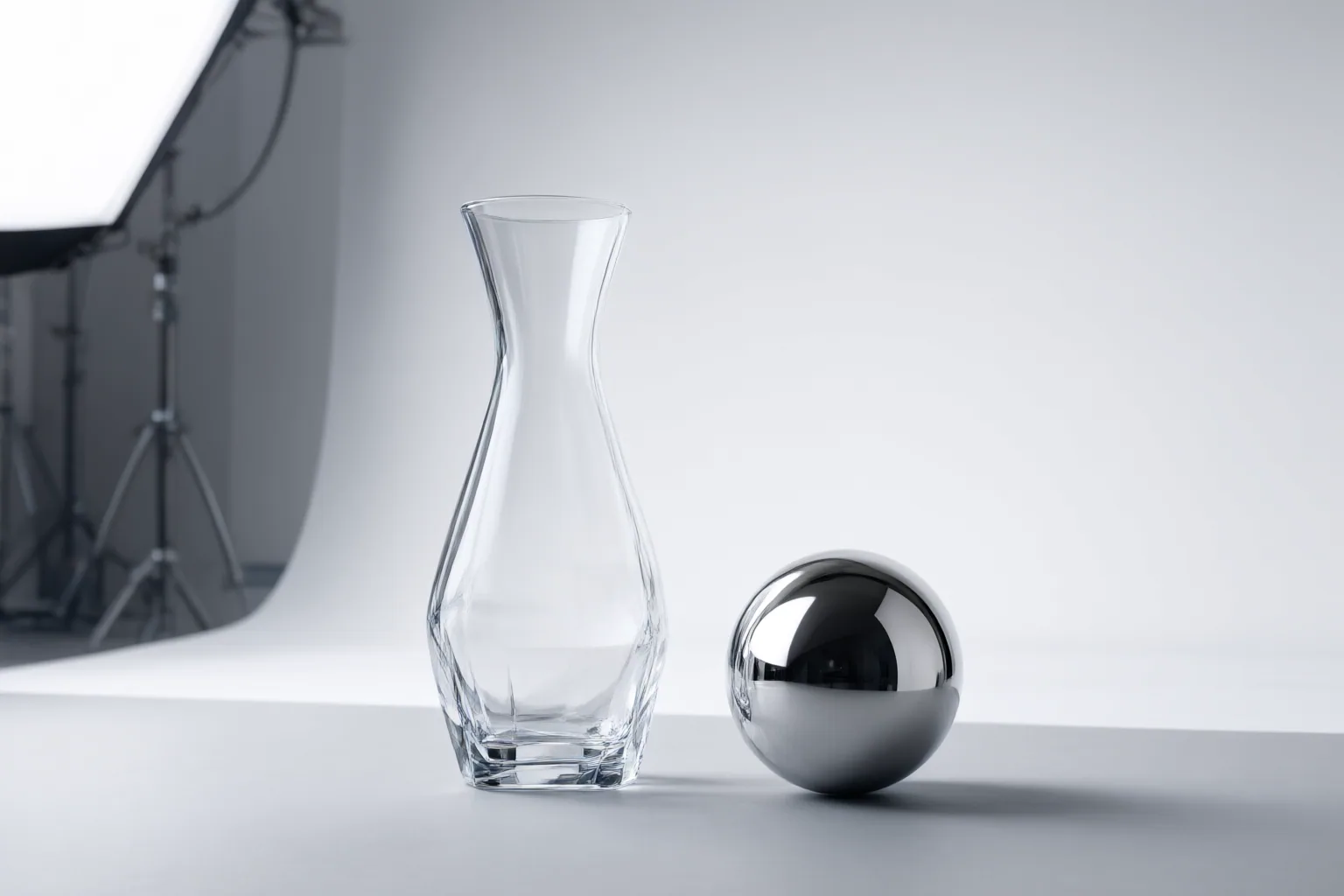
Compare AI video background replacement workflows with identical clips and destination requirements, then judge product fidelity, transparent and reflective details, stability across frames, scene coherence, and output suitability. The supplied sources support a testing framework, but not a verified winner.
Build a fair comparison test
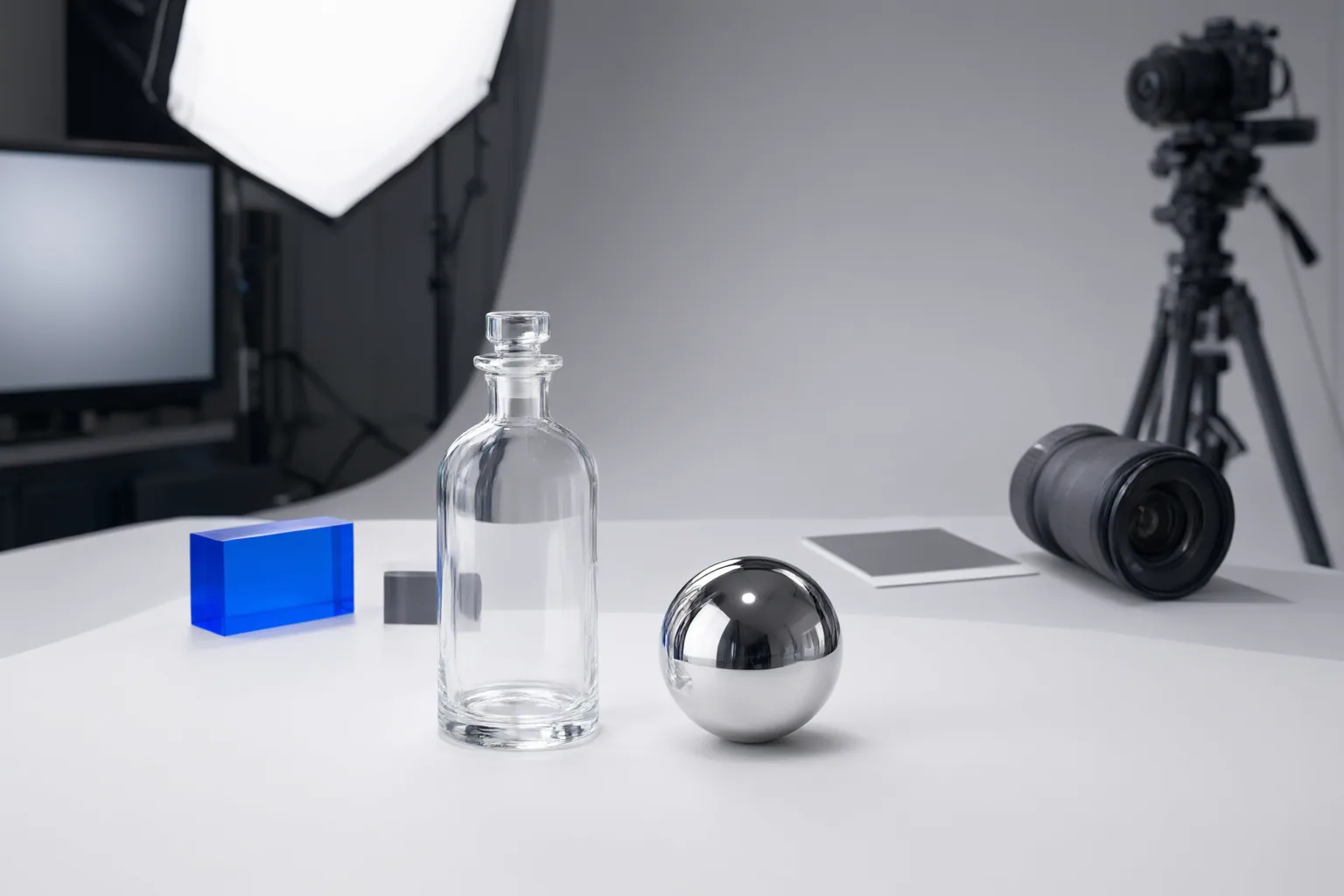
Start with the same representative source clips, replacement scenes, and intended destinations for every workflow. Include glass, transparent packaging, jewelry, or reflective surfaces with difficult edges, plus clips containing some motion. Keep framing steady, lighting consistent, subject-background separation clean, and motion blur limited where possible; these conditions are identified as helpful inputs, but challenging material cues should remain in the test.
Define approval criteria before processing: required dimensions, file format, resolution, duration, and whether the asset is intended for a particular channel or branded setting. Evaluate masking-and-compositing separately from generative replacement. Masking preserves and composites the captured product, while prompted generation may introduce new shadows, props, lighting, or other changes. Mixing these approaches in one score can obscure their different product-drift risks.
Check product truth and material fidelity
Create a reference checklist from the original footage. Verify that dimensions, shape, proportions, hardware, color, labels, logos, text, accessories, and other defining details remain unchanged. A visually polished background does not compensate for altered information that could affect a buyer’s understanding of the product.
For glass and reflective items, do not judge only the outer silhouette. Inspect fine edges, partial transparency, internal reflections, and refraction. The replacement should not flatten a transparent object into an opaque cutout, erase legitimate reflections, or hide important details. Compare the same areas against the source at several points in the clip.
Also check whether the new scene preserves product visibility. Transparent packaging, reflective surfaces, glass, and jewelry are identified as difficult cases requiring careful masks and backgrounds that do not conceal product details. Record each change consistently so aesthetic preference does not override fidelity.
Inspect motion, compositing, and workflow fit
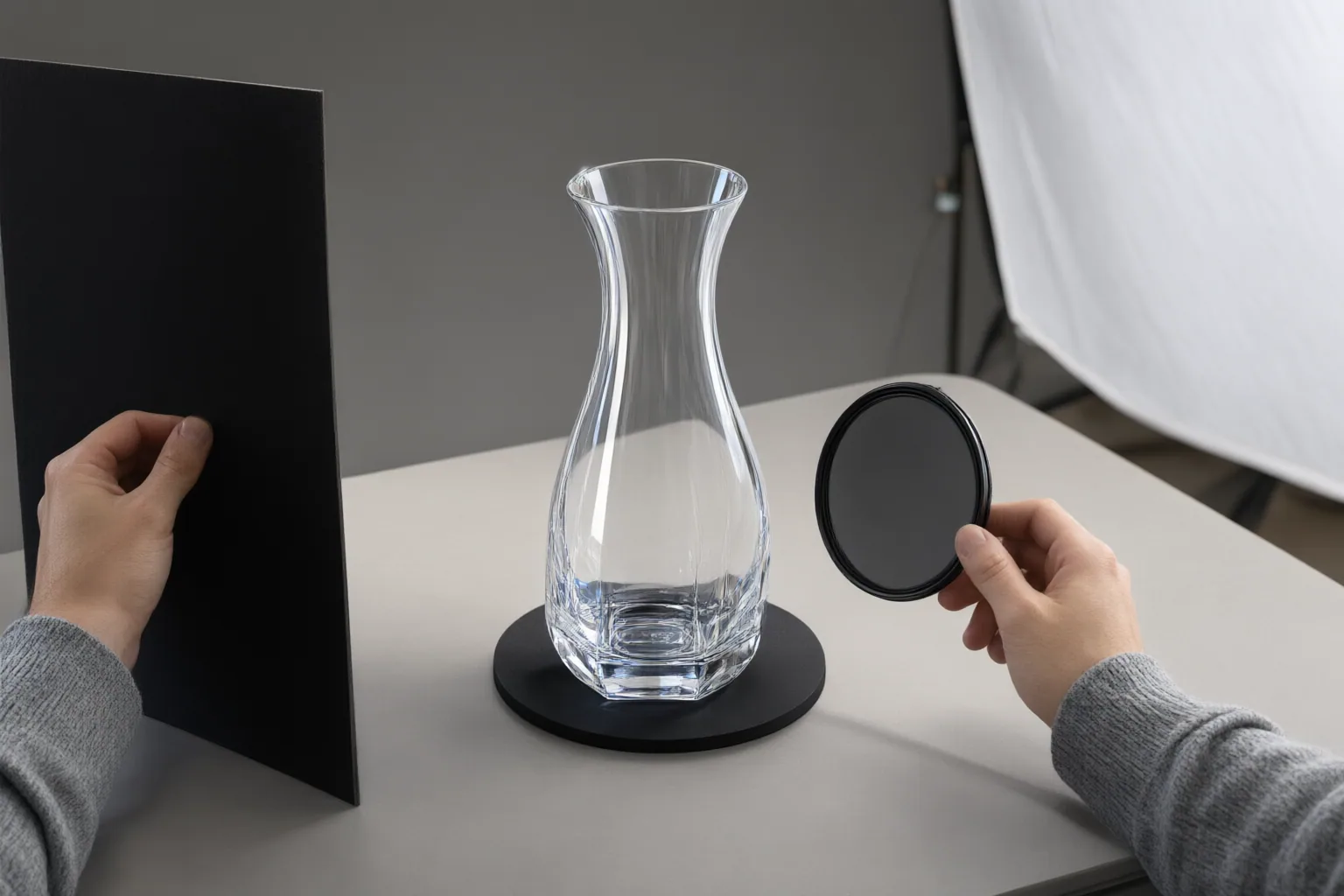
Review the complete video at normal speed, then inspect individual frames around movement and difficult boundaries. Look for crawling or flickering edges, halos, warped geometry, changing surface textures, and unstable markings. One convincing frame is insufficient because errors can emerge or change over time.
Judge scene integration without allowing it to alter the product. Perspective, light direction, color temperature, shadow softness, floor perspective, and contact effects should agree well enough that the item does not appear to float. At the same time, generated shadows or relighting should not misrepresent its shape, finish, color, or reflective behavior.
Workflow constraints also belong in the comparison, but publisher statements are not performance test results. Vmake Labs says its process removes backgrounds frame by frame and offers green-screen or transparent-background exports. Toolplay lists person, object, and background modes; reference-image and prompt controls; MP4, MOV, and WebM inputs; a 29-second limit; and 360p, 540p, or 720p outputs. OpenArt says it accepts MP4 or MOV and supports presets, uploaded references, or backgrounds generated from descriptions. Check whether such stated controls and limits match the planned destination before evaluating visual quality.
Conclusion
Choose by combining product fidelity, realistic transparency and reflections, temporal stability, coherent scene integration, and suitability for the destination. The supplied vendor pages and editorial guidance provide useful criteria, but no shared footage or controlled results that justify naming a winner. Run the same representative clips through every shortlisted workflow, inspect results frame by frame, and approve only assets that preserve buyer-relevant details and remain stable throughout the video.
Disclosures and limitations
- This article was prepared with AI assistance from the supplied vendor pages and editorial guidance; capability statements are attributed and were not independently verified through controlled testing.
- No paid placement, affiliate relationship, price, rating, or winner recommendation is presented; any future commercial relationship should be disclosed before publishing a product recommendation.
Sources
- AI Video Background Changer Free Online | Vmake Labs — Vmake Labs
- AI Ecommerce Background Replacement Without Product Drift — QuestStudio
- AI Replace Objects, People & Backgrounds in Video — Toolplay
- Background Replacement for Ecommerce Creative Workflows | AdsTurbo Blog — AdsTurbo
- Video Background Changer – Replace Video Backgrounds Online — OpenArt
- AI Video Background Generator (2026 Guide) — AcquireConvert
Improve this guide
Report a problem or suggest the next question
Submissions enter a private editorial queue. They are reviewed and deduplicated before any public update or new page is created.