
Before uploading private or client footage, confirm that you have permission, review the service’s training and storage terms, limit its access, and prepare a local working copy containing only what the edit requires. If the remaining material is too sensitive for third-party processing, consider a documented on-device workflow.
Confirm You Are Allowed to Upload the Footage
Start with authorization, not the upload screen. Compare the client agreement and your organization’s policies with the AI service’s current terms. Look specifically at provisions covering uploaded content, licensing, confidentiality, and processing by third parties.
An agreement may not mention AI services directly, so silence should not be treated as permission. Identify who owns the footage, who can authorize external processing, and whether the material includes confidential assets subject to additional restrictions. If the contract or policy is unclear, obtain the appropriate approval before proceeding. Record which terms and policies you reviewed so the decision can be revisited if the service changes them.
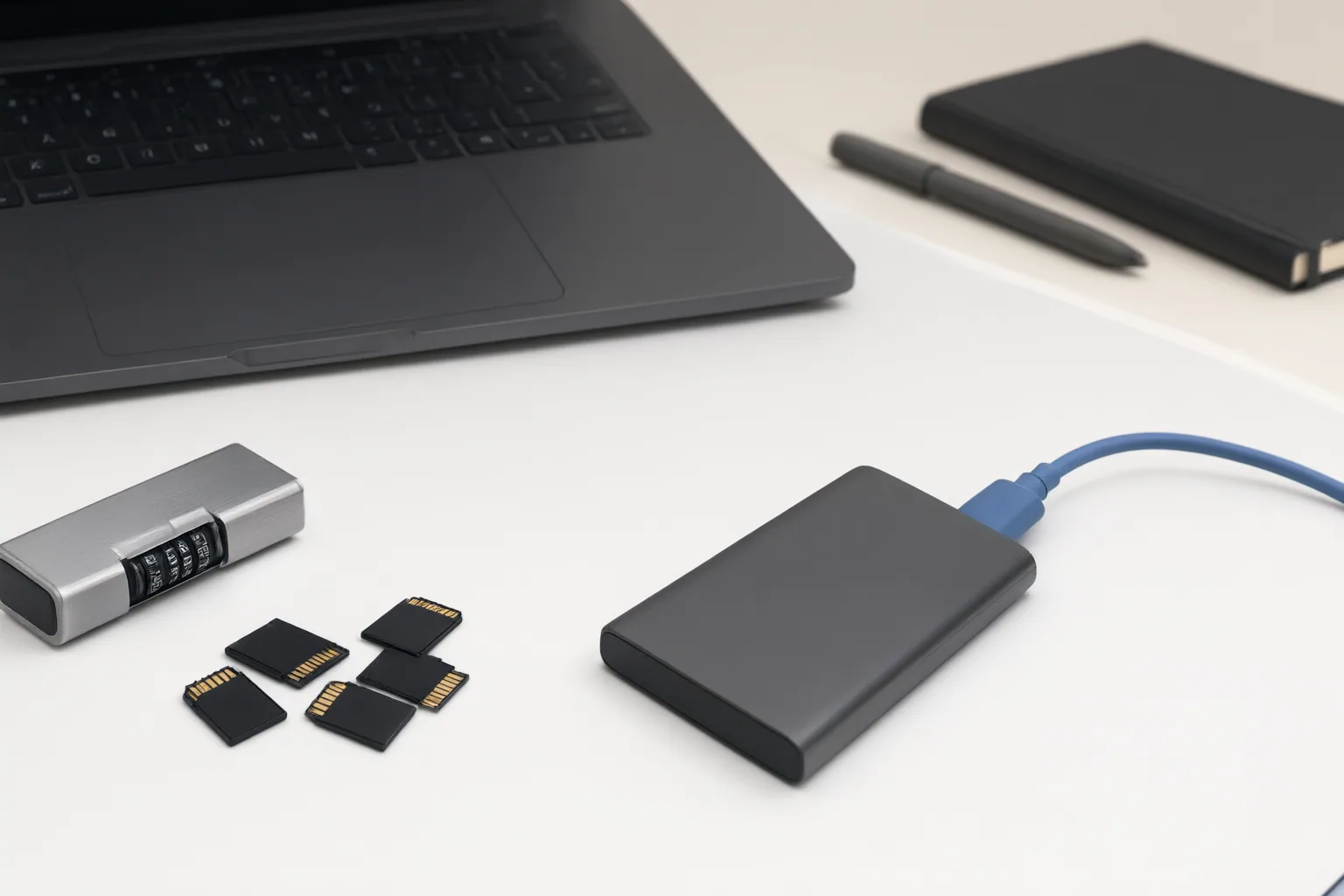
Check Training, Retention, Deletion, and Access Separately
A statement that uploads are not used for training does not answer every privacy question. Review each control independently:
- Training: Determine whether files, inputs, feedback, or logs may be used to train models and whether an opt-out is available.
- Retention: Check how long uploads, outputs, logs, chats, and related account data may remain stored.
- Deletion: Confirm what a deletion control actually removes and whether it covers projects, files, outputs, chats, and account information.
- Access: Review requested integration permissions and restrict them where possible.
Do not assume that consumer, business, enterprise, and API offerings follow identical policies. For team use, also examine administrator approval, access-removal options, audit logs, and configurable retention settings. Finally, compare the service’s uploaded-content terms with the client agreement, including any rights granted to the provider and any third-party processing involved.

Inspect and Minimize the Working Copy Before Upload
Create a separate working copy locally and remove anything the requested edit does not need. Avoid submitting whole folders, raw briefs, account information, unreleased details, internal pricing, unapproved footage, or surrounding context merely because they are stored with the useful clip.
Inspect more than the main subject. Review backgrounds, reflections, screen edges, notifications, filenames, thumbnails, brief transitional frames, and individual frames. Listen for background conversations and check for unnecessary or hidden audio tracks. Remove identifiers, confidential context, and unused audio or footage while preserving only the material required for the task.
Complete redaction during a trusted preparation step before uploading. Redacting inside an online editor cannot protect the original file from that service, because the unredacted version has already been submitted. Review the minimized copy again as if every visible or audible detail could be processed.
Conclusion
Make the final decision as a go-or-no-go check: confirm authorization, document the service’s current training, retention, deletion, and access controls, restrict integrations, and upload only a minimized copy. These checks do not establish that any particular service is suitable for every contract, jurisdiction, or category of data. For especially sensitive footage, documented on-device processing can avoid sending the asset to a third-party cloud service. Before proceeding, complete and save the checklist, approval record, policy references, and description of the exact working copy to be uploaded.
Disclosures and limitations
- This article was prepared with AI assistance from the supplied research package and should be checked against current primary terms, privacy policies, contracts, and official requirements before publication.
- No products, prices, ratings, or vendor-specific safety claims are recommended here; no affiliate relationship is asserted.
Sources
- AI Tool Privacy Checklist – What to Check Before Uploading Your Data — Next Happy AI Tools
- Client Confidentiality Editing Video With AI in 2026 — Delivvo
- AI Video Editor Uploads: Why a Sensitivity Screen Matters — vpneer.net
- How to Use AI Tools Safely With Client Video Assets — nemovideo.com
Improve this guide
Report a problem or suggest the next question
Submissions enter a private editorial queue. They are reviewed and deduplicated before any public update or new page is created.