
Negative prompts can steer a new AI video generation away from specific visible defects, but they work best when they are short, shot-specific, and paired with a clear description of the motion and framing you want. They cannot repair completed frames or guarantee a clean result.
What Negative Prompts Can—and Cannot—Do
A positive prompt describes the intended scene and motion; a negative prompt identifies features or defects the generator should avoid. Depending on the workflow, exclusions may discourage duplicate subjects, extra limbs, distorted faces, unwanted text or watermarks, camera shake, unstable backgrounds, and style drift.
This is guidance for a new generation, not a direct repair method for frames that have already been produced. An exclusion can influence the next attempt, but it does not guarantee that a defect will disappear. The available sources are practical publisher-authored guides rather than controlled comparative tests, so they do not establish success rates. Treat negative prompting as one control within a broader generation workflow.
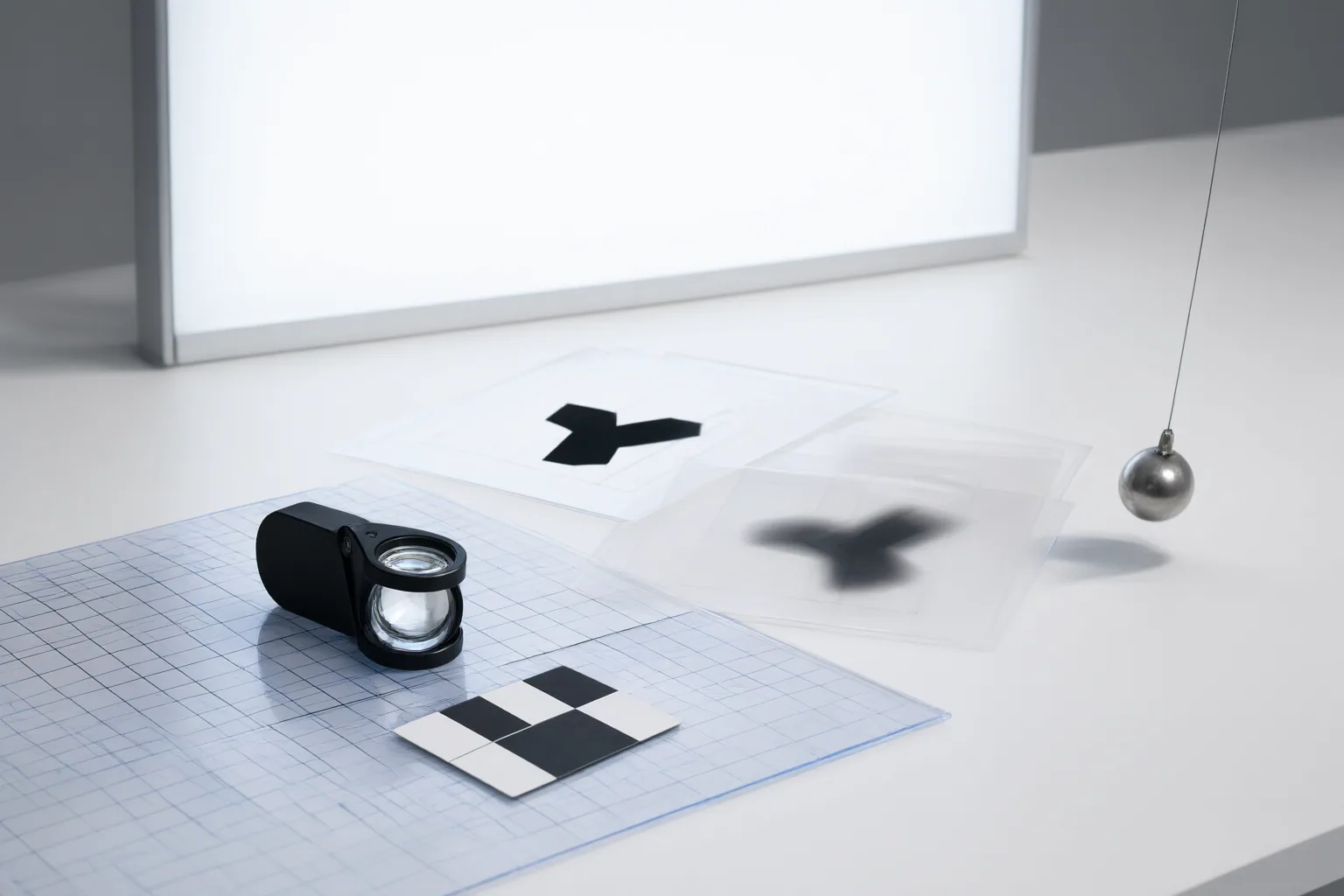
Diagnose the Defect Before Rewriting the Prompt
Review the clip and find the earliest frame where the result becomes incorrect. Record what changes, where it happens, what the subject is doing, and how the camera behaves. Observable descriptions such as “a second hand appears during the turn” or “the framing drifts as the subject moves” provide a more focused basis for revision than a general judgment such as “the video looks wrong.”
Translate that diagnosis into a short exclusion aimed at the particular shot. Avoid pasting in a long, generic blacklist: unrelated terms can conflict with intended content or weaken attention to the defects that matter. If a clip has both camera drift and a distorted face, test one targeted change first so that the result remains interpretable.
Pair Each Exclusion With a Positive Target and Test One Change
Tell the generator both what to avoid and what should happen instead. For unwanted camera movement, for example, combine an exclusion for camera drift with a positive instruction calling for a locked camera position and constant framing. This gives the generation a desired target rather than only a prohibition.
Use a controlled iteration loop: generate, inspect the result, revise one variable, and generate again. Keep a brief record of the positive prompt, the exclusion, and the observed change. This makes it easier to judge whether the revision helped.
Before testing, confirm how the current tool accepts negative prompts. Tools and workflows may use separate fields, different syntax, or other controls, and notation from one model should not be assumed to work in another. Check the tool’s current interface and documentation rather than relying on transferred syntax.
Conclusion
Adding exclusions is unlikely to resolve every failure. Distortion may originate in an occluded source pose, an impossible action, overlapping subjects, conflicting camera movement, timing, or identity-consistency problems. In those cases, simplify the requested action, revise the source or positive prompt, or use another available control instead of extending the negative list.
For your next flawed clip, identify the earliest defective frame, write one short shot-specific exclusion, pair it with a clear positive target, and test only that change. First confirm how your current tool supports negative prompting, then document the result before deciding whether the prompt, source, action, or another control needs revision.
Disclosures and limitations
- This article was created with AI assistance and is based only on the three publisher-authored guides identified by the supplied source IDs. Their recommendations are workflow guidance, not independent benchmark results; no effectiveness rate or guaranteed outcome is claimed.
- Tool interfaces and negative-prompt support can change. Verify the current documentation and interface for your chosen tool before applying tool-specific syntax.
Sources
- How to Use Negative Prompts to Fix Video Distortion — Pippit
- Negative Prompts for AI Video: What to Exclude (and Why It Works) | LzyPrompt — LzyPrompt
- Negative Prompts for AI Video: A Practical Guide — Scriptly
Improve this guide
Report a problem or suggest the next question
Submissions enter a private editorial queue. They are reviewed and deduplicated before any public update or new page is created.