
Hands and small objects can look distorted in AI-generated video when their visual details do not remain consistent from one frame to the next. Documented symptoms include shifting fine details, incorrect finger counts, changing faces, and background objects that appear or disappear, although the available sources do not establish a single technical cause inside generative video models.
The Short Answer: Details Can Change Between Frames
The visible problem is a loss of continuity over time. A frame may look acceptable on its own, yet the hand, face, texture, or nearby object may look different in the next frame. One source describes temporal-coherence failures in earlier AI video models that included faces changing, incorrect numbers of fingers, and background objects appearing or disappearing.
Video creates an additional consistency requirement that a still image does not have: visual corrections must remain coherent across consecutive frames. If geometry or detail changes unevenly as the subject moves, viewers perceive distortion, flicker, or an object that seems unstable. These observations explain the visible symptoms. They do not, by themselves, prove a single underlying mechanism shared by every generative video system.
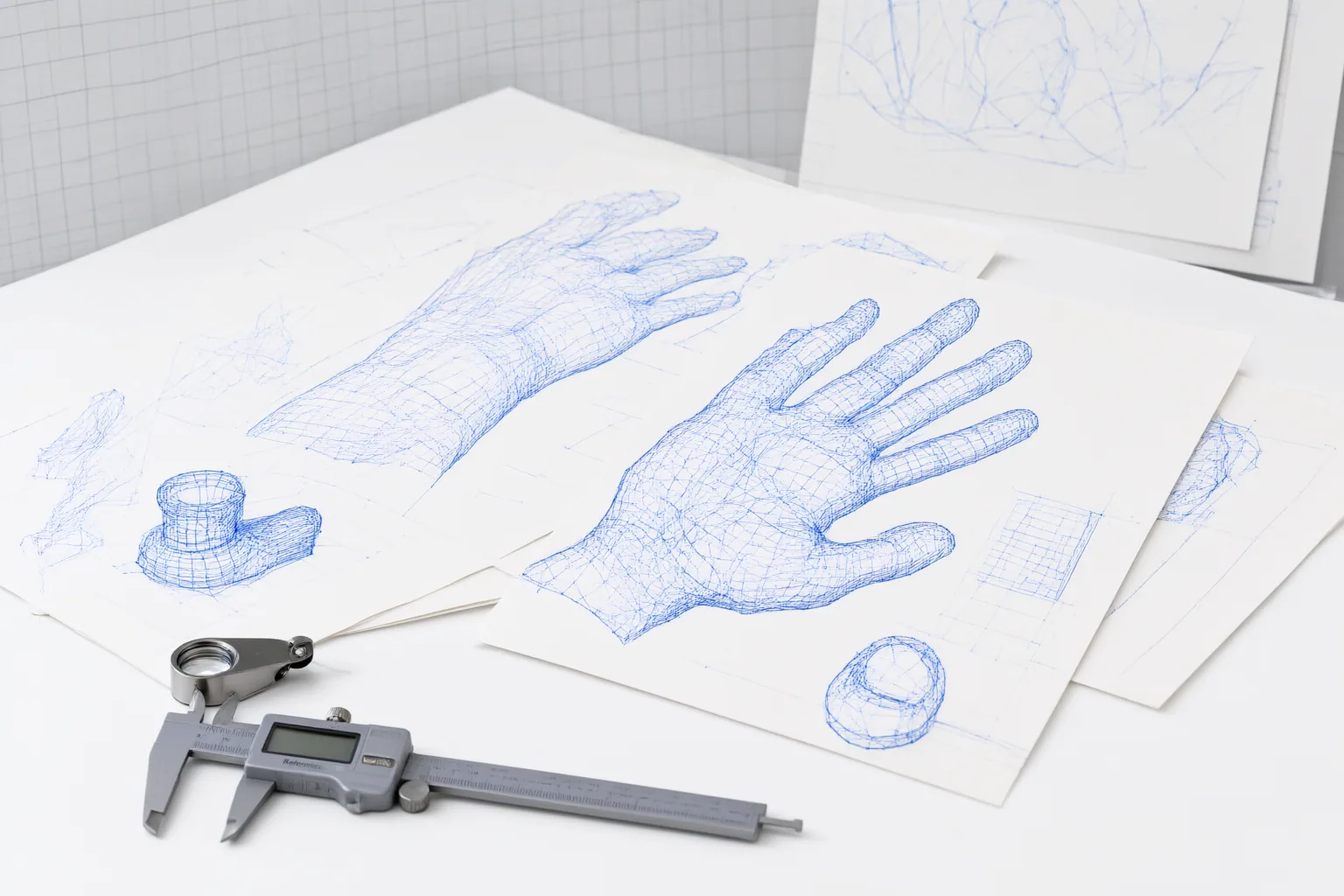
Why Hands and Small Objects Reveal the Problem
Fine details are especially useful places to look for continuity failures. The cited material reports that very small details can blur or shift slightly between frames, particularly in close-up shots or scenes containing complex textures. Hands contain visually distinct details that make changes such as an incorrect finger count easy to notice. Small nearby objects can likewise draw attention when they shift, vanish, or reappear during motion.
This does not establish that all hands or small objects will become distorted, nor does it identify a universal model-specific cause. It shows where documented frame-to-frame inconsistencies may become conspicuous. A single paused image can also hide the problem: the stronger evidence comes from comparing the same detail across successive frames and checking whether its appearance remains visually stable.
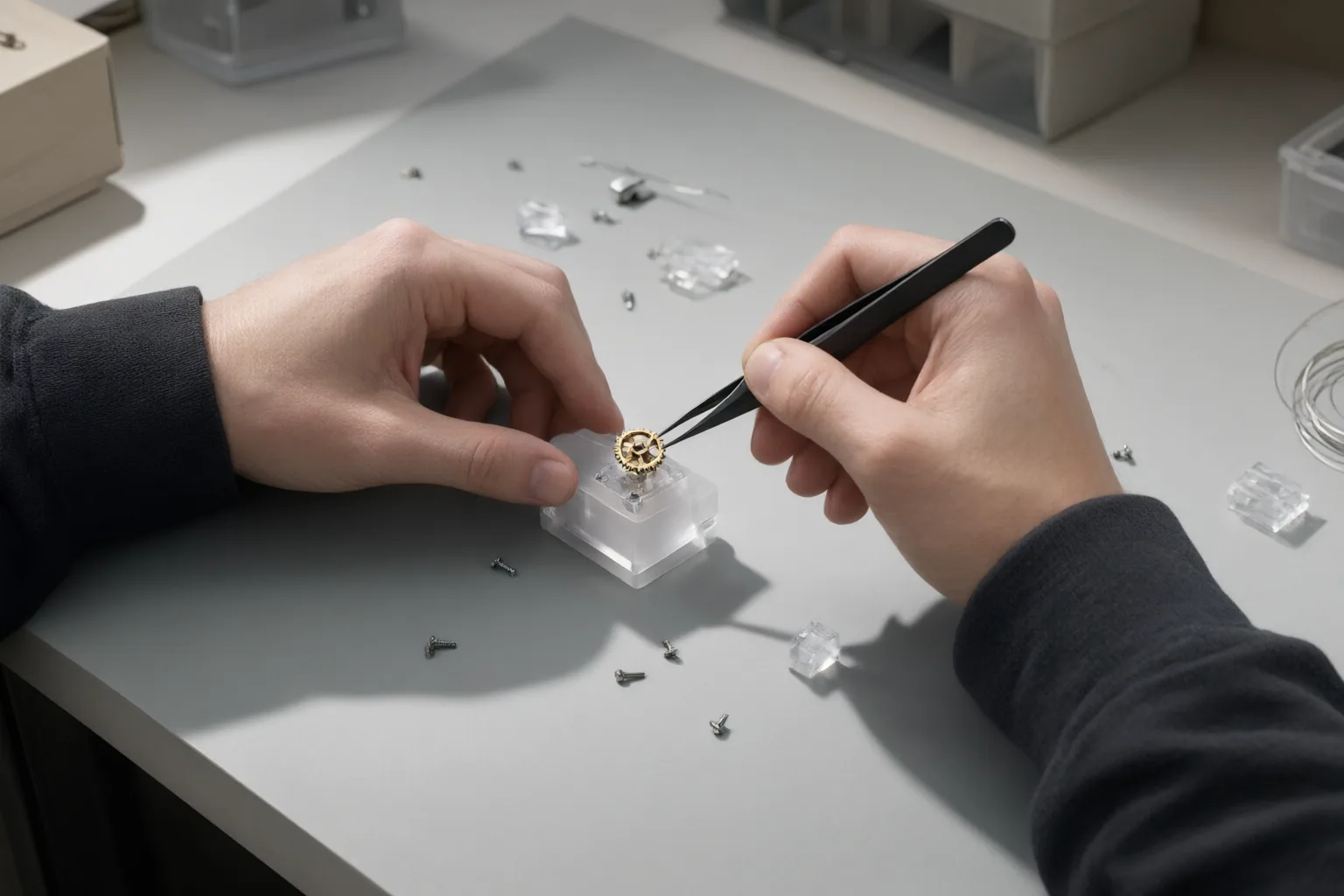
How Video Systems Try to Preserve Continuity
Video distortion correction commonly establishes correspondences by tracking landmarks across consecutive frames. The goal is to keep corrections smooth over time rather than treating each frame as an unrelated still image. Documented techniques used to address cross-frame consistency include optical flow, feature tracking, and deep-learning-based facial tracking.
These methods provide useful context for understanding the continuity requirement. A correction that looks appropriate in one frame can still be distracting if its position or shape changes abruptly in the next. Tracking information can help a correction follow motion and remain visually consistent across a sequence.
However, these are documented video-correction techniques, not evidence that every AI video generator uses the same internal process. The sources support the need for temporal consistency and identify ways correction systems can pursue it, but they do not supply a unified technical explanation for why generative models distort hands or small objects.
Conclusion
Distorted hands and unstable small objects are best evaluated as sequence-level problems. The documented warning signs include blurred or shifting details, incorrect finger counts, changing faces, and surrounding objects that appear or disappear. Close-ups and scenes with complex textures deserve particular attention because small changes may be more noticeable there.
The available evidence documents these artifacts and explains that video correction must preserve continuity across frames. It does not establish one universal internal cause for every generative video model. Review each generated clip frame by frame, focusing on hands, fine details, close-ups, textured areas, and nearby objects; revise or replace any shot in which those elements visibly change over time.
Disclosures and limitations
- This article was prepared with AI assistance from the supplied research package. Its factual claims are limited to the two cited sources, and the broader internal cause of these generative-video artifacts remains unestablished by that evidence. No product recommendation or affiliate claim is made.
Sources
- What Is Runway Gen-4 Turbo? The Flagship AI Video Model from Runway — MindStudio
- Face Distortion Correction for Images and Videos in Real-time – Edge AI and Vision Alliance — Edge AI and Vision Alliance
Improve this guide
Report a problem or suggest the next question
Submissions enter a private editorial queue. They are reviewed and deduplicated before any public update or new page is created.