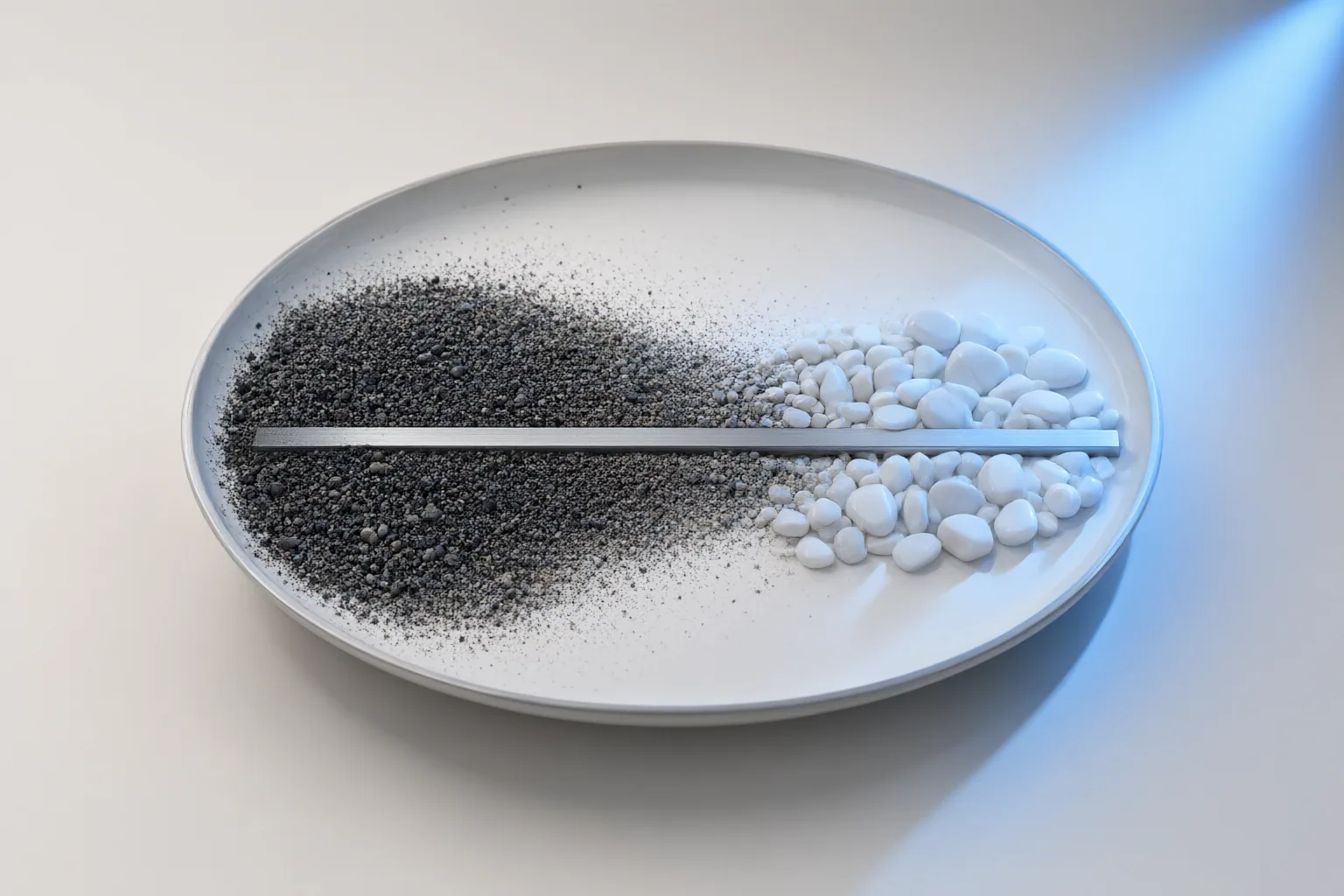
Seed determines the initial noise behind an AI image, guidance scale adjusts how strongly generation follows the prompt, and denoising strength controls how far an image-based edit can move away from its source. Understanding these separate roles makes results easier to reproduce, compare, and refine.
Seed Controls the Starting Noise and Repeatability
A seed is the numerical starting point used to create the initial noise pattern from which an image is generated. If you keep the seed, prompt, model, and other settings unchanged within a consistent setup, you can make the result reproducible. This is useful when you find a promising image and want to refine the workflow without immediately losing its underlying composition or interpretation.
Changing only the seed has a different purpose: it asks the system for another interpretation while preserving the written prompt and other settings. That makes seed changes a practical way to explore variations without rewriting the prompt. A random seed can be convenient during exploration, but failing to record a useful seed and its accompanying settings may prevent you from recreating the result later. Record the full setup rather than treating the seed alone as a complete recipe.

Guidance Scale Controls Prompt Adherence
Classifier-free guidance scale manages the balance between prompt adherence and creative deviation. Raising it pushes generation more strongly toward the prompt, while lower guidance allows more freedom in how the model interprets the request. The control is therefore about influence, not a simple measure of image quality.
Higher guidance is not automatically better. Excessive guidance can reduce diversity, introduce artifacts, or lower overall image quality. Instead of assuming that the largest available value will produce the most accurate result, compare changes while keeping the prompt, seed, model, and remaining settings fixed. This isolates the effect of guidance from other variables.
Guidance behavior also differs among diffusion systems. Some newer models manage it internally and do not expose a guidance-scale setting. Research into replacing guidance with a one-time refinement of the initial noise further shows that guidance and starting-noise behavior are active design choices, not identical controls across every model.
Denoising Strength Controls How Far an Edit Moves From Its Source
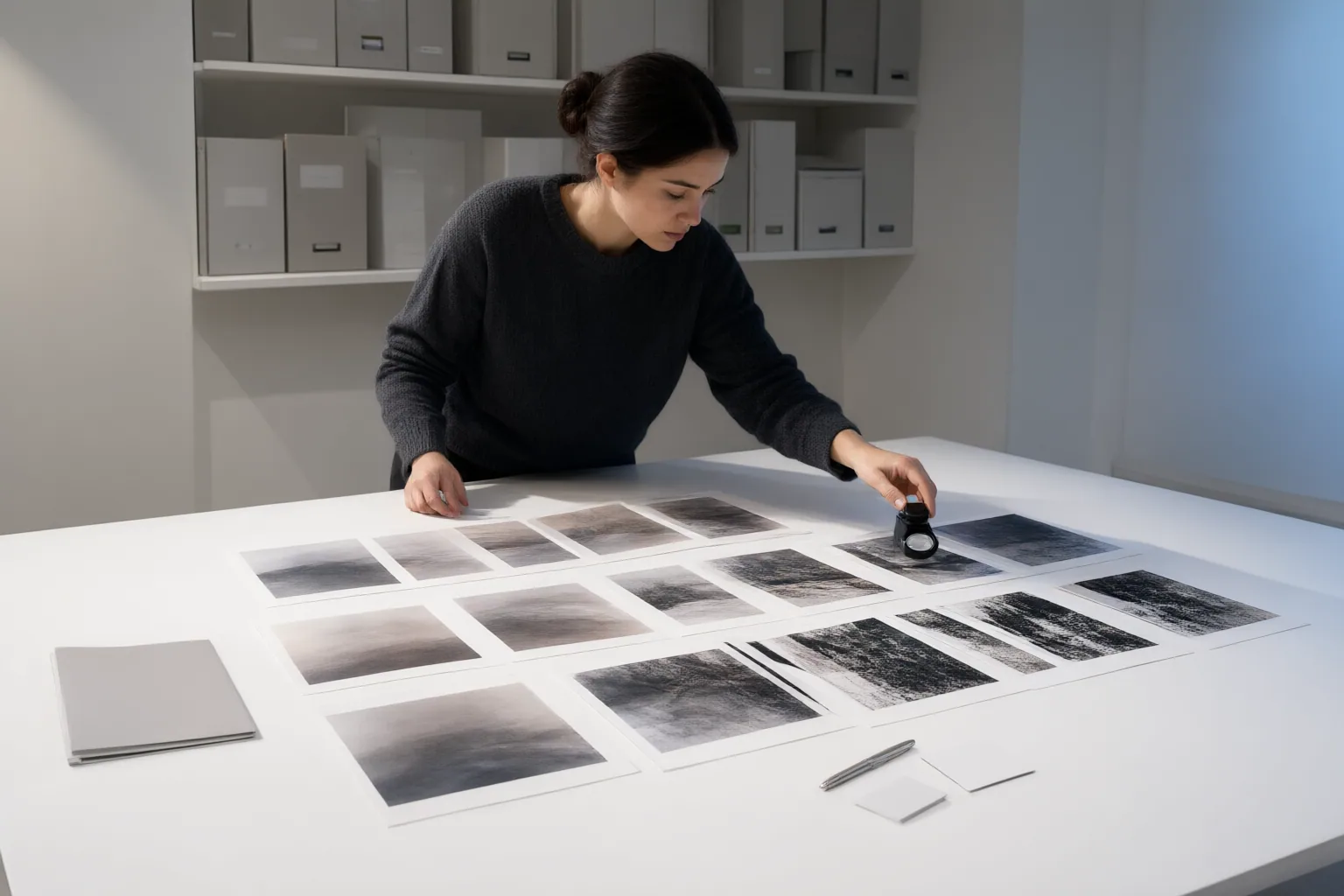
Denoising strength applies to image-conditioned tasks such as Stable Diffusion image-to-image generation and inpainting. It controls how much freedom the output has to depart from the input image. Lower values preserve more of the source, making them more suitable when the intended edit is restrained. Higher values allow a larger transformation and can cause the result to lose substantial resemblance to the reference.
The cited Stable Diffusion guide describes a scale from 0 to 1. At 0, no noise is added and the output is identical to the input. At 1, the input is treated like pure noise, so generation is driven primarily by the prompt. Values between those endpoints represent different balances between preservation and transformation.
There is no single correct denoising strength for every edit. The appropriate choice depends on whether the goal is a subtle correction, a moderate revision, or a major reinterpretation. The scale and its behavior are also model- and interface-dependent, so source-specific values should not be treated as universal recommendations.
Conclusion
The three controls solve different problems. Use the seed to preserve a starting-noise pattern or explore a new variation. Use guidance scale, when the model exposes it, to adjust the balance between prompt adherence and creative deviation. Use denoising strength in image-to-image or inpainting workflows to decide how much of the source image should survive the edit.
Avoid changing all three controls at once. Multiple simultaneous changes make it difficult to identify which adjustment improved the image or caused an unwanted result. Start by saving a useful configuration, including the prompt, model, seed, and other settings. Then change only one control at a time and compare how the output responds.
Disclosures and limitations
- This article was prepared with AI assistance using only the supplied research package and its cited source IDs. It contains no hands-on testing, pricing, rankings, user testimonials, or affiliate product recommendations.
Sources
- The 4 parameters that control every AI generation — modelBridge Docs
- A Noise is Worth Diffusion Guidance — arXiv.org
- AI Art Generation Handbook/Stable Diffusion settings – Wikibooks, open books for an open world — en.wikibooks.org
- Stable Diffusion Denoising Strength: All You Need to Know — aiarty.com
Explore the complete topic guide
Improve this guide
Report a problem or suggest the next question
Submissions enter a private editorial queue. They are reviewed and deduplicated before any public update or new page is created.