Open AIAI Voice Clone, upload an owned MP3 sample, enter English text and review the quote without generating cloned audio.
This guide prepares AIAI Voice Clone with a 38-second owned MP3, the Indextts-2 model and a manually typed 133-character English script. It does not create or evaluate a cloned voice.
- Intermediate
- English video + illustrated steps
- Observed September 19, 2026
- 0 generation jobs
Disclosure: eWiki has a business relationship with AIAI. See our disclosure. Interface labels and quotes can change.
Watch the walkthrough
Real continuous window recording with reviewed waiting intervals accelerated. English narration uses en-US-JennyNeural. Zooms and pointer guides are editorial annotations, not recorded cursor telemetry.
1. Prepare an authorized sample
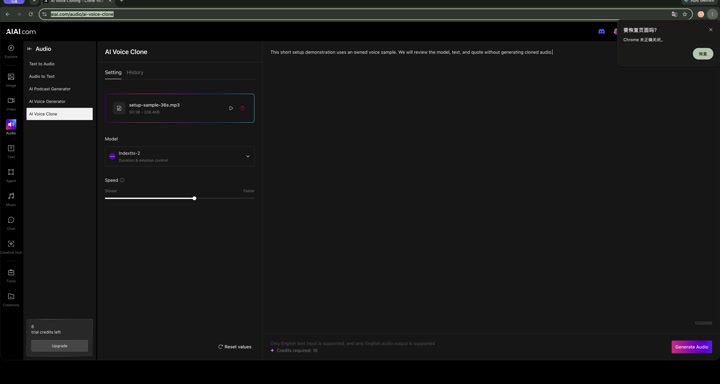
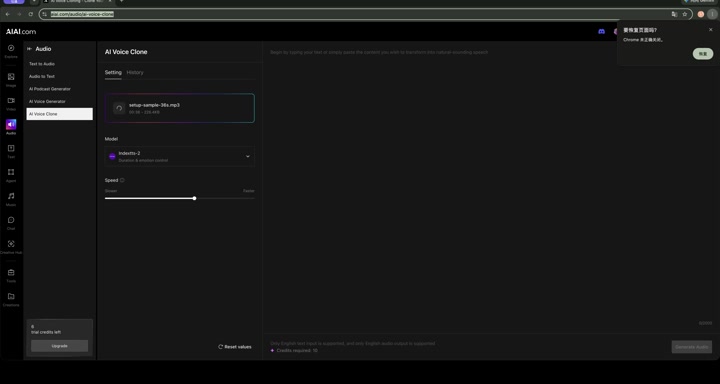
Use a clear recording of a voice you own or have explicit permission to clone. The visible upload area listed a 5MB limit and MP3 support. Our local demonstration file was setup-sample-36s.mp3, shown as 00:38 and 226.4KB.
2. Review model and language
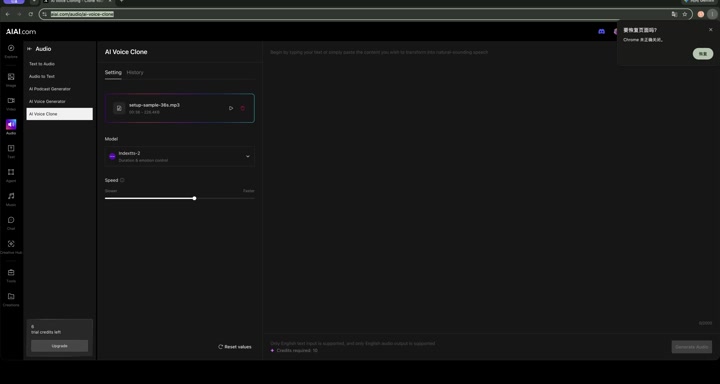
Our session kept Indextts-2, described as supporting duration and emotion control. The speed slider remained at its default center position. AIAI stated that this mode accepts English text only and produces English output only.
3. Review the quote and stop
The completed setup displayed Credits required: 10. This is a quote, not a charge. We did not click Generate Audio, preview a voice, or download a result.
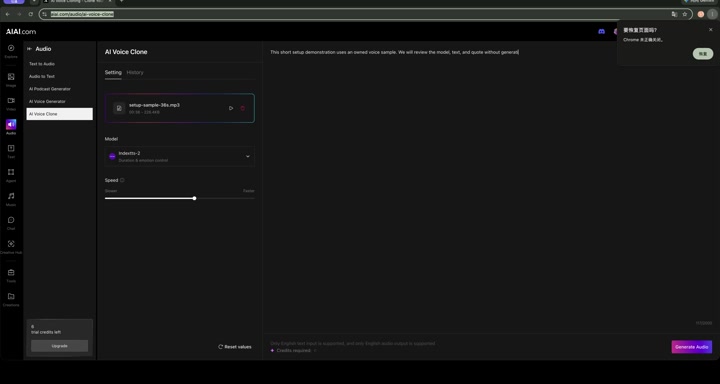
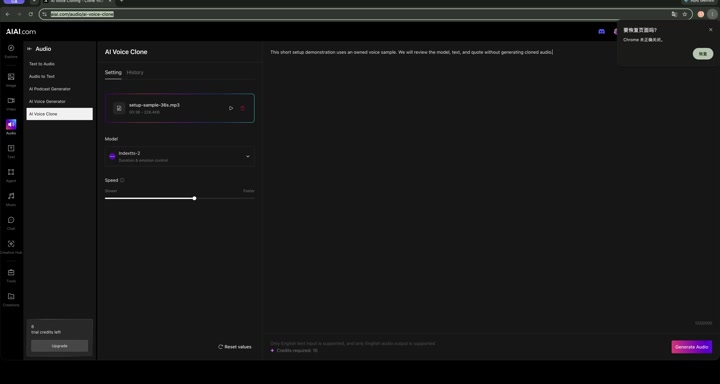
Open AIAI Voice Clone with an authorized sample. Check consent, language support and the current quote before any future generation.
Before you continue
| Question | What to check |
|---|---|
| Whose voice can I clone? | Use your own voice or obtain documented permission from the rights holder. Do not impersonate another person. |
| How long should the sample be? | AIAI’s page recommends at least 30 seconds for quality; our valid setup sample was 38 seconds. Quality was not tested. |
| Can I use another language? | The observed mode said English input and output only. Multilingual behavior was not tested. |
| How natural is the clone? | Unknown here. No cloned audio was generated. |
Session notes
Recorded in signed-in desktop Chrome on September 19, 2026. Actions: upload-rules review, owned MP3 upload, model and speed review, manual English script entry, quote review. Generation count 0; credits consumed 0; displayed balance 6 → 6. No assistant request, translation, voice preview, payment, result generation or download was submitted.
Improve this guide
Report a problem or suggest the next question
Submissions enter a private editorial queue. They are reviewed and deduplicated before any public update or new page is created.