AIAI Squish Effect Tutorial: Image Setup and Quote
Setup only — no generation submitted. This walkthrough prepares an AIAI form and stops before Generate. It does not evaluate output quality.
Follow with your own properly licensed files, then stop after reviewing the quote.
Watch the walkthrough
Real continuous macOS Chrome window recording with reviewed waiting intervals accelerated. English narration uses en-US-JennyNeural. Zooms and pointer guides are editorial annotations, not recorded cursor telemetry.
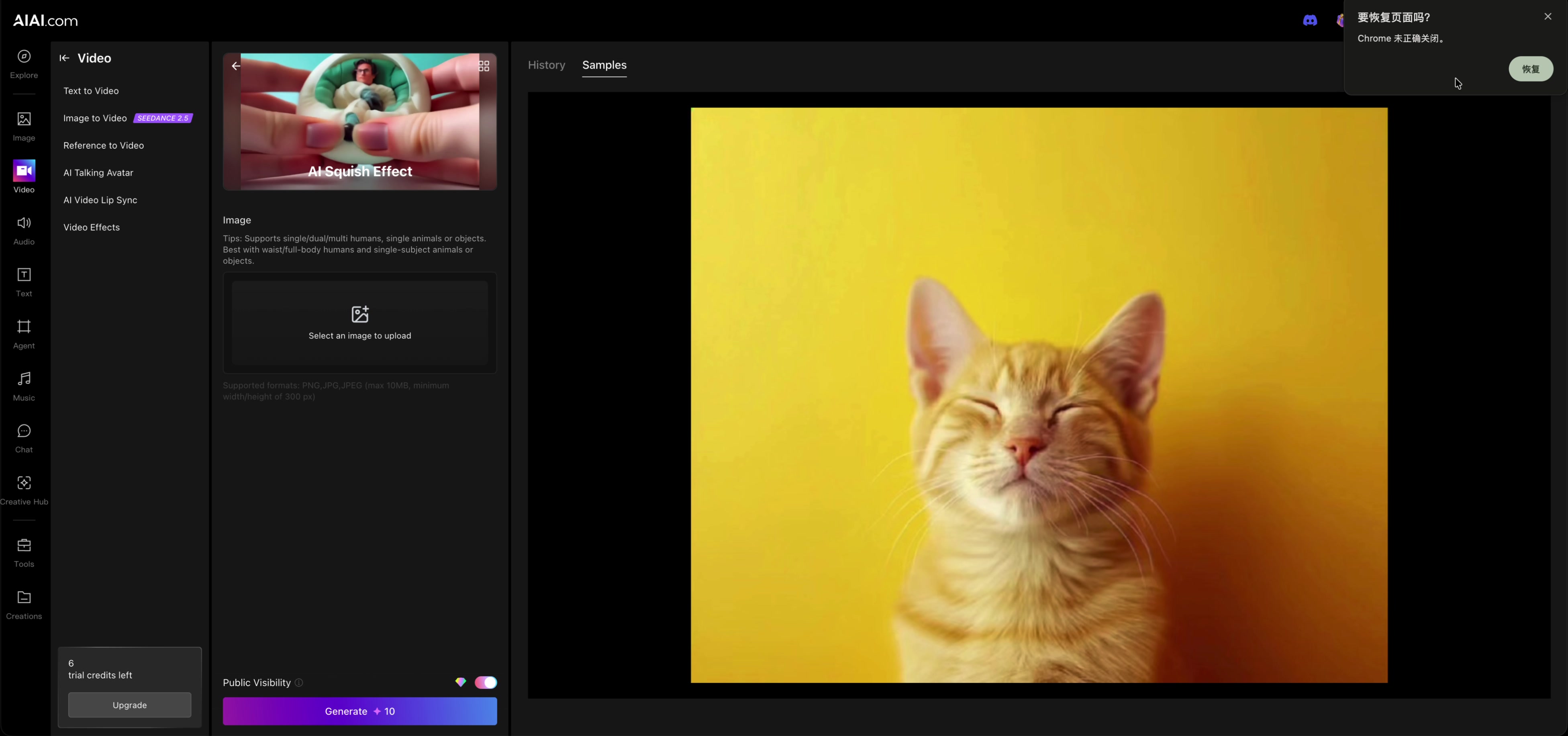
2. Start from a clean effect form
The form supports single, dual, or multiple humans and single-subject animals or objects. Waist or full-body shots are recommended.
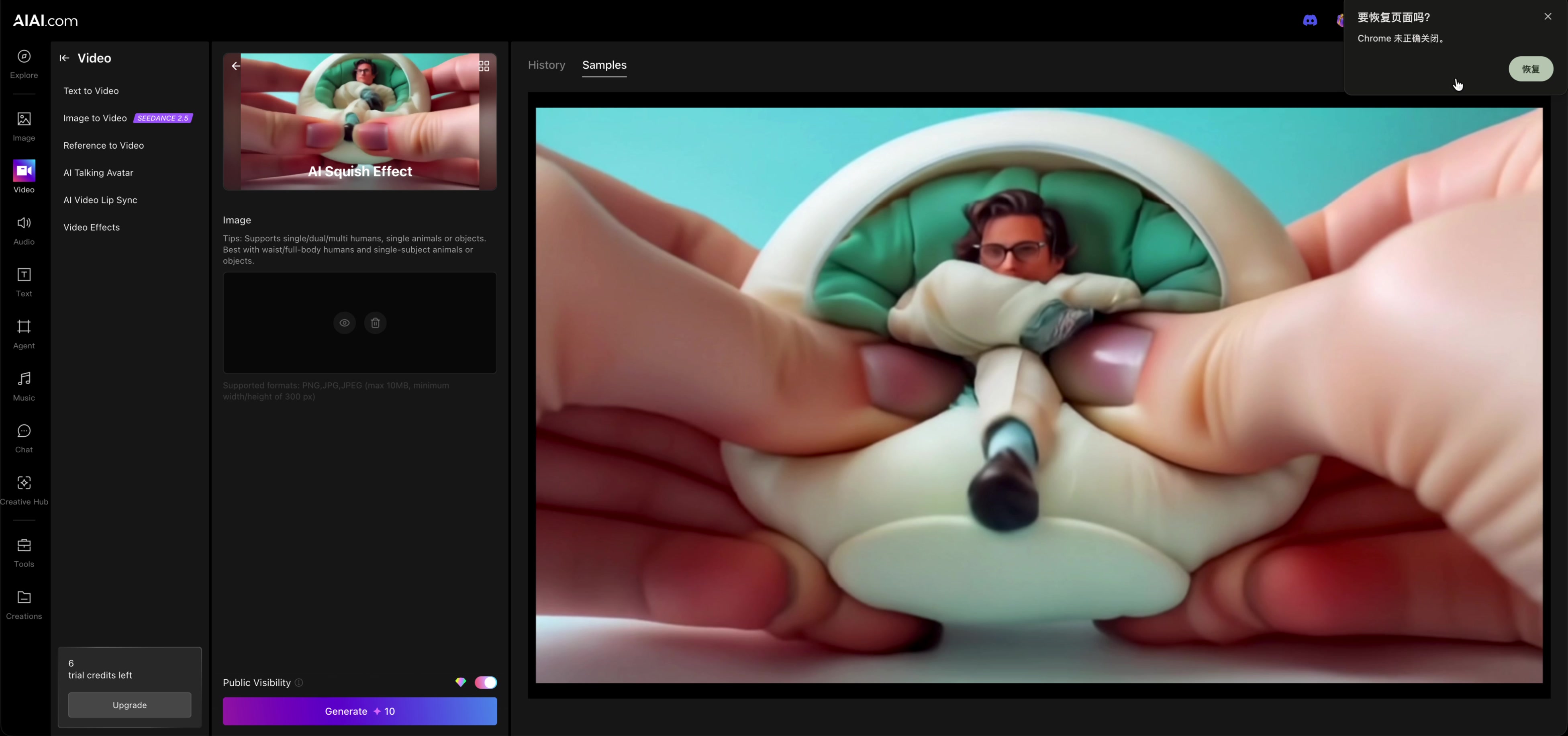
3. Upload a suitable owned image
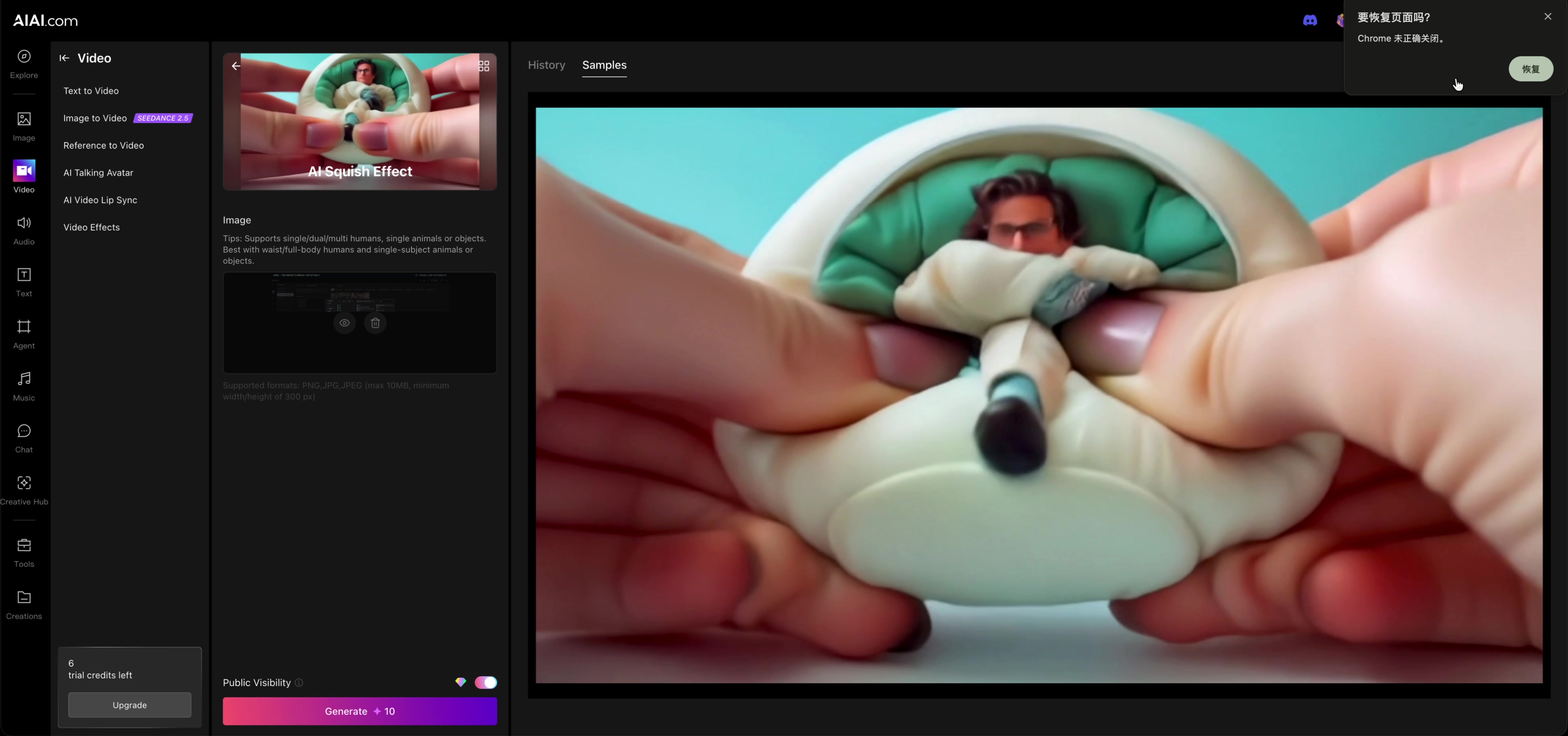
We uploaded a 720 × 405 JPG and let AIAI display its remote input thumbnail.
4. Check the input and visibility
The thumbnail was observed without editing the image. Public Visibility remained on and unchanged.
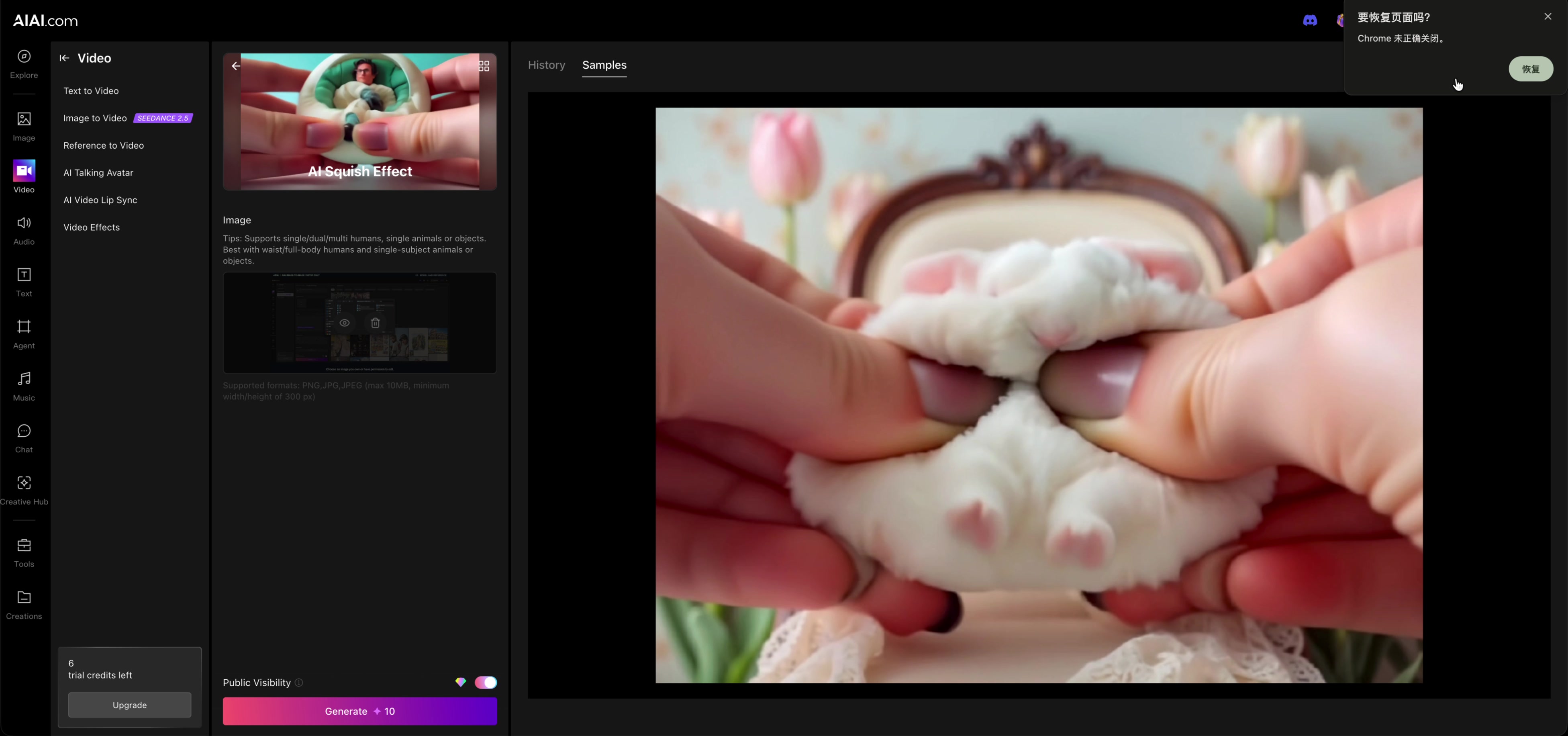
5. Review the quote
The form displayed Generate 10. That quote does not consume credits by itself.
6. Stop before generation
Generate was not clicked. The balance remained six and no squish video was created.
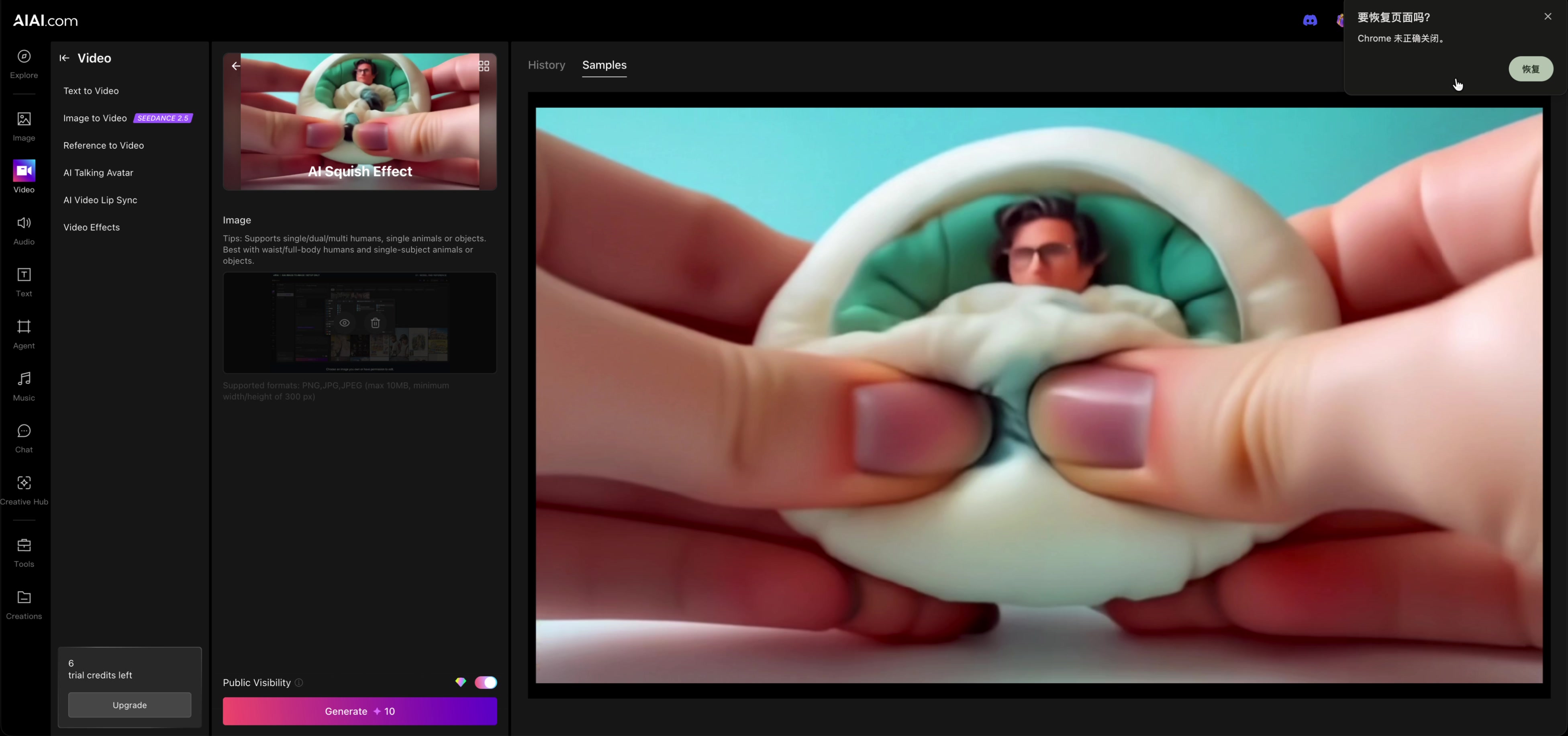
Open the tool with suitable material you own, review its current limits and quote, and stop before generating.
Before you continue
| Question | What to check |
|---|---|
| Can I use this file? | Confirm type, dimensions, duration, size and ownership before uploading. |
| Why did the quote change? | Quotes can vary by input, settings, plan and product updates. |
| What did this test not assess? | No output was generated, reviewed or downloaded, so quality is unknown. |
Session notes
Recorded in signed-in desktop Chrome on September 20, 2026. Actions: reloaded a clean form, uploaded an owned 720 × 405 JPG, reviewed the remote thumbnail, Public Visibility and quote. Generation count 0; credits consumed 0; displayed balance 6 → 6. No assistant request, translation, playback, visibility change, payment, result generation or download was submitted.
Improve this guide
Report a problem or suggest the next question
Submissions enter a private editorial queue. They are reviewed and deduplicated before any public update or new page is created.