Open AIAI Text to Audio, review the model and voice, then add a short script without submitting a generation.
This guide prepares AIAI Text to Audio with the Eleven Multilingual V2 model, the Rachel voice and a manually typed 146-character script. It does not create or evaluate speech.
- Beginner
- English video + illustrated steps
- Observed September 19, 2026
- 0 generation jobs
Disclosure: eWiki has a business relationship with AIAI. See our disclosure. Interface labels and quotes can change.
Watch the walkthrough
Real continuous window recording with reviewed waiting intervals accelerated. English narration uses en-US-JennyNeural. Zooms and pointer guides are editorial annotations, not recorded cursor telemetry.
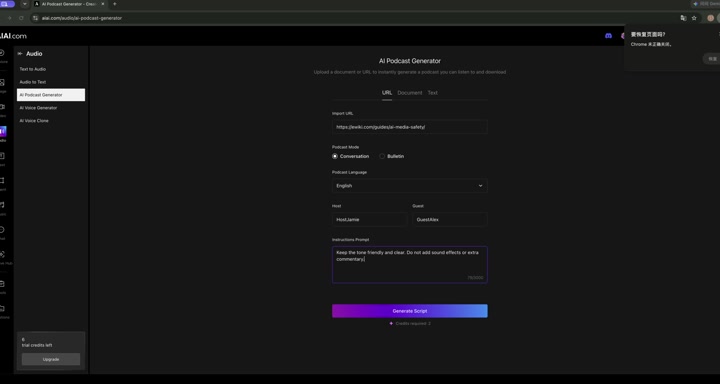
1. Check model and voice
Our session used Eleven Multilingual V2 with the label “Multilingual, global reach.” The visible voice was Rachel, and the speed control remained at its default center position.
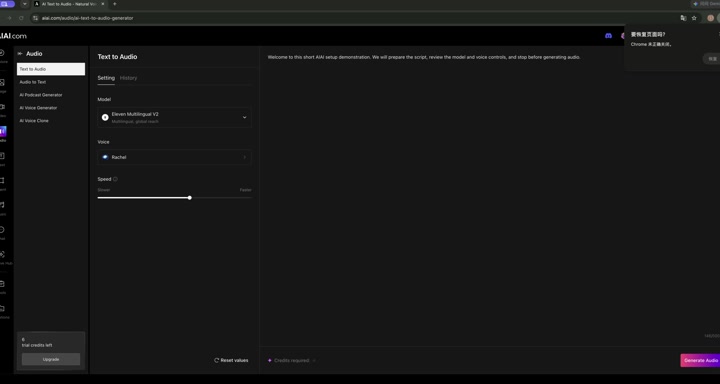
2. Enter a short owned script
Type or paste material you own or have permission to convert. Our demo text was written manually for this lesson: it explains that the project will be prepared without generating audio. The counter read 146/5000.
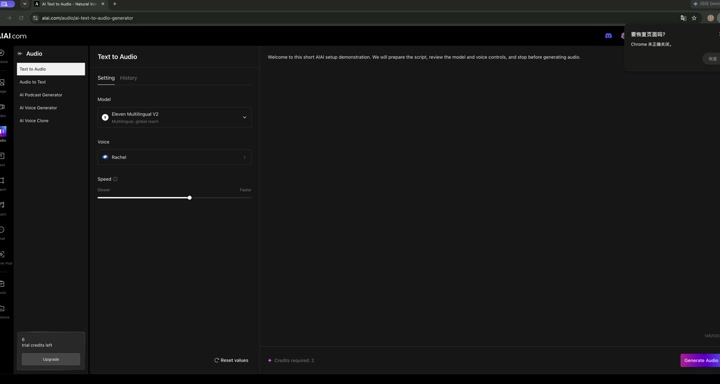
3. Review the quote and stop
The completed form displayed Credits required: 2 and enabled Generate Audio. A quote is not a charge. We did not click the button, play a result or download a file.
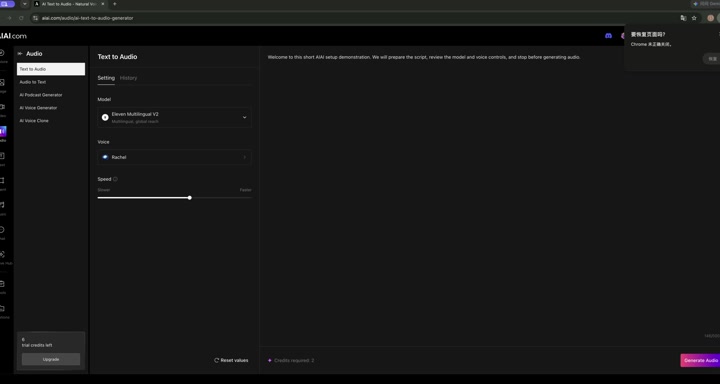
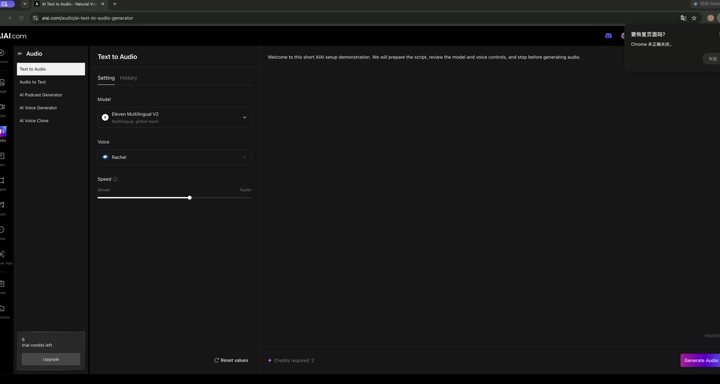
Open AIAI Text to Audio with your own script. Check voice, language and quote before any future generation.
Before you continue
| Question | What to check |
|---|---|
| Can I use any script? | Use text you own or have permission to convert, and follow the platform’s current policy. |
| Which language should I choose? | Match the language and accent to your script. We did not test every voice or language. |
| Why did the quote change? | Quotes can depend on script length, model, voice, plan or product changes. |
| How natural is the speech? | Unknown here. No audio was generated or reviewed. |
Session notes
Recorded in signed-in desktop Chrome on September 19, 2026. Actions: model and voice review, manual script entry, quote review. Generation count 0; credits consumed 0; displayed balance 6 → 6. No assistant request, translation, playback, payment, result generation or download was submitted.
Improve this guide
Report a problem or suggest the next question
Submissions enter a private editorial queue. They are reviewed and deduplicated before any public update or new page is created.