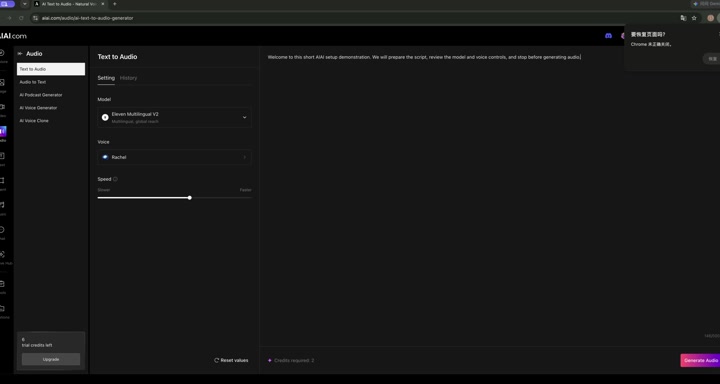
Open AIAI Audio to Text, check supported formats, upload a short owned file and stop before transcription starts.
This guide prepares AIAI Audio to Text with a six-second owned MP3. It does not submit the file for transcription or evaluate transcript accuracy.
- Beginner
- English video + illustrated steps
- Observed September 19, 2026
- 0 generation jobs
Disclosure: eWiki has a business relationship with AIAI. See our disclosure. Interface labels and quotes can change.
Watch the walkthrough
Real continuous window recording with reviewed waiting intervals accelerated. English narration uses en-US-JennyNeural. Zooms and pointer guides are editorial annotations, not recorded cursor telemetry.
1. Check the upload rules
The form accepted a click or drag upload and listed a maximum of 1 GB and up to 4.5 hours. Supported inputs included .mp3, .wav, .m4a, .ogg, .flac and .aac.
2. Upload the sample
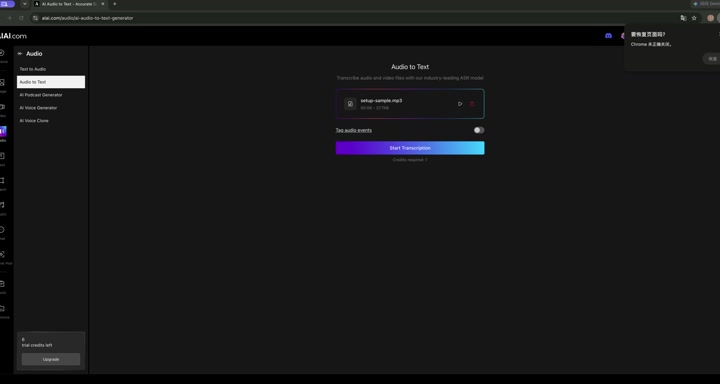
We selected the existing setup-sample.mp3. AIAI displayed 00:06 and 37.7KB, confirming that the input had been accepted. The file was not played.
3. Review the quote and stop
Tag audio events stayed optional and unchanged. The completed setup displayed Credits required: 1. We did not click Start Transcription.
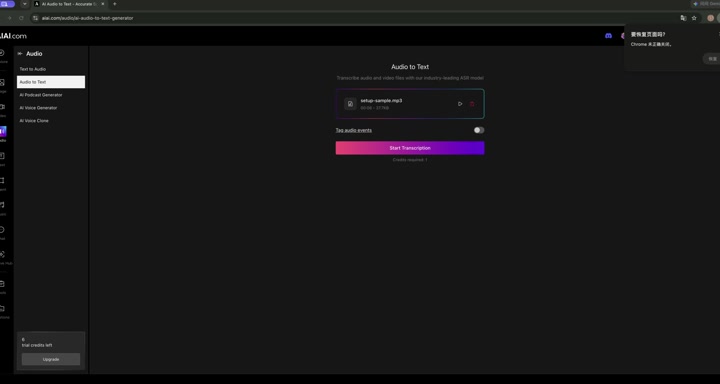
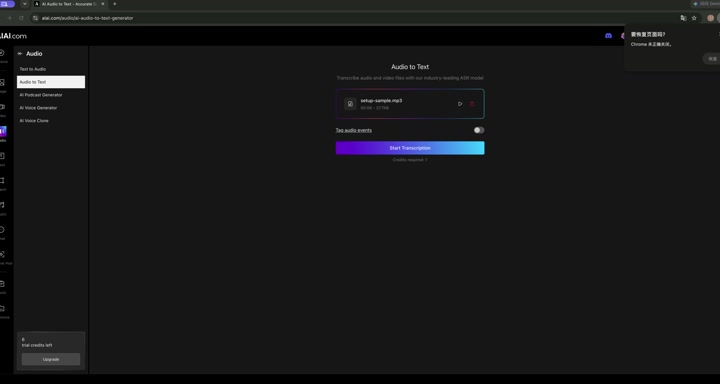
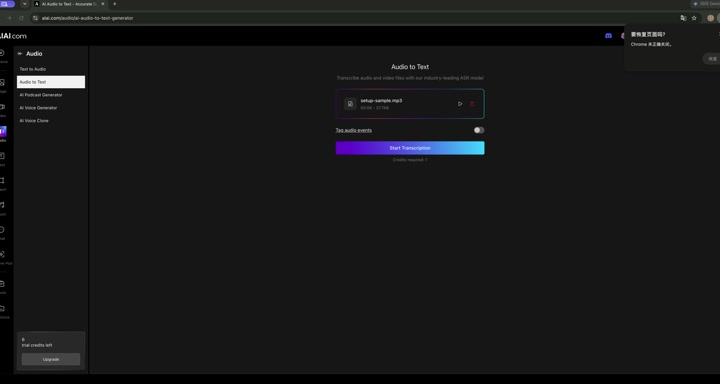
Open AIAI Audio to Text with an owned recording. Check quality, permissions and the current quote before any future transcription.
Before you continue
| Question | What to check |
|---|---|
| Can I use any recording? | Use audio you own or have permission to transcribe, and follow the platform’s current policy. |
| Which format is best? | The supported list is visible before upload. We did not compare formats or recognition quality. |
| What are audio-event tags? | The setting was visible but not changed or tested in this setup-only session. |
| How accurate is the transcript? | Unknown here. No transcription was submitted. |
Session notes
Recorded in signed-in desktop Chrome on September 19, 2026. Actions: upload-rules review, existing MP3 upload, metadata review, optional-setting review, quote review. Generation count 0; credits consumed 0; displayed balance 6 → 6. No transcription, translation, playback, payment or download was submitted.
Improve this guide
Report a problem or suggest the next question
Submissions enter a private editorial queue. They are reviewed and deduplicated before any public update or new page is created.