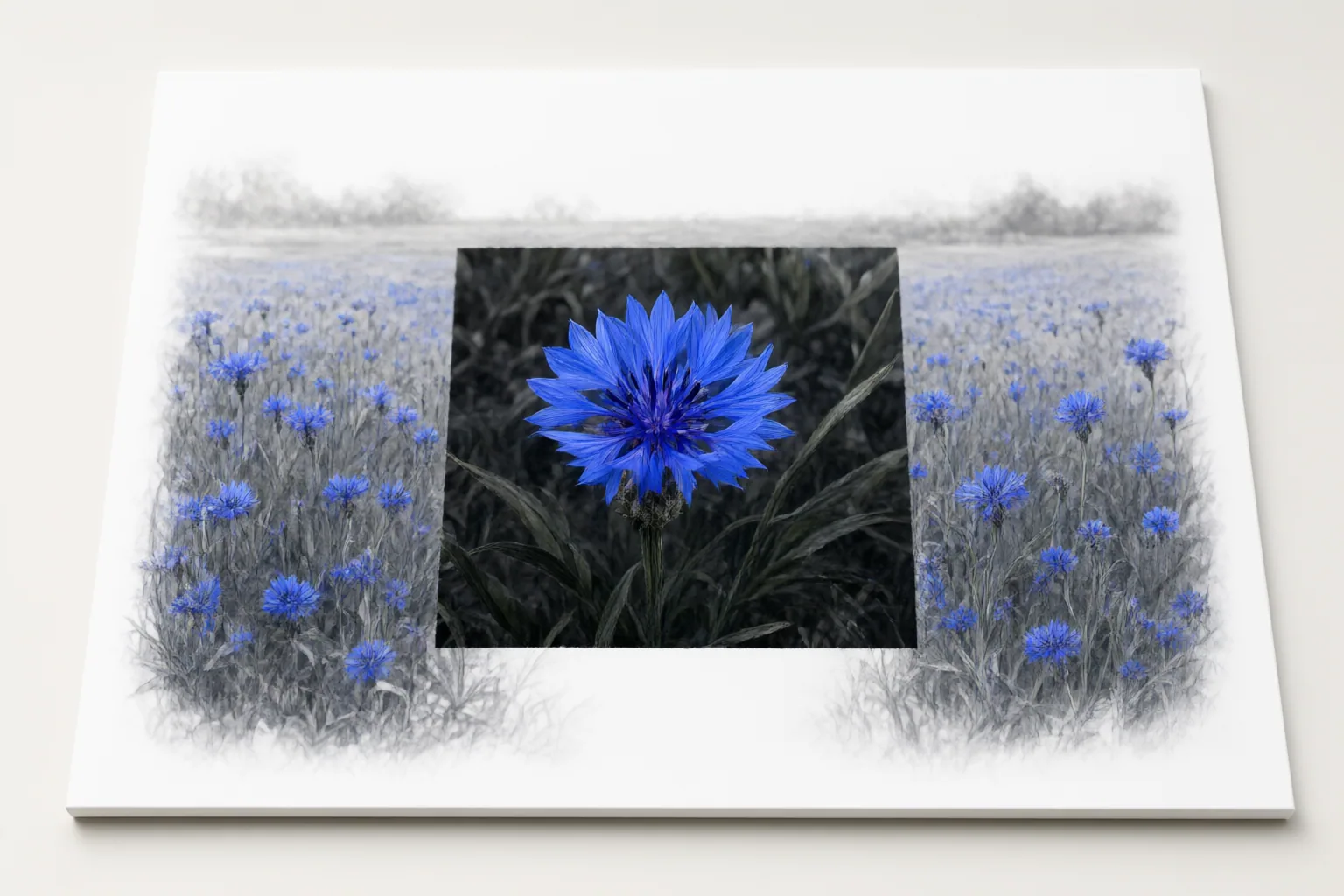
Outpainting uses AI to add canvas beyond an image’s existing borders and generate surrounding content informed by the original scene. It is most useful when you need a different aspect ratio, a looser composition, or more background space for text or branding.
What outpainting does to an image
Outpainting extends an image beyond its original boundaries. The system analyzes the existing scene and generates content for the newly added canvas, with the intended goal of matching elements such as style, lighting, and composition.
In one publisher-described implementation, the source image is placed inside a larger canvas with a new aspect ratio. The tool fills the empty surrounding area while leaving the original pixels unchanged. This differs from cropping, which removes content to fit a frame: outpainting creates additional scene around the existing picture. It is also more specific than simply making an image larger because the added area contains generated visual content rather than only resized pixels.
When extending the canvas is useful
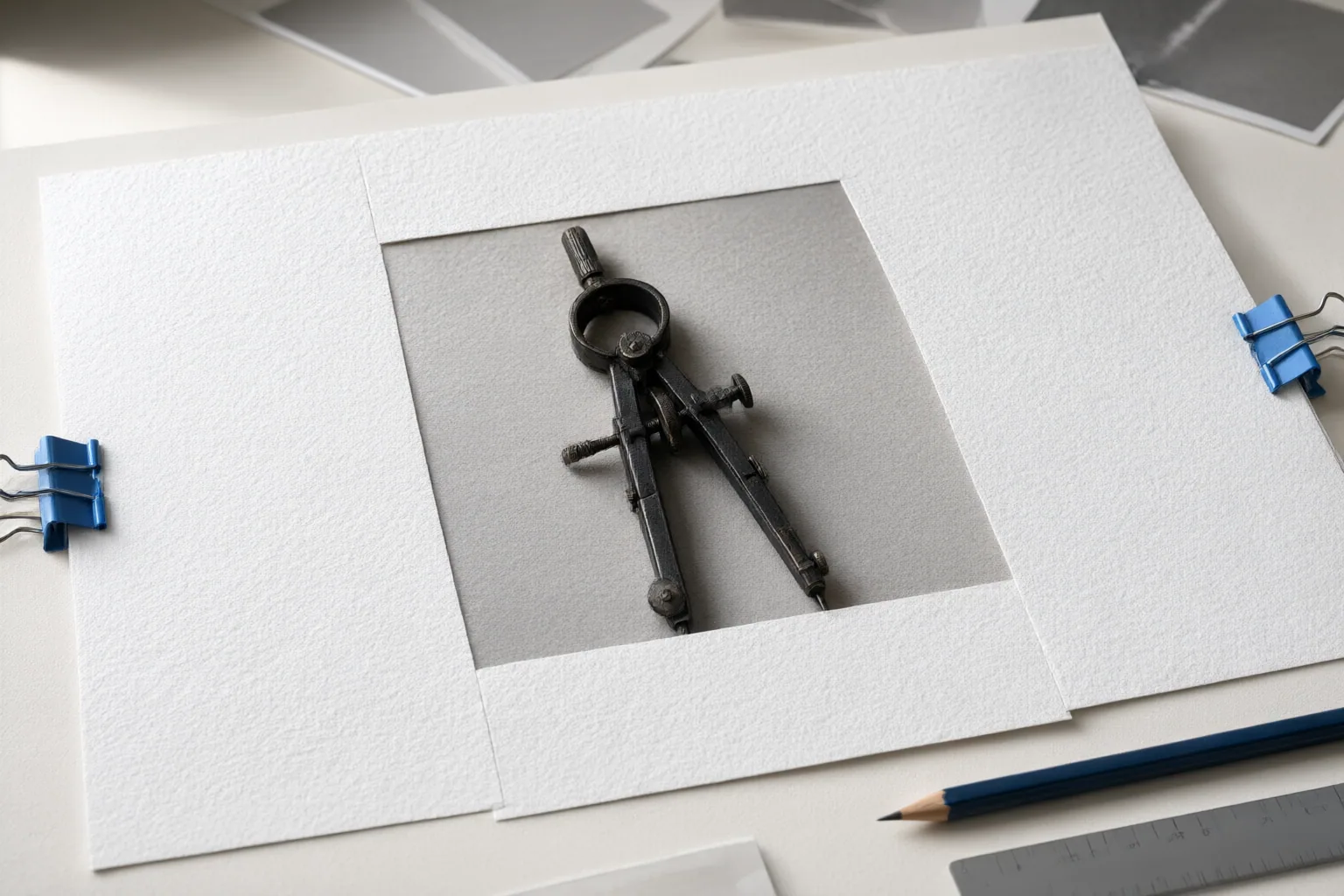
Extend the canvas when the existing image contains the subject you want but does not provide enough scene around it for the required layout. Common examples described by the sources include adapting an image for a banner, social post, advertisement, thumbnail, cover, or ecommerce visual.
A new aspect ratio may otherwise force you to crop important material. Outpainting can instead add space on selected sides, helping retain the original subject while filling a wider or taller frame. It can also loosen an uncomfortably tight crop.
Another practical use is creating background room for a headline or logo. If placing text over the original would cover the subject, repositioning the picture within an expanded frame can reserve a clearer area for that content. Outpainting is less relevant when the actual goal is to remove unwanted material; its core purpose is adding surrounding scene.
How a typical outpainting workflow works
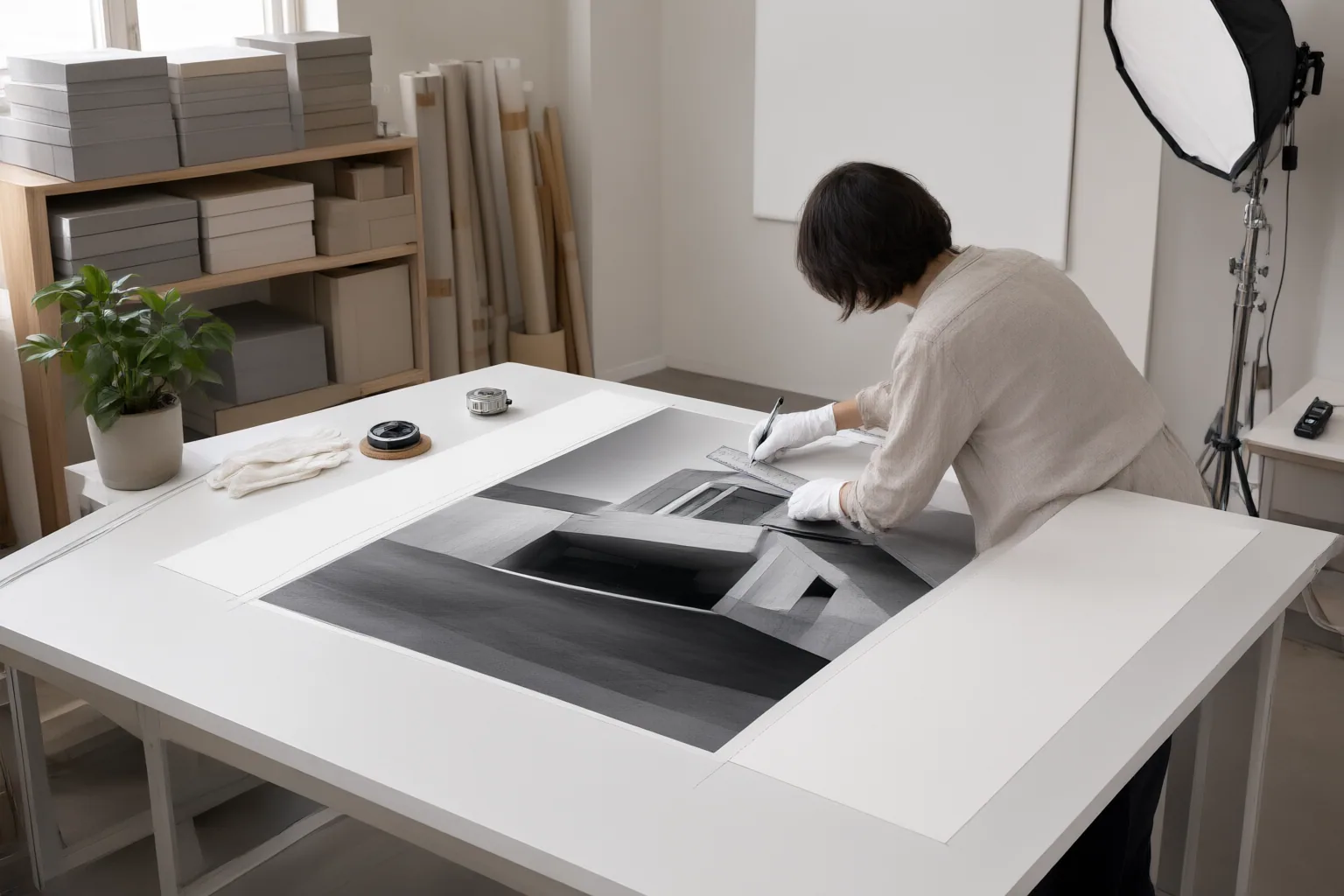
A typical workflow begins by uploading an existing image. You then choose where the canvas should expand or select a preset target aspect ratio. Some interfaces also let you reposition the original image within the new frame, which determines how much empty space appears on each side.
Next, you may enter a text prompt describing what should appear in the extension. The system generates content for the empty area around the source picture. The cited tools vary in their controls: some emphasize a simple upload, prompt, and download sequence, while others provide direction, ratio, positioning, and optional prompt settings.
Before accepting the output, compare the generated region with the original image, especially where the two meet. A larger extension asks the system to invent more of the scene, so testing a limited expansion first provides a focused result to review.
Conclusion
Canvas extension is appropriate when you need more visual space around an existing subject—for a new aspect ratio, a less restrictive crop, or room for a headline or logo. It preserves more of the source composition than solving the layout problem through cropping alone.
Inspect the boundary between original and generated content, along with lighting, color, texture, perspective, and overall composition. The supplied publishers present visual consistency and seamlessness as intended outcomes, but those quality claims were not independently verified and should not be treated as guarantees.
Choose one tightly cropped image, define the required output ratio and placement space, and test a small extension. Review the result carefully before committing it to the final asset.
Disclosures and limitations
- This article was drafted with AI assistance using only the supplied research package. Its factual claims come from first-party tool or service pages observed on September 15, 2026.
- The source claims about seamlessness and output quality were not independently verified. No product rankings, prices, paid recommendations, or affiliate offers are included.
Sources
- Free AI Outpainting – Expand Images Online | Magic Hour — Magic Hour AI
- Free AI Outpainting Online – Expand Images Beyond Frame | PxBee — pxbee.com
- AI Outpainting | Expand Pictures to Any Aspect Ratio | getimg.ai — getimg.ai
- Free AI Outpainting Tool | Rewind.ai — Rewind.ai
- Free AI Outpainting Online — Extend Any Image | Chroma Studio — chromastudio.ai
- Free AI Outpainting Tool: Restore, Extend, and Refine Your Photos — Pippit
Explore the complete topic guide
Improve this guide
Report a problem or suggest the next question
Submissions enter a private editorial queue. They are reviewed and deduplicated before any public update or new page is created.