
Choose raster output for photographs and other detailed, continuous-tone images delivered at known pixel dimensions. Choose vector output for shape-based artwork that must scale cleanly or retain editable paths. Before buying an AI image tool, verify its actual exports against your destination applications and production requirements.
Raster and Vector Output: The Practical Difference
Raster graphics store an image as a grid of pixels. This representation generally suits photographs, screenshots, textures, and other imagery with complex or continuously varying detail. Its quality at a given size depends on the available pixel information; enlarging it too far can expose blur or pixelation.
Vector graphics describe artwork with points, paths, curves, shapes, or mathematical instructions. They can be rendered at substantially different sizes without the same resolution-dependent loss of edge quality, making them a natural fit for logos, icons, geometric illustrations, and technical artwork.
Neither representation is universally better. The useful question is whether the structure of the exported file matches the content, editing needs, and final deliverable.
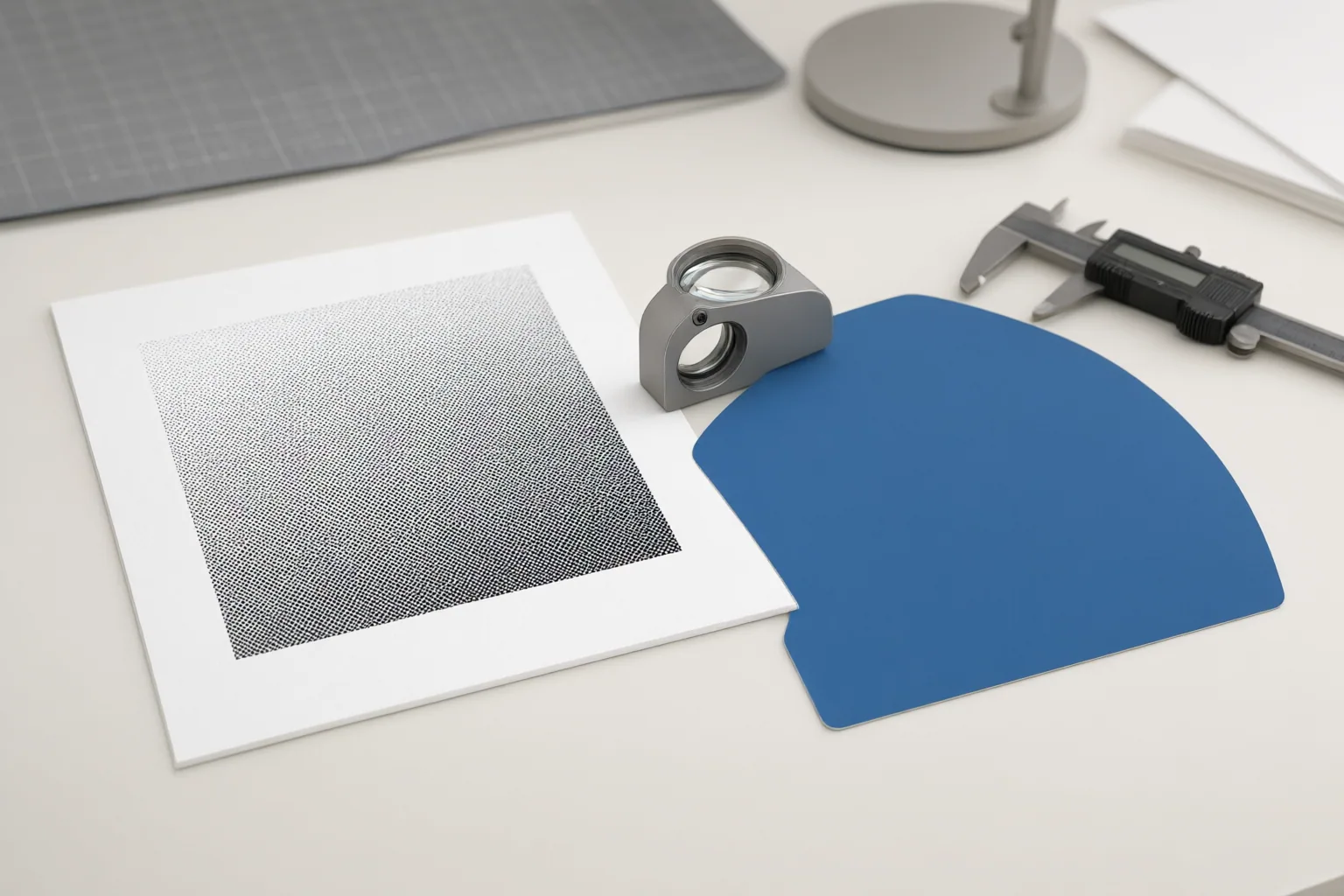
Match the Output Type to the Job
Use raster output when the deliverable is pixel-based and its required dimensions are known—for example, a photograph, screenshot, or texture-rich image prepared for a particular web, social, or print placement. Check the target pixel dimensions because resolution affects visible quality, while both dimensions and quality choices can affect file size.
Favor vector output when artwork must remain sharp across very different sizes or when a downstream workflow needs editable paths. Logos, icons, geometric designs, and technical graphics commonly fit this pattern. This can matter when the same design will appear in small digital placements and larger applications such as packaging or signage.
Some workflows need both: a vector master for editing and scaling, followed by raster exports rendered at the dimensions required by each destination. Confirm that every receiving application can use the supplied format; otherwise, an additional export or conversion step may be necessary.
What Buyers Should Verify Before Choosing a Tool
Evaluate representative exports rather than relying only on a format name or marketing label. Use this checklist:
- List the formats, pixel dimensions, physical sizes, and editing requirements for every delivery channel.
- Open sample exports in the applications that will receive them.
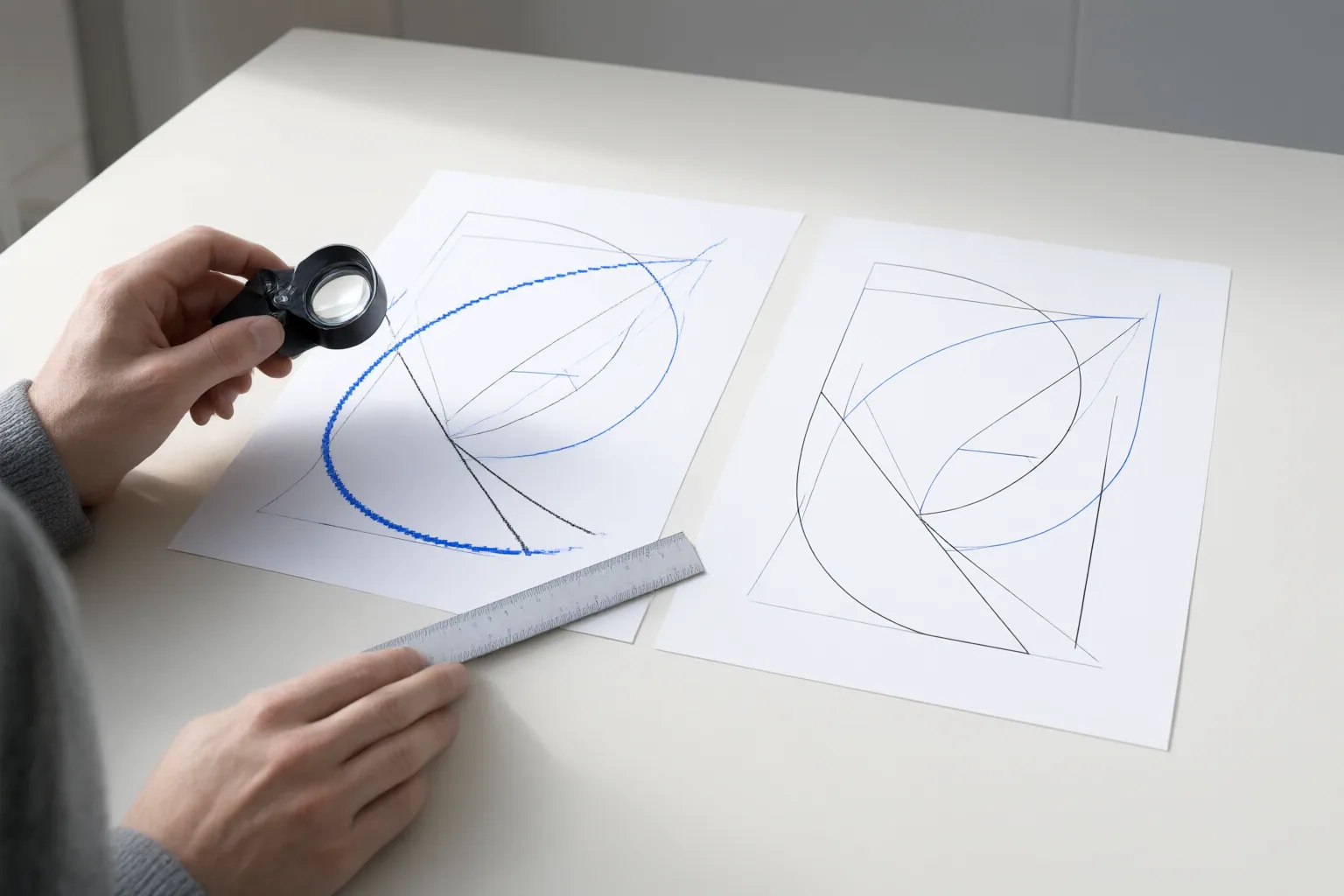
- Enlarge raster files to the required output size and inspect them for blur or pixelation.
- For vector deliverables, verify that the file contains usable paths and that those paths remain editable where needed.
- Inspect PDF and EPS files instead of assuming they are vector; either container may include bitmap content.
- Check whether platforms requiring fixed raster dimensions can accept the exports without an avoidable conversion step.
Common raster formats include JPEG, PNG, GIF, TIFF, and WebP. Vector-capable formats include SVG, EPS, AI, PDF, and DXF, but the extension alone does not prove that the underlying artwork is vector-based.
Converting vector artwork to raster is a rendering step performed at a chosen resolution. Going in the other direction is less dependable: reconstructing clean paths from pixels may involve approximation or manual redrawing, particularly for complex imagery. If editable paths are essential, verify them in the original export instead of assuming they can be recovered later.
Conclusion
Choose raster for complex pixel-based imagery delivered at defined dimensions, vector for shape-based artwork that must scale or preserve editable paths, and both when a workflow requires flexible reuse. No tool-specific capabilities, quality, prices, or benchmarks can be inferred from these format fundamentals. Before buying, list your required sizes, formats, editing needs, and destination applications, then test representative exports in those applications.
Disclosures and limitations
- This article was prepared with AI assistance from the supplied educational and vendor-authored research sources. It does not independently verify any specific AI image tool’s features, prices, benchmarks, or output quality.
- No products or affiliate recommendations are included. If commercial recommendations are added later, relevant relationships and tool-specific evidence should be disclosed and verified.
Sources
- Vector vs Raster Graphics – GeeksforGeeks — GeeksforGeeks
- Vector vs Raster in GIS: What's the Difference? – GIS Geography — GIS Geography
- Vector vs Raster Images: The Complete 2026 Guide to File Types, Quality and When to Use Each — digitalpolo.com
- Vector VS Raster: Differences, File Types, Uses, Pros & Cons — SVGator
- Free Vector to Raster Converter | SVG, EPS, DXF to PNG, JPG | PortImg — PortImg
Improve this guide
Report a problem or suggest the next question
Submissions enter a private editorial queue. They are reviewed and deduplicated before any public update or new page is created.