Open AI Video Lip Sync on AIAI, upload a short video and matching audio, then review the mode and quote without starting a job.
This guide prepares AIAI AI Video Lip Sync from one existing five-second video and one existing audio file. It does not test lip-sync quality or produce a result.
- Beginner
- English video + illustrated steps
- Observed September 19, 2026
- 0 generation jobs
Disclosure: eWiki has a business relationship with AIAI. See our disclosure. Interface labels and quotes can change.
Watch the walkthrough
Real continuous window recording with reviewed waiting intervals accelerated. English narration uses en-US-JennyNeural. Zooms and pointer guides are editorial annotations, not recorded cursor telemetry.
1. Start from a clean form
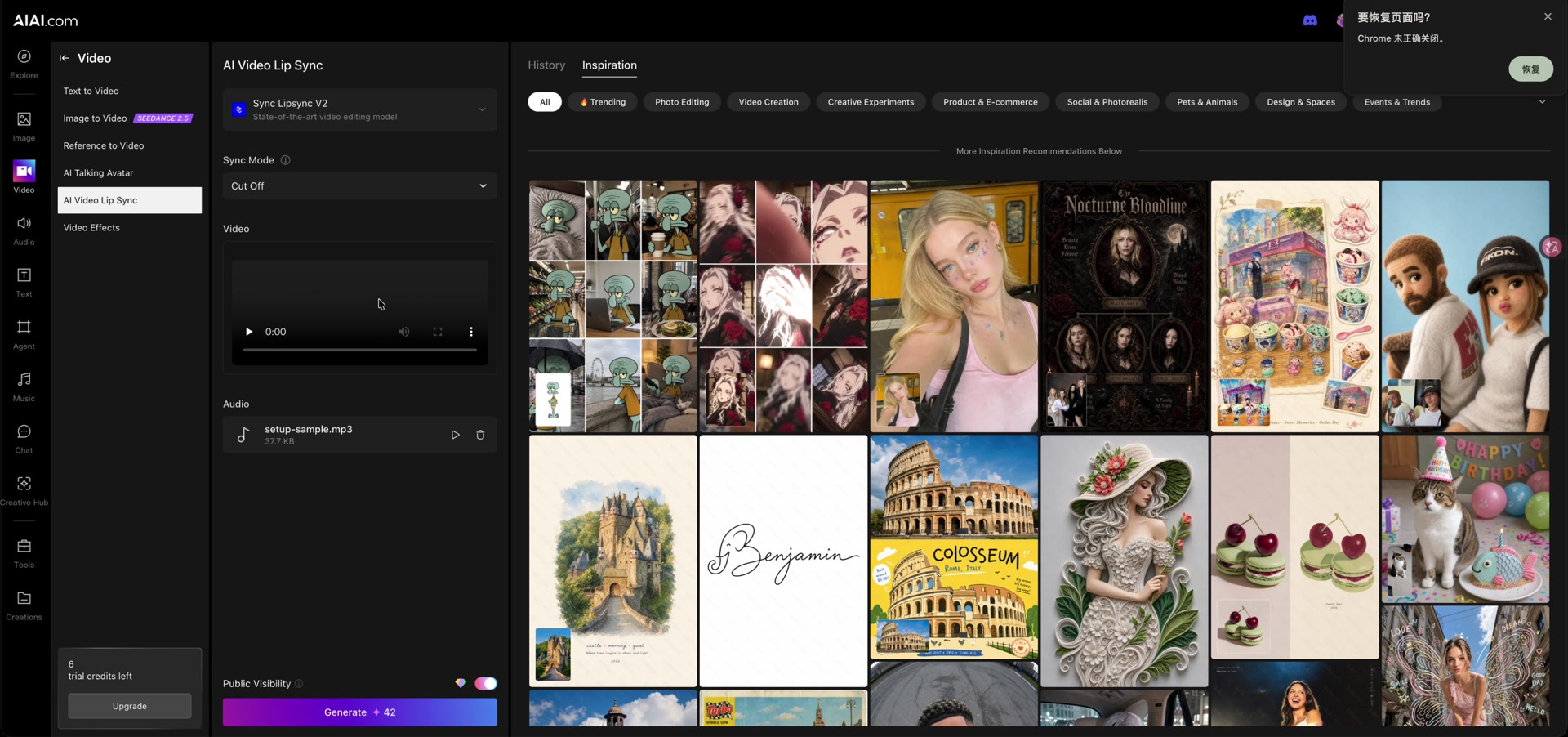
The recording reloads the page so the lesson starts from an empty form. Our session used Sync Lipsync V2 with Cut Off selected. Other modes may behave differently and were not tested.
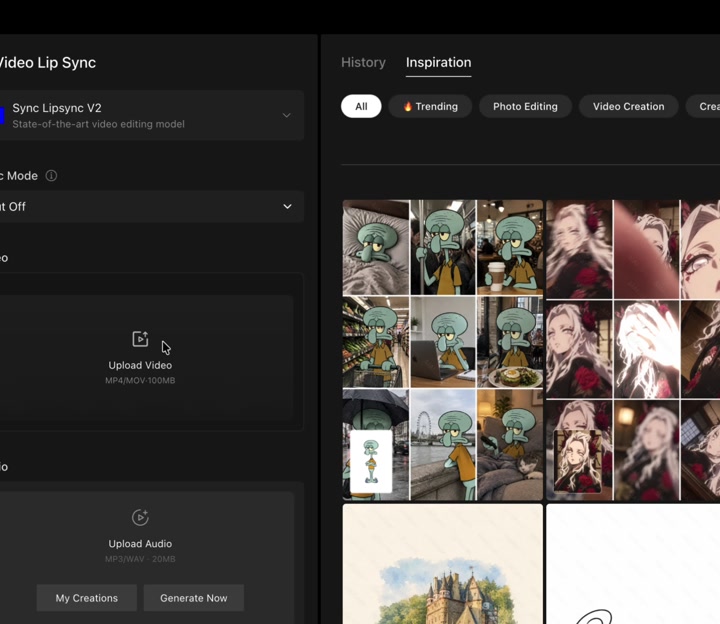
2. Upload a short video
Choose an MP4 or MOV you own or have permission to edit. We uploaded the existing five-second, 720 × 720 setup-sample.mp4. The form listed MP4 and MOV support with a 100 MB label; always check the current limit.
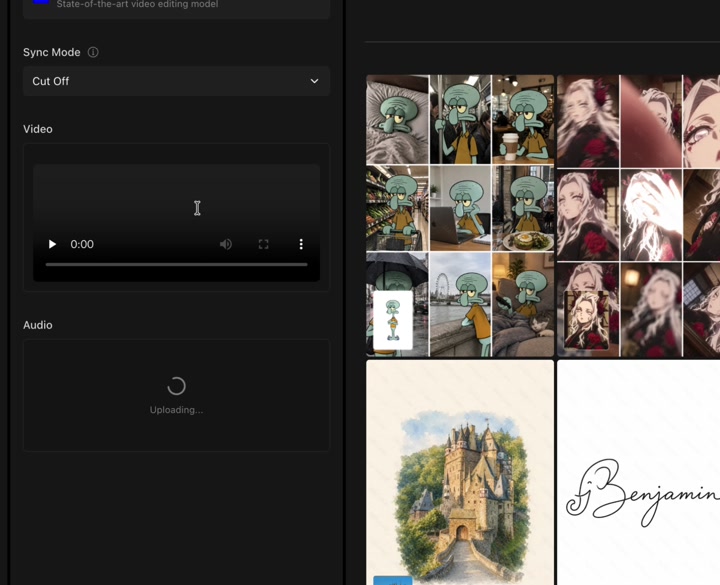
3. Add matching audio
Upload the voice track that should drive the mouth movement. We added setup-sample.mp3 without playing it. Check that its language, timing and ownership are appropriate for your project.
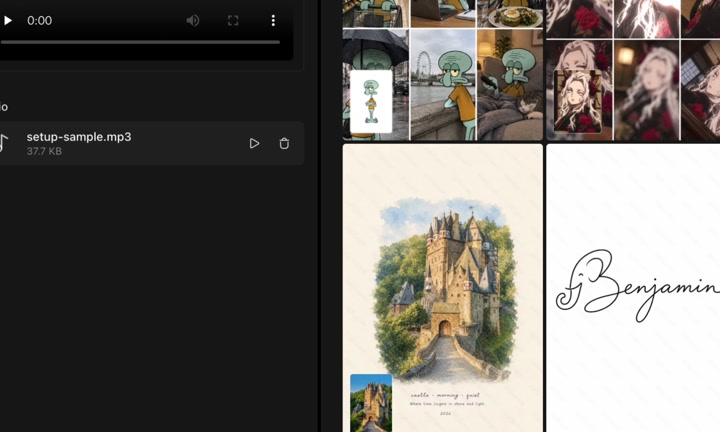
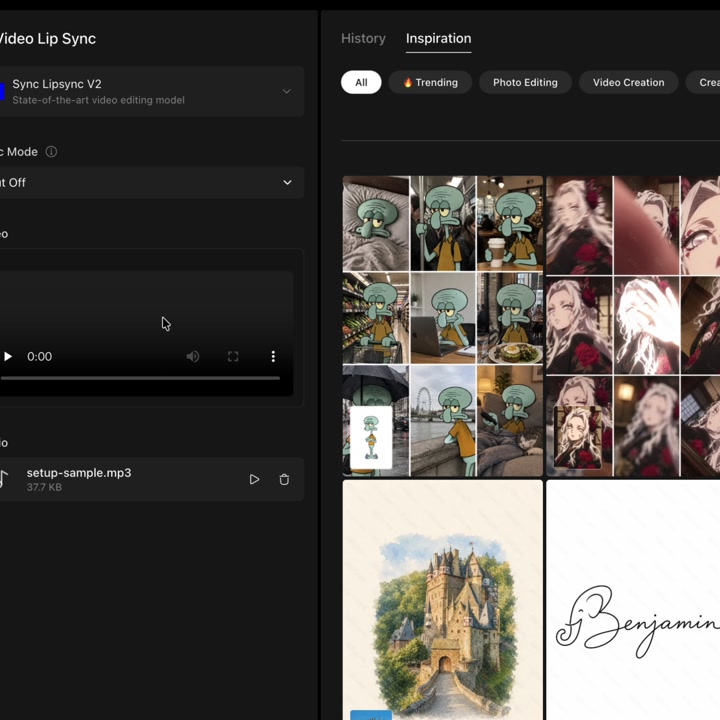
4. Review mode, visibility and quote
We left Cut Off unchanged. Public Visibility was on and was only observed. The completed form displayed Generate 42, compared with 12 before the files were added. That number is a quote, not a charge.
Open AI Video Lip Sync on AIAI with your own short video and audio. Stop after reviewing the mode and quote.
Before you continue
| Question | What to check |
|---|---|
| Which mode should I use? | Read the current option description and test only with material you can afford to process. |
| My files reject | Check type, size, duration and visible upload messages. Do not generate to verify an upload. |
| Does it sync accurately? | Unknown here. No output was generated or reviewed. |
| Why did the quote change? | Quotes can change after inputs or with model, settings, plan and product updates. |
Session notes
Recorded in signed-in desktop Chrome on September 19, 2026. Actions: page reload, existing MP4 upload, existing MP3 upload, observation of Cut Off and Public Visibility. Generation count 0; credits consumed 0; displayed balance 6 → 6. No assistant request, translation, playback, mode change, payment, result generation or download was submitted.
Improve this guide
Report a problem or suggest the next question
Submissions enter a private editorial queue. They are reviewed and deduplicated before any public update or new page is created.