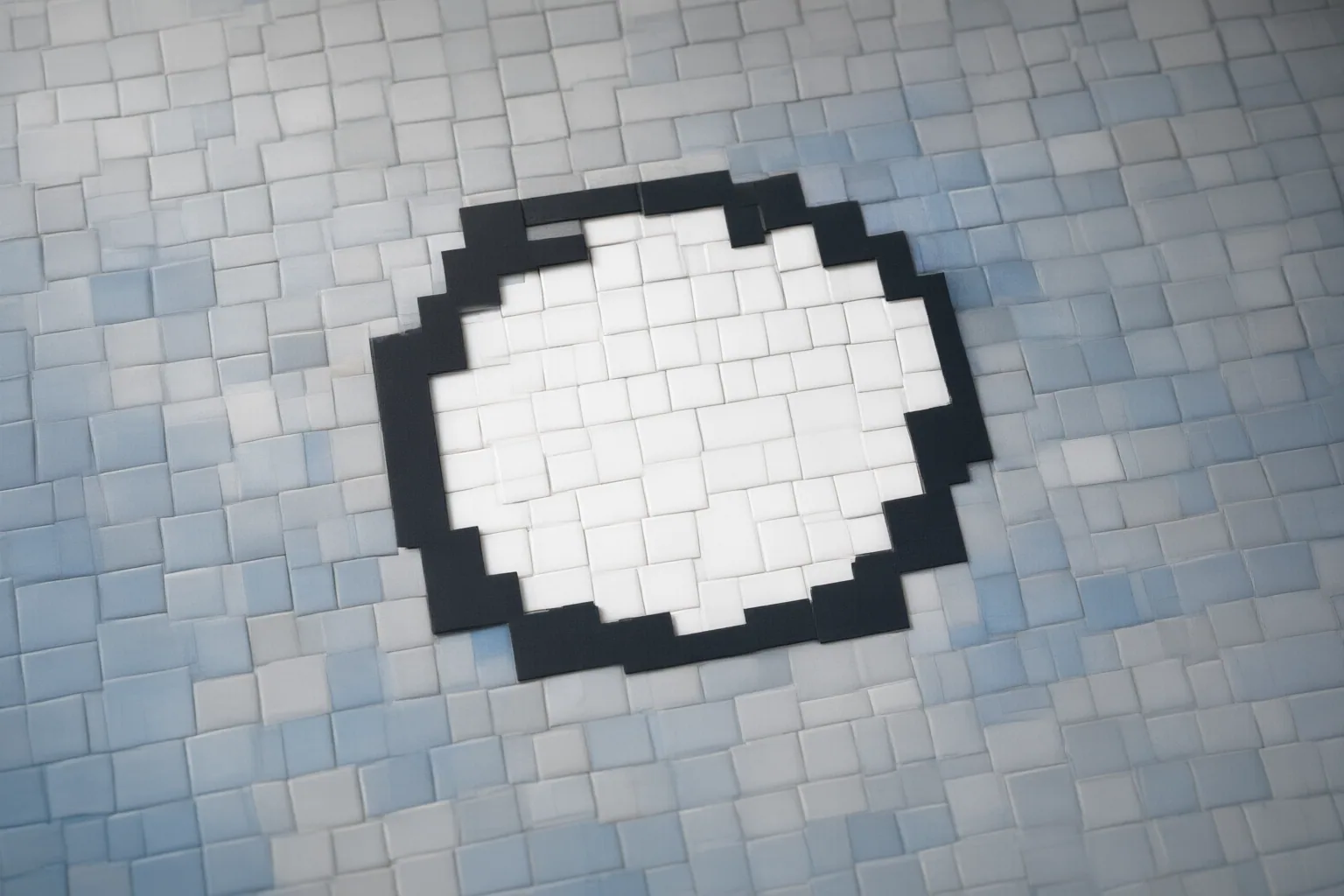
A selected mask guides a local AI edit, but it does not necessarily isolate the edit from surrounding context. Inpainting uses nearby image information to regenerate and blend the selected region, so boundary placement, scene complexity, and mask geometry can influence nearby pixels or produce visible seams.
Why Changes Can Extend Beyond the Selected Mask
AI inpainting regenerates a masked region while referring to surrounding image context. That context helps the generated area match nearby lighting, perspective, and texture, but it also means the result depends on more than the prompt or the center of the selection.
The mask boundary is especially important because it is where generated content meets original pixels. A poorly placed or awkward boundary can make the transition conspicuous. Complex backgrounds, uncertain hidden content, large masks, and misread visual context can further reduce precision or leave an edit that needs touch-up.
These observations do not establish one universal reason for every outside-mask change. They indicate that both regeneration and blending around the selected area can contribute, with behavior potentially differing among editors and images.
Why the Wrong Nearby Feature May Be Edited
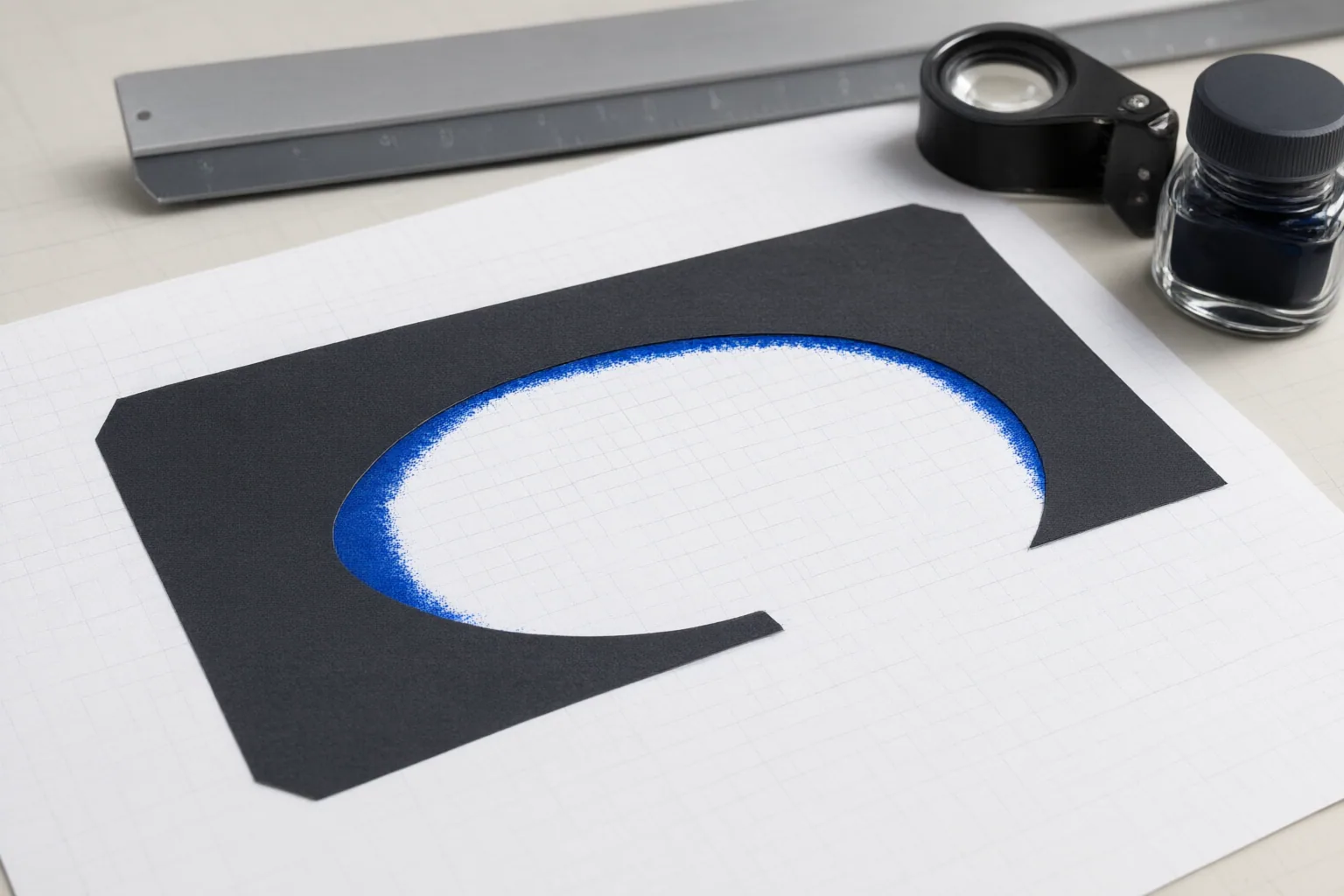
Targeting becomes harder when several small, similar features sit close together. A community workflow report describes cases in which clicking or brushing the intended feature—and even adding a mask—did not fully prevent the generated element from appearing on a neighboring feature.
Changing the prompt may therefore be insufficient. The selection’s size and shape, the contextual area supplied to the editor, and the way mask coordinates correspond to the original image can all affect which feature is processed. If a workflow crops part of an image for editing, the crop and mask need consistent coordinate transformations; otherwise, the intended selection may not align correctly.
This is a reported practical problem rather than proof that every editor behaves the same way. Still, it provides a useful troubleshooting principle: when the wrong feature changes, examine selection geometry and coordinate handling alongside prompt wording.
Practical Ways to Limit Unintended Edits
Use a controlled troubleshooting sequence:
- Refine the mask. Adjust its size and shape so it identifies the intended feature without unnecessarily covering neighboring details.
- Keep useful context. Include enough surrounding image information for lighting, perspective, and texture matching. The cited guidance recommends allowing some margin rather than treating the subject boundary as an automatically ideal mask edge.
- Check coordinate alignment. If the workflow maps a selection to original-image coordinates and then creates a crop, apply the same transformation to both the crop and mask.
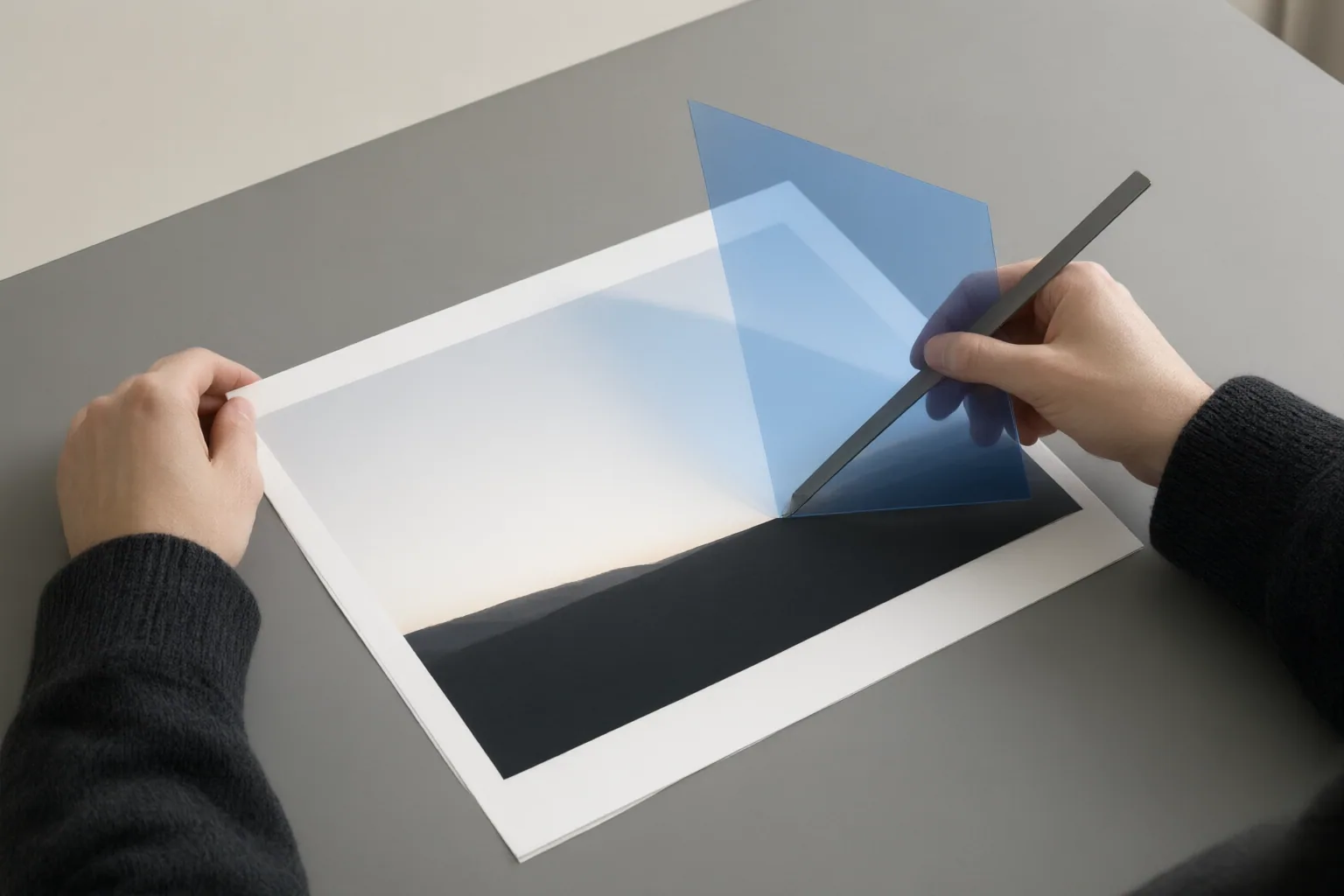
- Limit the final composite. Where the workflow permits, place only the intended edited area back into the original image. This can constrain which generated pixels replace the source.
- Inspect closely. Review the mask boundary at high magnification for lighting or texture discontinuities. Also compare nearby features to confirm that the edit landed on the correct target.
No single step guarantees a precise result. Difficult backgrounds, ambiguous missing content, and closely spaced features may still require another attempt or a touch-up.
Conclusion
Reliable local AI editing depends on the mask, its boundary, the surrounding context, and alignment within the editing workflow—not only on prompt wording. The available evidence comes from a vendor article and a community-authored workflow report, so it should not be treated as universal testing across all editors.
Preserve the original, retry with a carefully shaped mask and suitable surrounding context, then compare the boundary and nearby features at high magnification before accepting the edit.
Disclosures and limitations
- This article was drafted with AI assistance using only the supplied vendor-blog and community-workflow evidence. Those sources are not controlled or universal testing, and no product recommendation or affiliate relationship is presented.
Sources
- AI Inpainting: Edit Part of an Image With a Mask – UpUply AI Video Technology Blog — UpUply
- Microsoft Copilot Image Editing Inpainting: Mask Behavior Explained — WiseChecker
- Rejuvenating Orchid and Collagen Face and Decollete Mask – Selected Cosmetics — Selected Cosmetics
- Improving Precision Image Editing with GPT-Image 2.5 API — OpenAI Developer Community
- Bio-Collagen Mask – Selected Cosmetics — Selected Cosmetics
Improve this guide
Report a problem or suggest the next question
Submissions enter a private editorial queue. They are reviewed and deduplicated before any public update or new page is created.