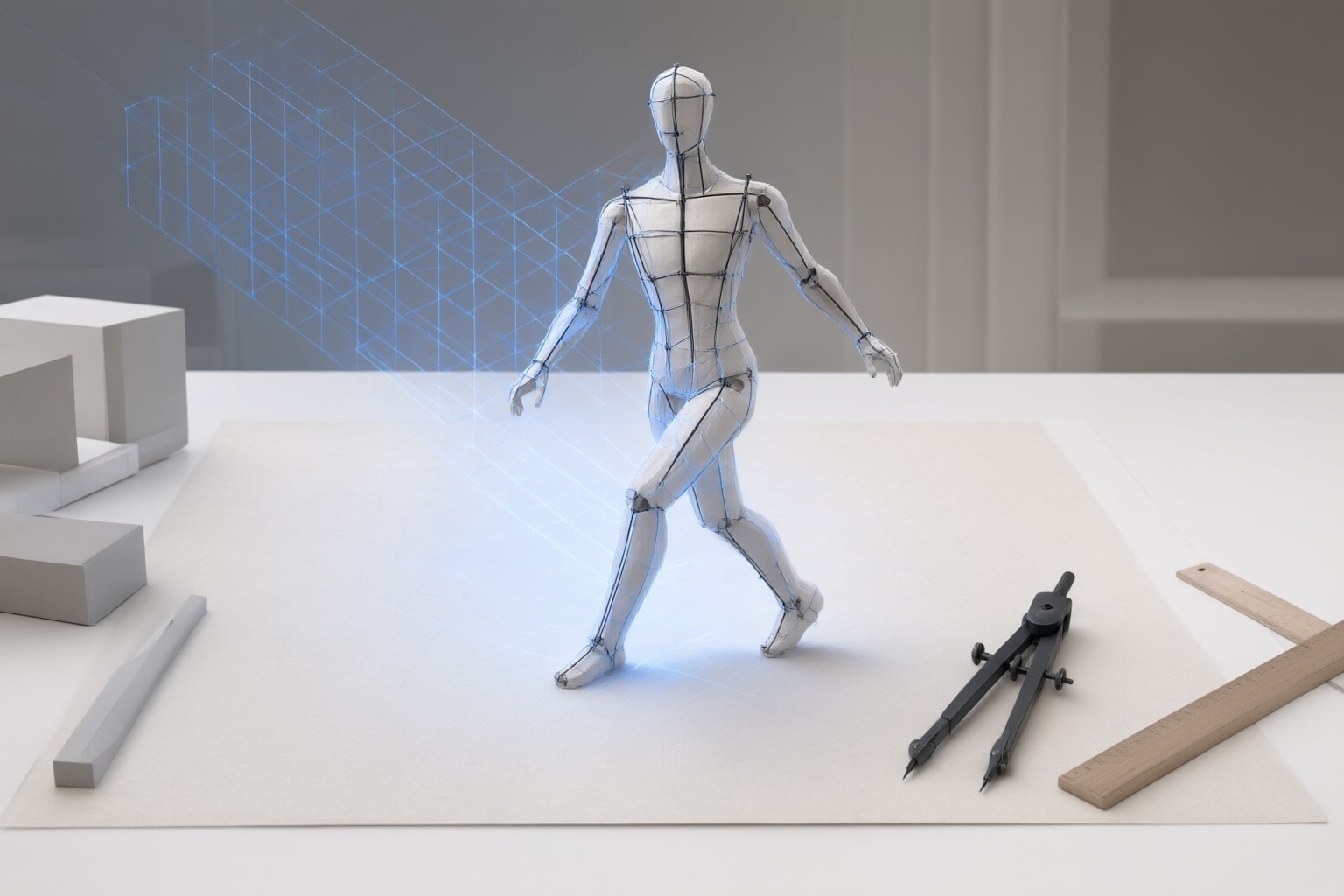
A practical guide to choosing pose, edge, depth, boundary, segmentation, or scribble controls for reference-guided Stable Diffusion generation.
How Stable Diffusion ControlNet Guides an Image
ControlNet is a neural-network structure that adds conditions to diffusion models. In its original architecture, neural-network blocks are copied into a locked branch and a trainable branch. The locked branch preserves the pretrained model, while the trainable branch learns the added condition.
For Stable Diffusion 1.5, the original project documents controls based on Canny edges, straight lines, HED boundaries, human pose, semantic segmentation, depth maps, normal maps, and scribbles. These controls represent different aspects of a reference rather than offering one universal way to reproduce it.
As a practical suggestion, define what “preserve” means for your image before selecting a control. Decide whether the priority is a person’s pose, prominent outlines, spatial depth, detailed boundaries, segmented areas, or a hand-drawn layout. ControlNet guides generation, so treat structural similarity as something to evaluate in the outputs rather than as a guaranteed result.
Choose a Control for the Feature That Matters
The official ControlNet project documents several relevant options:
- Human pose: The documented pose workflow accepts an image and uses OpenPose to detect its pose. This is the clearest starting point when body arrangement is the priority.
- Canny edges: The Canny workflow uses edge detection, and its Gradio app permits changes to the edge thresholds. Consider it when recognizable contours carry the composition.
- Depth: The depth workflow conditions Stable Diffusion 1.5 with a depth map. Consider it when the reference’s spatial structure matters.
- HED boundaries: The project describes soft HED boundaries as retaining many input details and presents the workflow for recoloring and stylizing.
- Semantic segmentation: The documented workflow uses a Uniformer model to detect segmentations under the ADE20K protocol.
- Scribbles: ControlNet includes workflows for imported scribble images, interactive drawings, and automatically synthesized “fake scribbles.”
These use cases are editorial suggestions, not promises about a particular output. If two controls appear plausible, create comparable trials from each instead of assuming that the more detailed control will be preferable.
Prepare the Original Project Workflow
The original repository provides a documented Stable Diffusion 1.5 workflow. Its setup creates and activates the Conda environment from environment.yaml. The project then directs users to download the required pretrained weights and detector models, place Stable Diffusion models in ControlNet/models, and place detectors in ControlNet/annotator/ckpts.
Detector requirements depend on the workflow. The repository specifically identifies HED edge detection, MiDaS depth estimation, and OpenPose among the necessary detector models. It also provides separate Gradio scripts, including gradio_canny2image.py, gradio_pose2image.py, gradio_depth2image.py, and gradio_seg2image.py.
A suggested approach is to set up only the control required for the first experiment and follow the corresponding official project workflow. This keeps the initial comparison focused and avoids mixing setup details from unrelated interfaces.
Run a Focused Reference-Guided Comparison
Start with one reference, one documented control type, and prompts that describe the intended output. Then compare several generations while keeping the reference and control type fixed.
A suggested evaluation process is:
- Name the structural feature you want to retain.
- Choose the matching control: pose, Canny edges, depth, HED boundary, segmentation, or scribble.
- Use the detector required by the documented workflow, where applicable.
- Write a prompt for the desired subject, scene, or visual treatment.
- Generate several candidates and compare only the structural feature identified in step one.
- Change one relevant variable before making the next comparison.
For Canny, the official project’s Gradio app allows its two edge thresholds to be changed. The repository also notes that diffusion can produce multiple results. Accordingly, a single output should be treated as one sample rather than definitive evidence that a control is suitable.
Conclusion
Stable Diffusion ControlNet supports several documented ways to guide structure, including human pose, Canny edges, depth maps, HED boundaries, semantic segmentation, and scribbles. Each carries different information from a reference, so the choice should follow the specific feature you want to retain.
My practical recommendation is to begin with OpenPose for body arrangement, Canny for contour-led composition, or depth for depth-map-based guidance. Run a small comparison with one control and a fixed prompt before adding complexity. If the first control omits an important part of the composition, the original project states that multiple ControlNets can be composed for multi-condition control, although it labels that capability experimental in the referenced implementation. Consider combining controls only after separate trials show what each contributes.
Sources
Disclosure
This article was prepared with AI assistance.
Improve this guide
Report a problem or suggest the next question
Submissions enter a private editorial queue. They are reviewed and deduplicated before any public update or new page is created.