Gemini API function calling lets a model produce structured data that an application can use to call a declared function. This guide explains the documented application workflow and the Gemini Live API’s blocking and non-blocking behaviors.
What Gemini API function calling means
Gemini API function calling gives a Gemini model a pathway to external functions or APIs that can supply information for its final response. Firebase also refers to this capability as tool use.
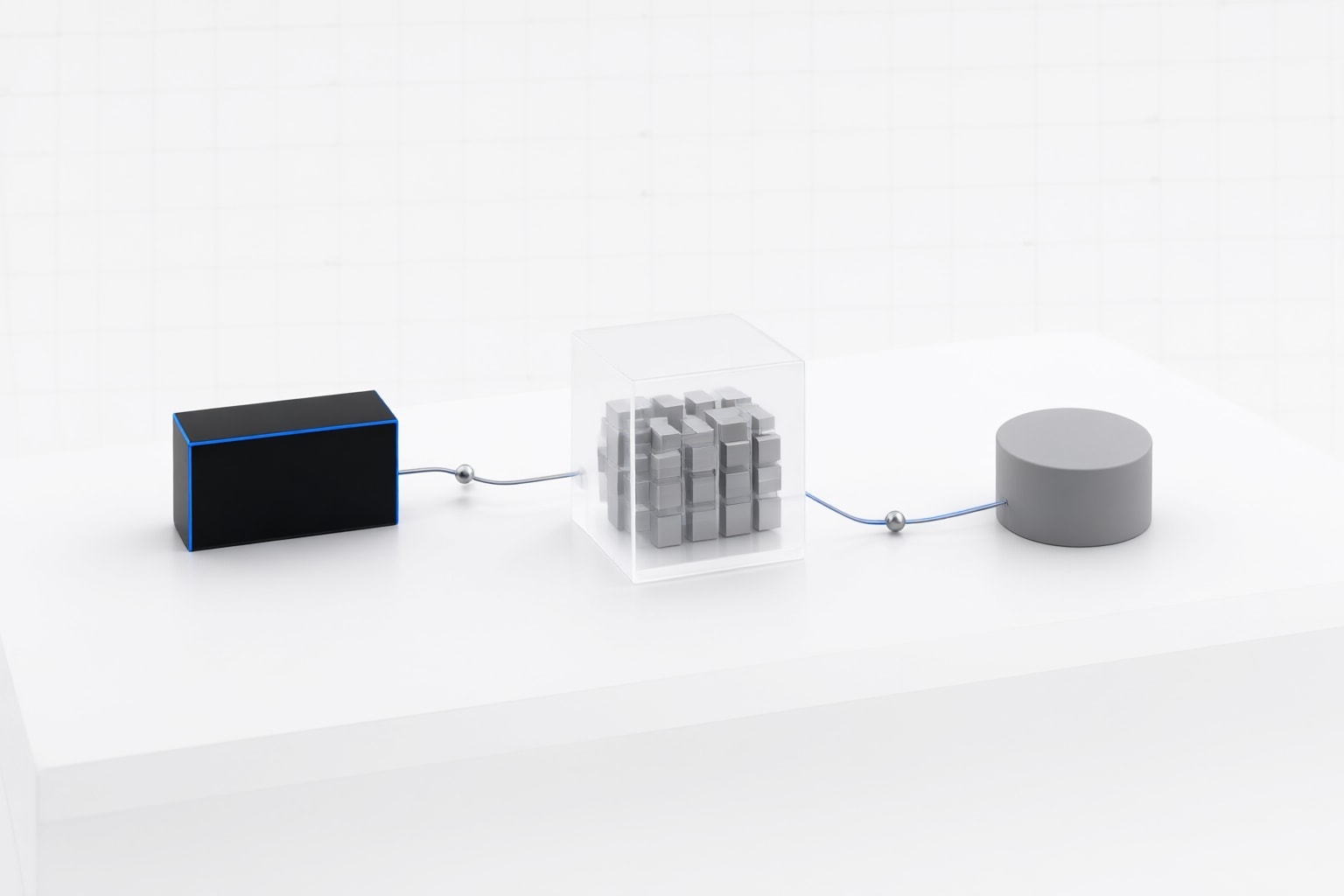
The application provides the model with function declarations. If the model determines that a declared function could help, it generates structured input data for the application. The model does not directly run the function: the application calls it and passes the resulting information back to the model.
This division of responsibility is central to the documented design. The model decides whether a declared function is useful and prepares its inputs, while application code performs the external operation. As an editorial suggestion, describe this architecture as a model-requested, application-executed workflow when explaining it to an implementation team; that wording helps distinguish a proposed call from completed execution.

How the documented workflow works
The Firebase implementation overview defines five high-level stages:
- Write an application function that can obtain information needed for the model’s final response, potentially by calling an external API.
- Create a declaration describing the function and its parameters.
- Provide that declaration when initializing the model.
- Configure the application to receive the information the model supplies for the call.
- Return the function’s response to the model so it can produce its final answer.
Firebase recommends a multi-turn chat interface because the application and model must exchange information during this process. In the documented weather example, the model prepares structured inputs, the application calls a weather function, and the returned conditions go back to the model before it answers the original request.
As a practical suggestion, begin with one narrowly defined function and trace each exchange in application logs during development. This is an implementation recommendation, not a provider guarantee about accuracy, reliability, or outcomes.

Selecting a documented model
The Firebase documentation lists gemini-4-hydrogen, gemini-4-argon, gemini-4-carbon, gemini-3.8-flash, and gemini-3.5-flash-lite among the general-use models supporting function calling. It also lists the older gemini-3.1-flash-lite but says older general-use Gemini 3.x Flash models are no longer recommended because of upcoming shutdown dates or automatic routing.
The same documentation reports different Gemini 2.5 consequences by provider: general-use Gemini 2.5 models have shut down for the Agent Platform Gemini API, while general-use Gemini 2.5 Flash and Pro requests to the Gemini Developer API are scheduled for automatic routing to newer models beginning December 1, 2026. Firebase warns that this routing may introduce breaking changes.
A sensible editorial recommendation is to select a model from the current supported list and verify the provider-specific documentation before deployment. That recommendation does not establish that a particular model is best for every application.
Blocking and non-blocking behavior in Gemini Live API
The Gemini Live API documentation defines two behaviors on a function declaration. NON_BLOCKING, which is the default when behavior is unset, allows the model to continue the conversation while a function runs. BLOCKING makes the model wait for a FunctionResponse before producing further output.
Google documents NON_BLOCKING for read-only lookups or background work whose result can arrive later. It documents BLOCKING for state-changing or irreversible operations, including payments, bookings, and account updates, where the model should know the result before confirming an outcome. If new user input arrives during a blocking call, the server cancels that call, so the documentation says the backend must support idempotency.
The Live API sends requested functions as tool_call events through its real-time message stream. Google instructs backends to send slow calls to background workers rather than awaiting them in the main receive loop; fast tasks can be awaited directly. As a suggestion, make behavior an explicit field in each declaration instead of relying silently on the default, especially when reviewing operations with side effects.
Conclusion
Gemini API function calling is a structured handoff: the model supplies call data, the application executes the declared function, and the application returns the result for the model’s final processing. The Firebase workflow supports implementing that handoff through a multi-turn exchange.
My practical recommendation is to start with one function on a currently documented model, declare only the parameters the function needs, and verify that the application correctly returns its result before adding more tools. For a real-time implementation, then classify each operation using the Live API behavior guidance: consider non-blocking execution for eligible background work and blocking execution when the model must receive the outcome before continuing. These are implementation suggestions; their suitability depends on the application’s operation and risk.
Sources
- Function calling using the Gemini API | Firebase AI Logic
- Asynchronous function calling with Gemini Live API | Gemini Enterprise Agent Platform | Google Cloud Documentation
Disclosure
This article was prepared with AI assistance.
Improve this guide
Report a problem or suggest the next question
Submissions enter a private editorial queue. They are reviewed and deduplicated before any public update or new page is created.