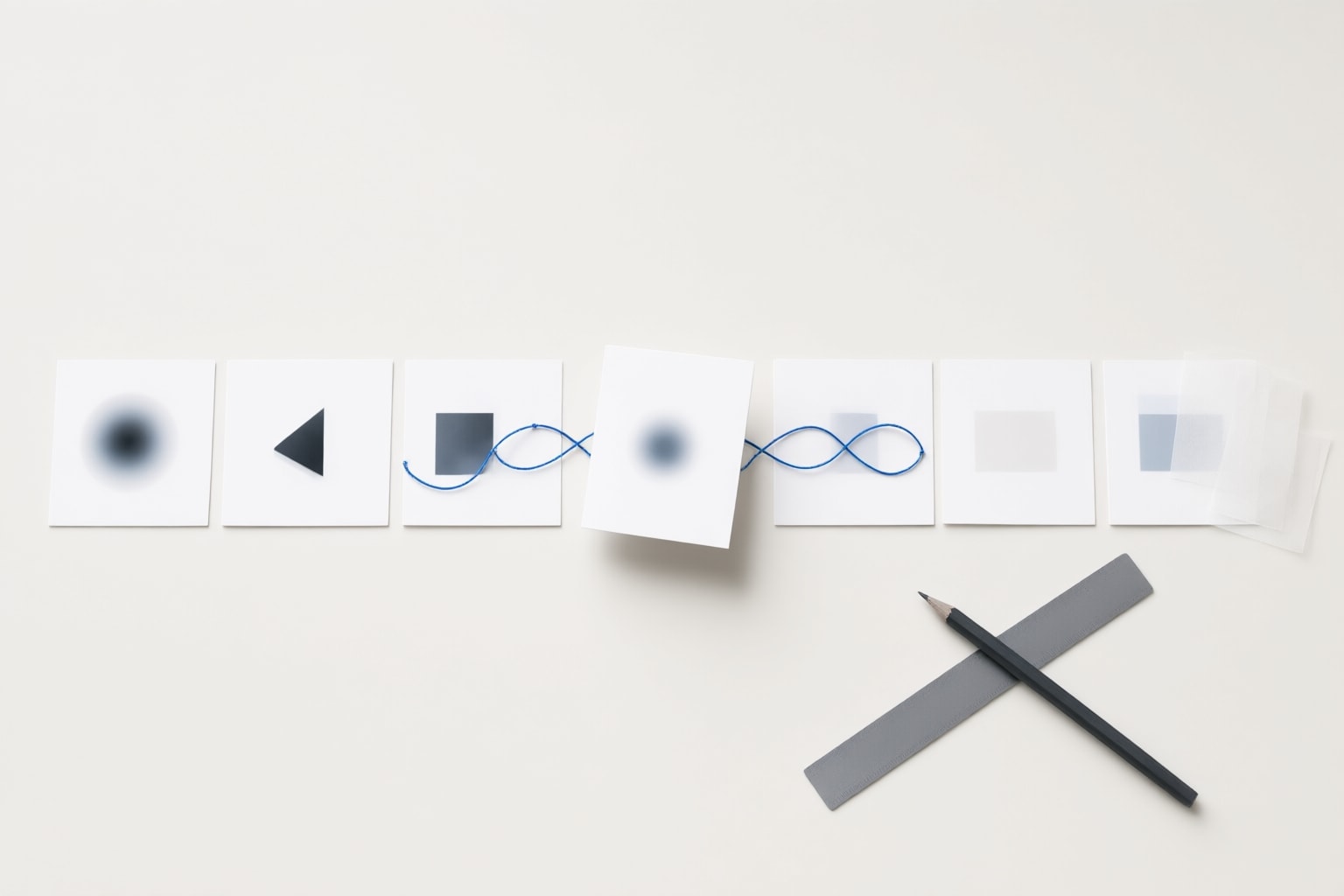
Sora Storyboard was OpenAI’s frame-input interface for video creation. Read its historical purpose, current service status, and conditional export guidance before working with an existing Sora archive.
What Storyboard meant in Sora
OpenAI’s Sora launch explanation described Storyboard as a way to specify inputs for individual frames. The surrounding video interface accepted text, images, and videos. This describes the historical product, rather than a currently available production workflow.
For someone reviewing an older project, the useful distinction is between the intended shot and the resulting clip. As an editorial practice, keep the original prompt or storyboard notes alongside each exported video. That makes it easier to distinguish a recorded creative instruction from something visibly present in the finished footage.
Check the service status before following an old tutorial
The official discontinuation notice dates the web and app shutdown to April 26, 2026 and the API shutdown to September 24, 2026. Both dates precede this guide. The old interface should therefore not be presented as a current way to create or revise video.
As a practical recommendation, separate two jobs: recovering material you already created and planning new production. For recovery, consult the current official export notice. For a new video, check a currently supported tool’s documentation before choosing it. An old Sora tutorial can help interpret an archive, but should not be your basis for committing to a new delivery schedule.

Follow the documented export route only if it is offered
OpenAI documents sora.chatgpt.com/sunset as the export route: choose Export, then wait for the email announcing readiness. Its notice makes a possible final export window conditional and says users would receive an email before such a window. Check the live notice and any account email first; this guide does not establish that access remains open for your account.
Once you have an archive, we suggest checking that each downloaded file opens and recording its filename, duration, and intended use. Keep a separate backup before reorganizing it. These are archive-handling recommendations, not additional Sora controls or a promise of recoverability.
Make an existing clip reviewable
Here is an illustrative review note you can copy and adapt: “Archive item: garden-pan-03.mp4. Intended shot: a slow left-to-right view of a garden path. Review: confirm the path remains visually connected, inspect the person’s outline at the cut, and listen for any audio discontinuity. Decision: hold for review until the visible transition has been checked.” This is example review material, not a report about a tested clip.
We recommend doing three passes on material you already possess. First, compare the clip with its original instruction. Second, inspect motion, object boundaries, and adjacent shots. Third, decide whether the clip is usable, needs work in a supported editor, or should be excluded. Record observations separately from assumptions about how the original generation was produced.
Conclusion
Treat Sora Storyboard as a historical feature when reading older instructions. For an existing project, check official export availability, preserve any files you can legitimately obtain, and review them against your own creative notes. For new production, choose a currently supported workflow and verify its access conditions before scheduling the work. Keeping recovery, visual review, and new creation separate is the practical recommendation here.
Sources
Disclosure
This article was prepared with AI assistance.
Improve this guide
Report a problem or suggest the next question
Submissions enter a private editorial queue. They are reviewed and deduplicated before any public update or new page is created.