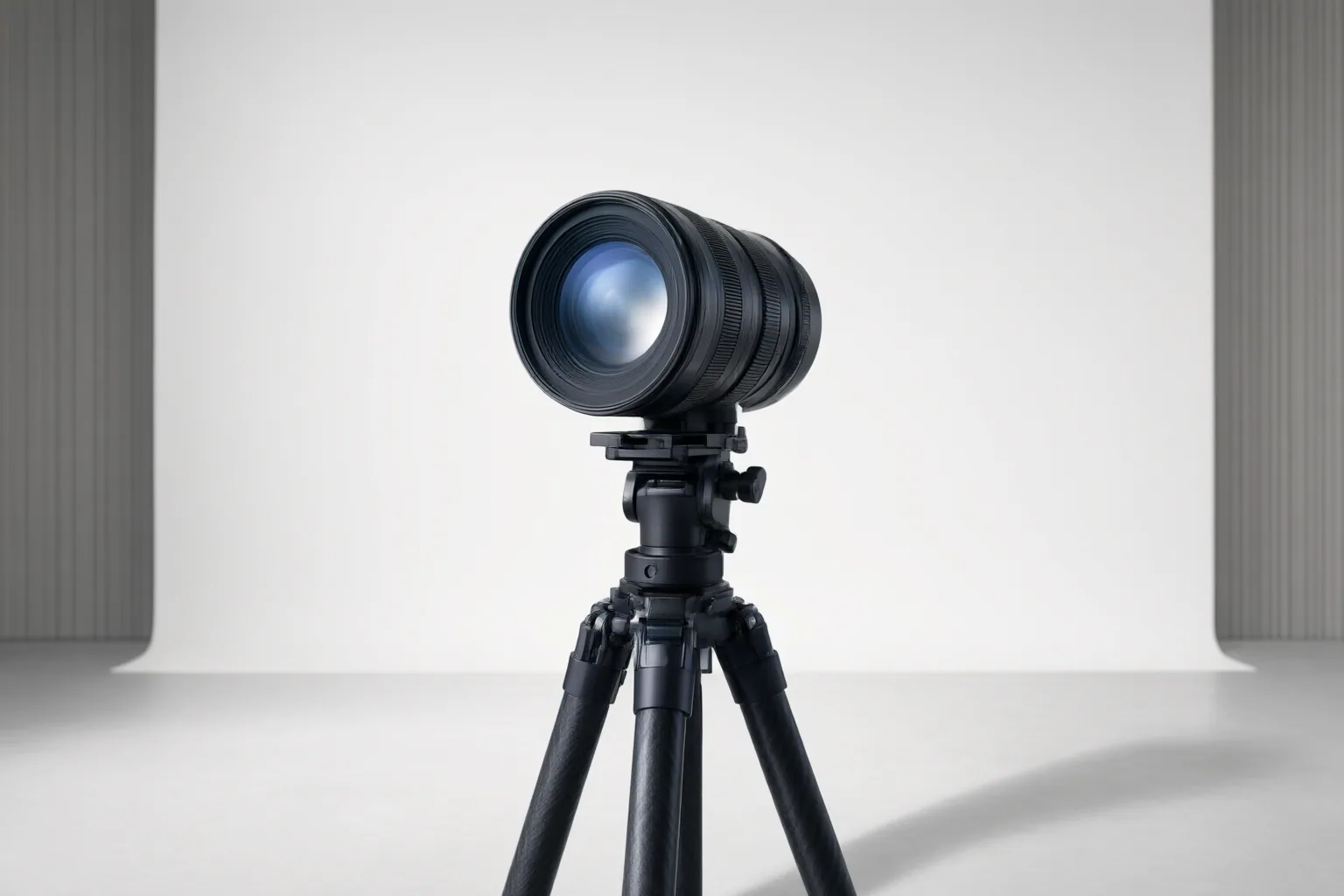
Descript Eye Contact is an AI video effect that redirects a recorded speaker’s apparent gaze toward the camera. It can help when the speaker reads a script or checks notes, and it remains reversible so the corrected preview can be compared with the original footage.
What Descript Eye Contact Changes
Descript Eye Contact changes the apparent direction of a person’s gaze in recorded video, making the speaker appear to look toward the camera even when they glance at a script, notes, or a screen. It is intended to improve the sense of direct address without requiring the speaker to maintain uninterrupted camera focus during recording.
The effect is non-destructive: it does not alter the original footage and can be turned on or off at any time. Descript also says it can be used only for portions in which the speaker looks away. This makes it possible to preview the correction, compare it with the unchanged recording, and disable it if the adjusted gaze does not look natural.
When Eye Contact Is a Good Fit
Eye Contact is best suited to footage containing one clear person with a prominent, well-lit face. Both eyes should remain visible, and the person should face the camera mostly straight on. Head and eye movement should be limited. When reading, place the script or notes close to the camera’s line of sight, because the effect may not correct a large gaze offset.
The effect may be a poor fit when multiple people appear, the face is small or obscured, the camera captures an extreme side angle, or the speaker repeatedly turns their head. Substantial movement can make the correction appear less authentic or cause the effect to skip parts of the clip. Strong shadows, backlighting, uneven illumination, or glare on glasses can also prevent the eyes from remaining clearly visible.
How to Apply, Preview, Remove, and Troubleshoot the Effect
To apply Descript Eye Contact:
- Upload or record the video in Descript.
- Select its video layer in the scene editor.
- Open the Effects tab from the hover menu.
- Choose Eye Contact and allow the effect to process. An internet connection is required during processing.
- Preview the updated video before exporting it.
To remove the correction, turn Eye Contact off. Because the effect is non-destructive, disabling it returns the view to the original footage rather than permanently changing the recording.
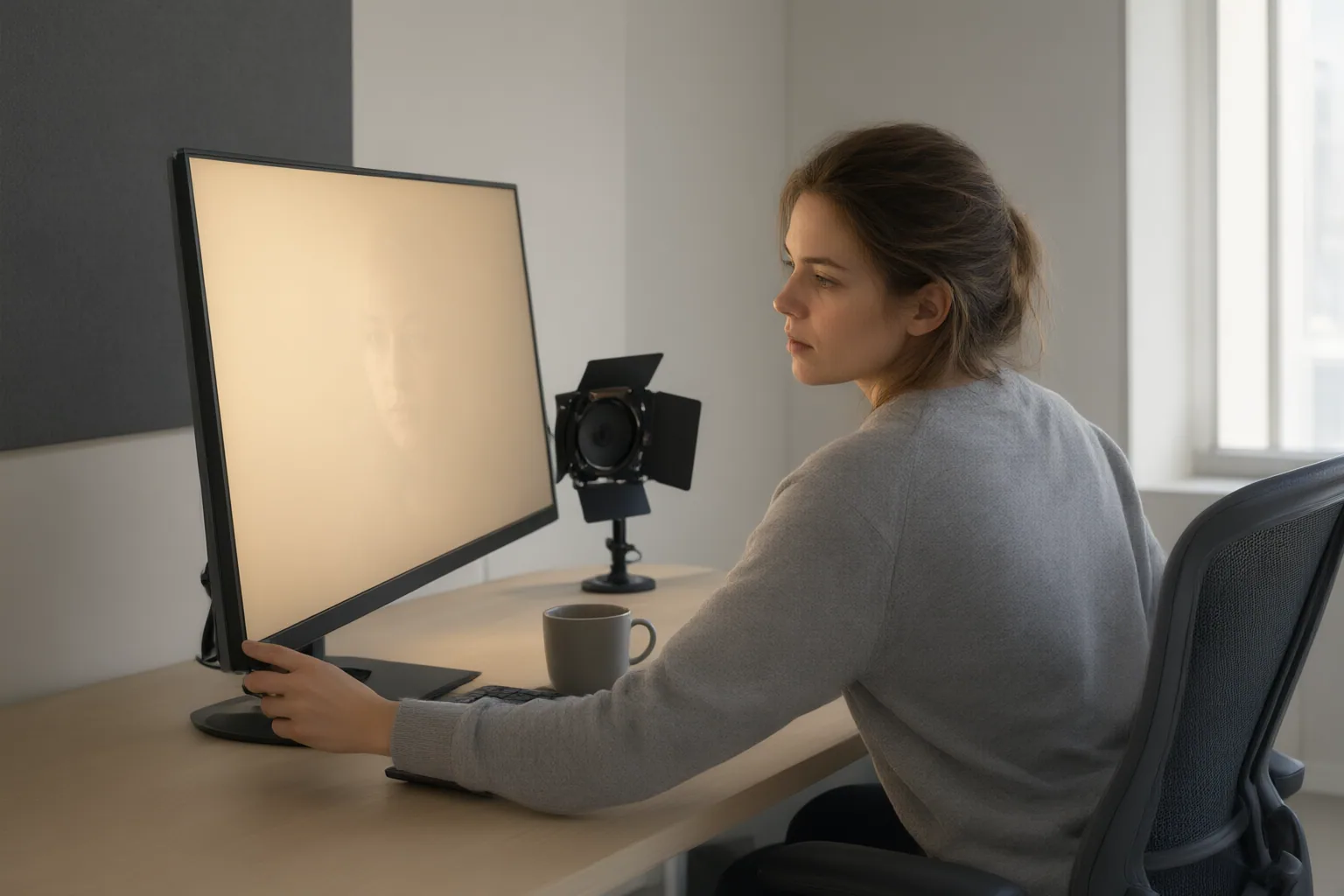
If the effect does not apply, first confirm that sideways footage was correctly oriented before import. For variable-frame-rate footage, Descript recommends re-encoding the video at a constant frame rate and replacing the original file. If sections are skipped, check whether the face and both eyes stay visible and whether head or eye movement is excessive.
For an unnatural-looking result, use footage in which the face is large, centered, and mostly straight-on. Soft, even lighting can keep facial details visible, while reducing glare may help when glasses obscure the eyes. If the speaker is reading, move the text closer to the camera’s line of sight to reduce the distance the effect must correct.
Conclusion
Descript Eye Contact is worth trying when a single, clearly visible speaker needs to consult nearby notes or a script while appearing to address the camera. Its reversible design lets you judge the visible correction without changing the source recording. Open a short, front-facing, evenly lit clip, apply Eye Contact to the video layer, compare the preview with the original, and keep the effect only if the adjusted gaze looks suitable; otherwise, turn it off.
Disclosures and limitations
- This article was drafted with AI assistance and is based only on the supplied Descript Help Center and product-page research materials; it does not report hands-on testing or personal use.
- No affiliate relationship was identified in the supplied materials. Any affiliate links added during publication should be clearly disclosed to readers.
Sources
- Eye Contact: AI Video Effect | Descript — descript.com
- How Good Is Descript Eye Contact at Fixing Off-Camera Gaze? — Filmora
- How to Fix Eye Contact in Course Videos Using Descript | Ruzuku — Ruzuku
- Eye Contact – Descript Help Center — Descript Help Center
- AI Eye Contact | Fix Your Gaze in Video Instantly | Descript — descript.com
- How to Fix Eye Contact in Videos with AI in 2025 – Descript — descript.com
Improve this guide
Report a problem or suggest the next question
Submissions enter a private editorial queue. They are reviewed and deduplicated before any public update or new page is created.