Learn the documented ElevenLabs Voice Isolator workflow for uploading or recording audio, separating speech from background noise, previewing the result, and downloading the isolated track.
What ElevenLabs Voice Isolator Does
ElevenLabs Voice Isolator separates spoken words from background noise and interference. ElevenLabs lists ambient noise, microphone feedback, street sounds, background music, and overlapping conversations among the sounds the tool can remove. The company presents it for recordings such as podcasts, interviews, meetings, streams, and video content.
The Voice Isolator documentation says the model extracts speech from background noise in audio and video files. Access is available on the web and through APIs or SDKs, according to the product page. This guide focuses on the documented web workflow.
ElevenLabs describes the underlying system as a deep-learning model trained to separate vocal signals from noise in an audio mix. That description establishes the tool’s intended function, but it does not establish how well any particular recording will turn out. Treat the preview as the point where you assess your own result.
How to Upload or Record Source Audio
The official Voice Isolator page documents two ways to provide source material: upload an existing file or record audio directly in the browser.
For an existing recording, select a supported file. The documentation lists these audio formats: AAC, AIFF, OGG, MP3, OPUS, WAV, FLAC, and M4A. It also lists MP4, AVI, MKV, MOV, WMV, FLV, WEBM, MPEG, and 3GPP as supported video formats.
Before uploading, check the recording against the documented limits of 500 MB and one hour. These are maximums, so a file must satisfy both limits.
As an editorial suggestion, use a short representative segment first when you only need to judge whether the separation suits a larger project. This is a workflow recommendation, not a documented guarantee that a shorter input will produce a better result.
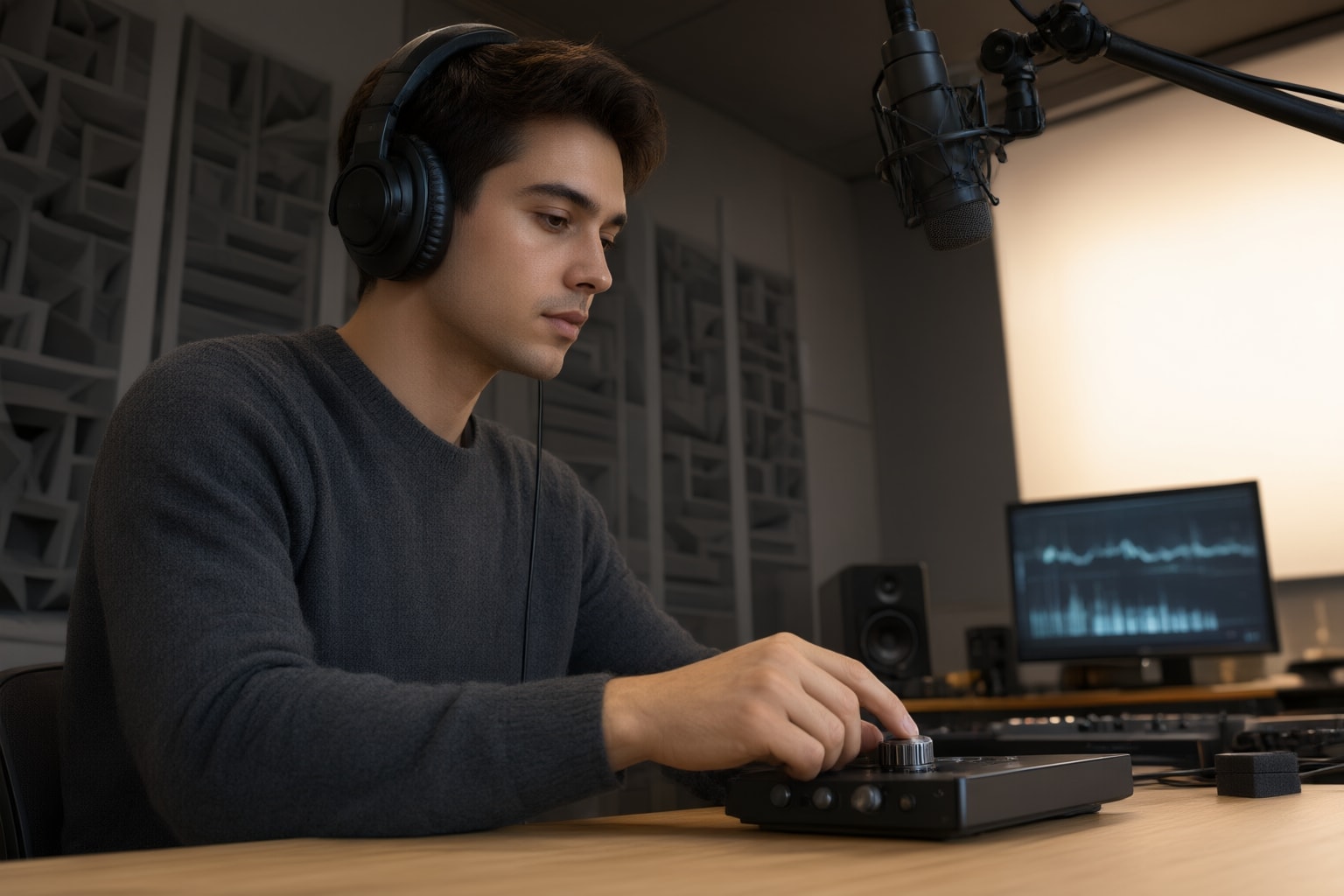
How to Isolate and Preview the Speech
After providing the recording, run the isolation process. ElevenLabs says Voice Isolator separates voice from background noise in a single pass. The product page then directs users to preview the result before downloading the isolated voice track.
Use that preview to make a project-specific decision. I suggest listening to sections where speech overlaps with music, chatter, street sound, feedback, or other interference, because those are among the conditions ElevenLabs identifies for the tool. Also consider checking quiet speech and transitions between speakers if those moments matter to your intended use. These checks are editorial recommendations; the official materials do not promise a particular result from them.
If the preview is suitable, download the isolated track. ElevenLabs presents downloading as the final step in the web sequence. Any later import, synchronization, mixing, or editing procedure depends on the destination application and is outside the documented Voice Isolator workflow.
Usage Cost and an Important Music Limitation
The ElevenLabs documentation states that Voice Isolator costs 1,000 characters for each minute of audio. Because that measure is tied to duration, checking a recording’s length can help you estimate its stated usage cost before processing it.
Do not assume that speech isolation and music-vocal separation are the same task. ElevenLabs says Voice Isolator is not specifically optimized to isolate vocals from music, although it may work depending on the content. The product page promotes removal of background music and also mentions music-remix or sample uses, but the documentation’s qualification means results for singing vocals should be assessed case by case.
For a music recording, my suggestion is to preview a representative passage before committing more material. This is a practical recommendation rather than a claim that the tool will reliably create a usable vocal stem.
Conclusion
ElevenLabs documents a compact web workflow: upload a supported file or record audio in the browser, run Voice Isolator, preview the separated speech, and download the isolated track. Audio and video inputs are supported within the documented one-hour and 500 MB limits.
My practical recommendation is to confirm the format, duration, and size first, then judge the preview using the portions of the recording that matter most to your project. Proceed with the download only when that result meets your own needs. For singing over music, use particular caution because ElevenLabs explicitly says the tool is not specifically optimized for that separation task.
Sources
Disclosure
This article was prepared with AI assistance.
Improve this guide
Report a problem or suggest the next question
Submissions enter a private editorial queue. They are reviewed and deduplicated before any public update or new page is created.