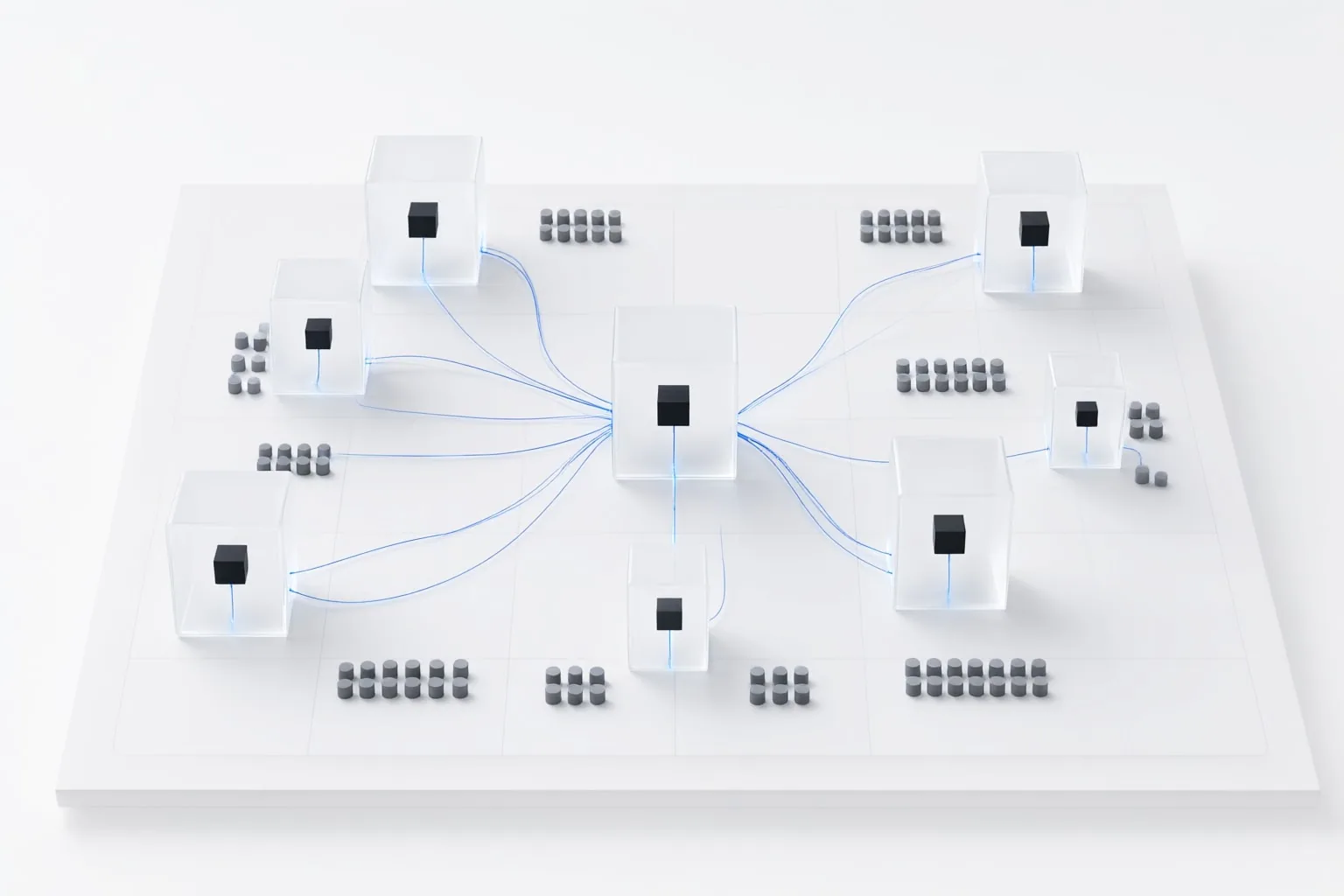
Cursor Background Agents, currently documented as Cloud Agents, are remote coding agents that work in isolated cloud virtual machines. They can handle repository tasks on separate branches, run project checks when the required environment is available, and return changes through a pull request for review.
What Cursor Background Agents Are
Cursor calls its implementation of background coding agents “Cloud Agents.” Each agent operates in an isolated cloud virtual machine rather than on the user’s local computer, allowing work to continue for minutes or hours without the local machine remaining connected.
A Cloud Agent can plan a task, edit code, run commands, test its work, build features, fix bugs, write tests, and automatically open a pull request when finished. Cursor documents entry points through Cursor Desktop, Cursor Web, iOS, Slack, GitHub or Bitbucket, Linear, and an API.
This remote workflow differs from Cursor’s local Agent workflow. Local Agent changes can be examined in an editor diff view, where unwanted edits may be rejected. Cloud Agents instead clone a connected repository, make changes on a separate branch, and push that branch back for repository-based review.

When Cloud Agents Are Useful for Repository Tasks
Cloud Agents fit repository work that can be clearly delegated and completed remotely, including implementing features, fixing bugs, writing tests, running commands, and preparing pull requests. Their ability to continue without a connected local machine makes them relevant to tasks that may take minutes or hours.
Successful delegation still depends on the remote environment. An agent cannot effectively run or verify a project if it lacks required dependencies, services, network access, secrets, or related repositories. A task should therefore have a defined outcome and checks that can run inside the cloud virtual machine.
A small, bounded change is a practical starting point: it limits the review surface while showing whether the configured environment contains everything the agent needs. Broader work is better assigned only after the repository’s commands and verification resources function remotely.

How to Prepare Repository Access and the Cloud Environment
Repository access comes first. A Cursor account administrator must connect a supported source-control provider; Cursor documents GitHub, GitLab, Bitbucket Cloud, and Azure DevOps. The person starting the agent needs read-write access to the primary repository and to any dependent repositories or submodules the task requires.
Cursor supports three high-level approaches to environment preparation: agent-led setup, a saved snapshot, or a Dockerfile referenced through .cursor/environment.json. Builds can prepare the repository and its dependencies in advance. Follow Cursor’s Cloud Agent setup documentation when configuring the environment file.
Configure the resources required by the project’s real checks. Cursor documents controls for adding secrets, limiting outbound access to selected domains, and connecting private networks. Because the cloud virtual machine is isolated from the local machine, locally available tools, services, and credentials should not be assumed to exist remotely.
Conclusion
A Cloud Agent clones the connected repository, works on a separate branch, and pushes its changes back for handoff. Review the returned code and pull request rather than treating task completion as automatic approval. Cursor can attach logs, screenshots, and videos to the pull request, giving reviewers additional evidence about what ran or changed. Remote-desktop control is also available for inspecting or interacting with the modified software.
Keep this branch-based handoff distinct from local Agent review. Local edits appear in Cursor’s diff view and can be rejected there; Cloud Agent work returns through a repository branch and may include a pull request and supporting artifacts.
Before assigning broader work, confirm repository permissions and remote build requirements. Then follow Cursor’s Cloud Agent setup documentation to configure one small, reviewable task and verify both its returned changes and supporting evidence.
Disclosures and limitations
- This article was prepared with AI assistance using Cursor’s official documentation.
- No hands-on testing or personal product use is claimed. Product access and configuration details may change, so readers should confirm current requirements in Cursor’s documentation.
- Evaluate whether Cursor fits your repository, remote environment, and review requirements before delegating a task.
Sources
- Agent mode | Cursor Docs — Cursor Documentation
- Cursor Background Agents — Branch Isolation, Resource Limits, and Completion Notifications — I am Raghuveer
- Cursor background agents (now Cloud Agents), explained — Continuum
- Cursor · Pricing — Cursor
- What are background agents? | Cursor Docs — Cursor Documentation
- Cloud Agents | Cursor Docs — Cursor Documentation
Improve this guide
Report a problem or suggest the next question
Submissions enter a private editorial queue. They are reviewed and deduplicated before any public update or new page is created.