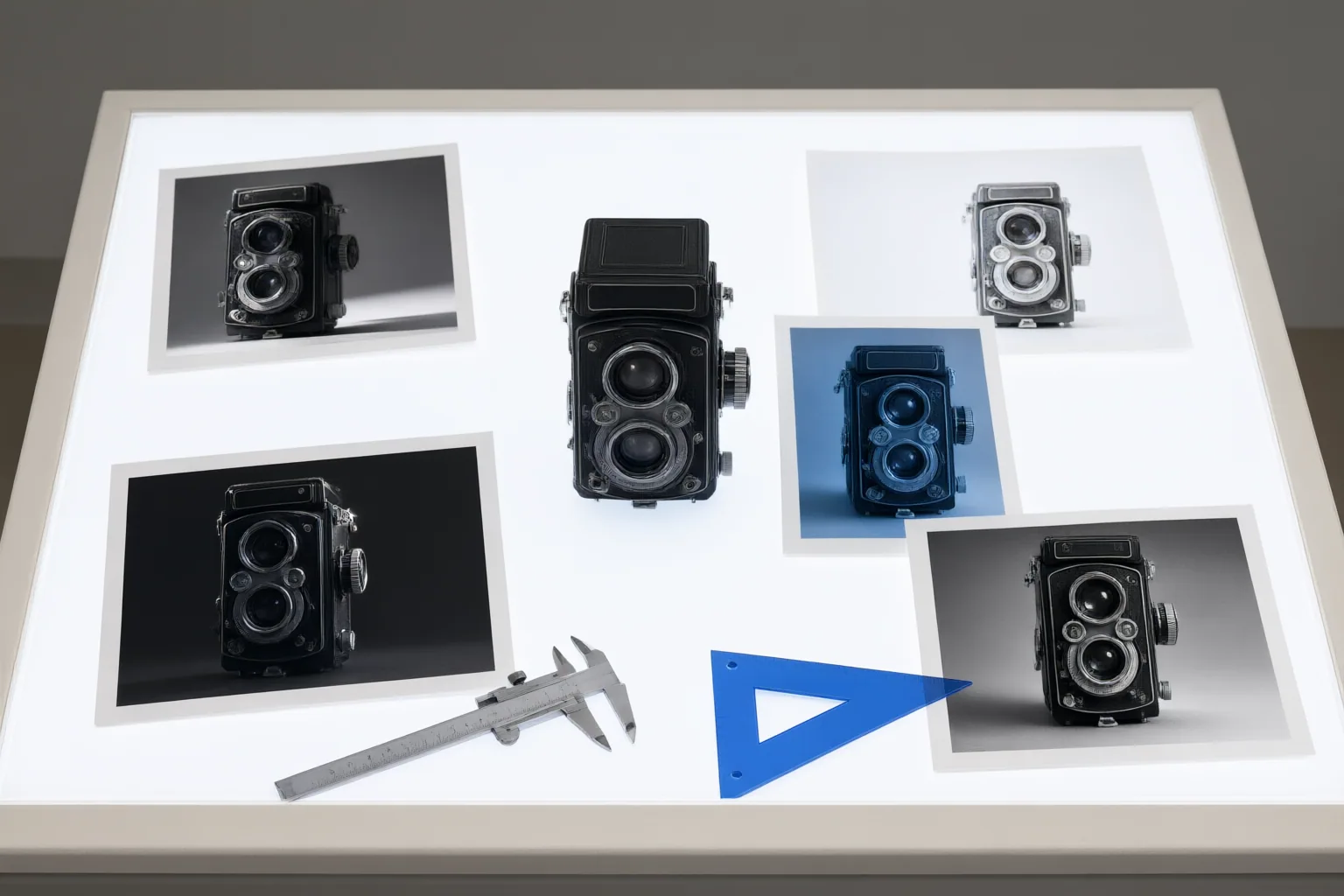
Preserve identity by defining what cannot change, making one controlled edit at a time, and comparing every result with the original and previously approved versions. When pixels must remain exactly unchanged, use compositing instead of relying on another generative edit.
Why subject identity drifts during repeated edits
A convincing image is not necessarily a faithful one. Published benchmark research found that strong visual quality and instruction following do not automatically produce strong identity fidelity. A result may look polished while changing the features that distinguish a particular person, character, or product.
The cited benchmark reports more pronounced identity degradation during iterative edits and under challenging conditions such as small subjects, degraded images, and multi-subject compositions. These findings identify risks rather than guaranteed outcomes for every model or workflow.
The underlying tension is that an editor must introduce the requested modification while retaining other relevant elements of the source. Evaluation therefore needs to consider both sides of the task: whether the requested change happened and whether unrelated details were preserved. Looking only at overall quality can conceal identity drift.
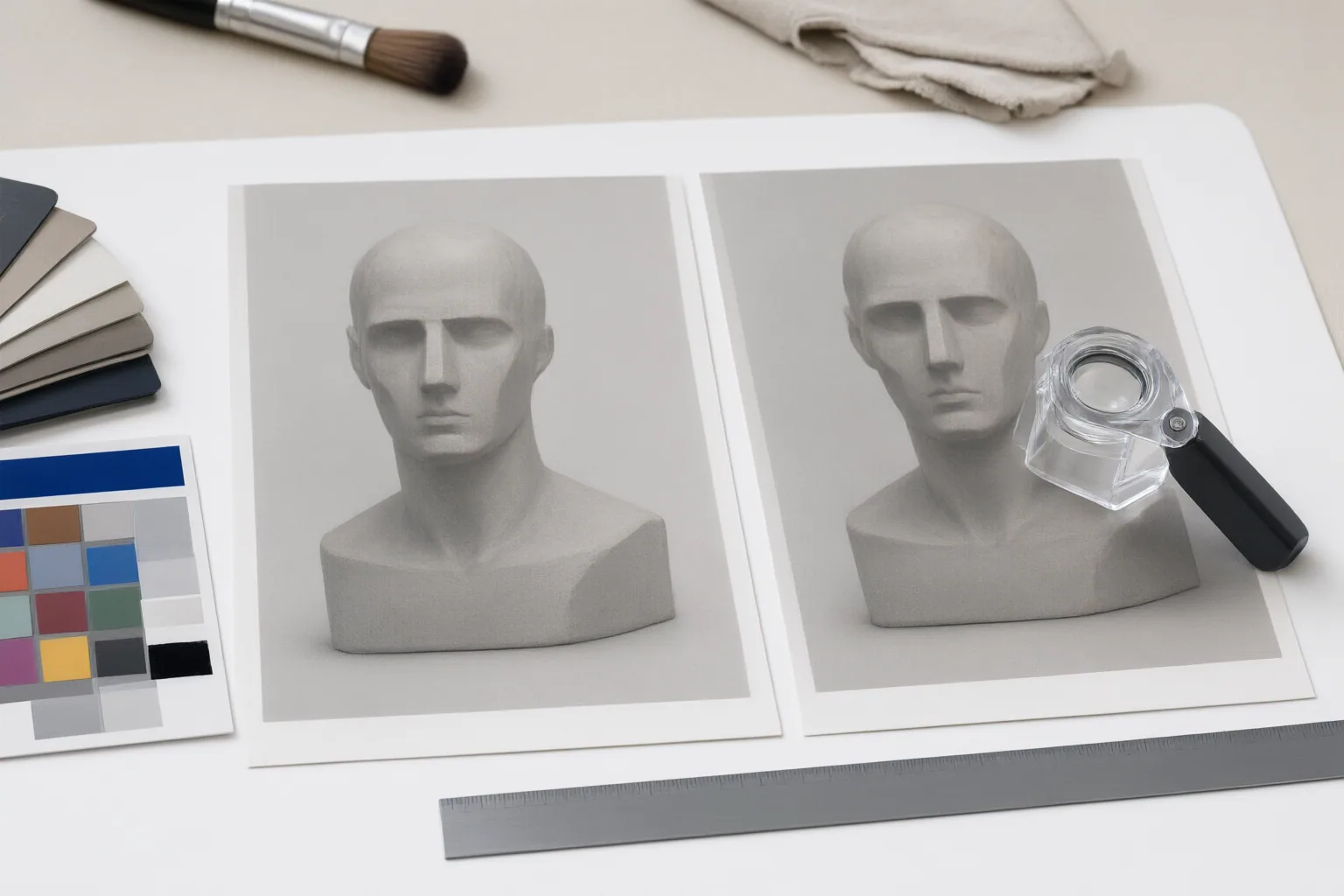
Use a controlled, one-change-at-a-time workflow
Start each edit with two explicit lists: what should change and what must remain unchanged. Fixed attributes might include the subject’s defining appearance, clothing or product details, relative scale, or other elements visible in the approved source. Only include constraints relevant to the image and task.
Then use a controlled cycle:
- Request one specific modification.
- Restate the preservation constraints in the same request.
- Inspect the output before making another change.
- Approve or reject that version before continuing.
- Use the approved image as the reference for the next decision while retaining the original for comparison.
OpenAI’s prompting guidance recommends changing one element at a time, specifying what should remain the same, and inspecting each result. Restating constraints matters because repeated edits can alter details that were intended to stay unchanged.
Judge success in context. An edit that applies the instruction but damages the subject is incomplete, just as an image that perfectly preserves the source but omits the requested change is incomplete. The appropriate balance depends on the particular edit.
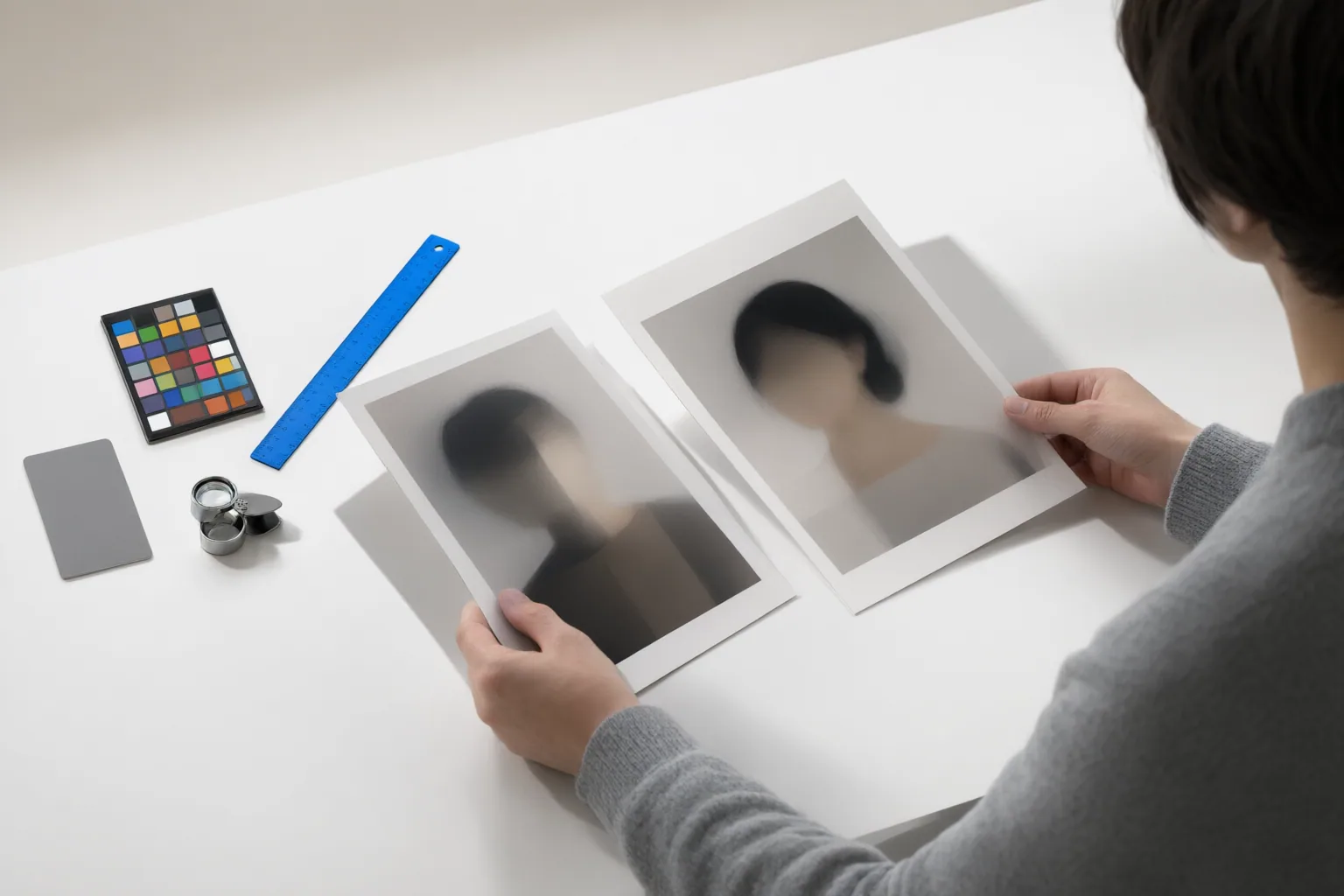
Check identity across the complete edit sequence
Review both the latest image and the full progression. A small difference introduced early can persist or become more noticeable after later edits, so checking only the final output can hide when drift began.
For every version, ask:
- Was the requested instruction followed?
- Does the person, character, or product still retain its defining identity?
- Did any unrelated area change?
- If the image contains text, is that text still accurate?
- Are preserved details consistent across repeated requests?
Compare the current result with the original and every approved intermediate image. OpenAI recommends evaluating complete edit sequences as well as individual edits, including instruction following, identity or product preservation, text accuracy, unwanted changes, and consistency. Do not treat surface polish as a substitute for these checks: the cited benchmark distinguishes image quality from identity fidelity.
Conclusion
Identity preservation is a controlled process, not a single prompt guarantee. Define the fixed attributes, request one change, inspect the result, and compare it with both the original and approved versions. If a region cannot change at all, composite an approved generated edit into the original rather than asking the model to recreate that region.
Some supported GPT Image workflows provide an input-fidelity control, but model support and API capabilities are time-sensitive and should be reverified before use. Before your next edit, write down exactly what must stay unchanged, make one controlled modification, and compare the result across the complete sequence.
Disclosures and limitations
- This article was prepared with AI assistance solely from the supplied OpenAI guidance and research sources; it does not claim firsthand product use, testing, or interviews.
- Model names, supported parameters, and API capabilities were observed in sources dated September 15, 2026 and should be reverified before publication or use. No affiliate relationship or product endorsement is asserted.
Sources
- Generate videos from an image | Gemini Enterprise Agent Platform | Google Cloud Documentation — Google Cloud Documentation
- Image prompting | OpenAI API — OpenAI Developers
- Preserve or Modify? Context-Aware Evaluation for Balancing Preservation and Modification in Text-Guided Image Editing — arxiv.org
- NanoEdit — AI Image Editor — NanoEdit
- Free AI Image Editor – Edit, Enhance & Generate With Text — AI Image Editor
- Persistent Identity Preservation in Generative Image Models: A Benchmark and Evaluation System — arxiv.org
- Create image edit | OpenAI API Reference — OpenAI API Reference
- Persistent Identity Preservation in Generative Image Models: A Benchmark and Evaluation System — arxiv.org
Improve this guide
Report a problem or suggest the next question
Submissions enter a private editorial queue. They are reviewed and deduplicated before any public update or new page is created.