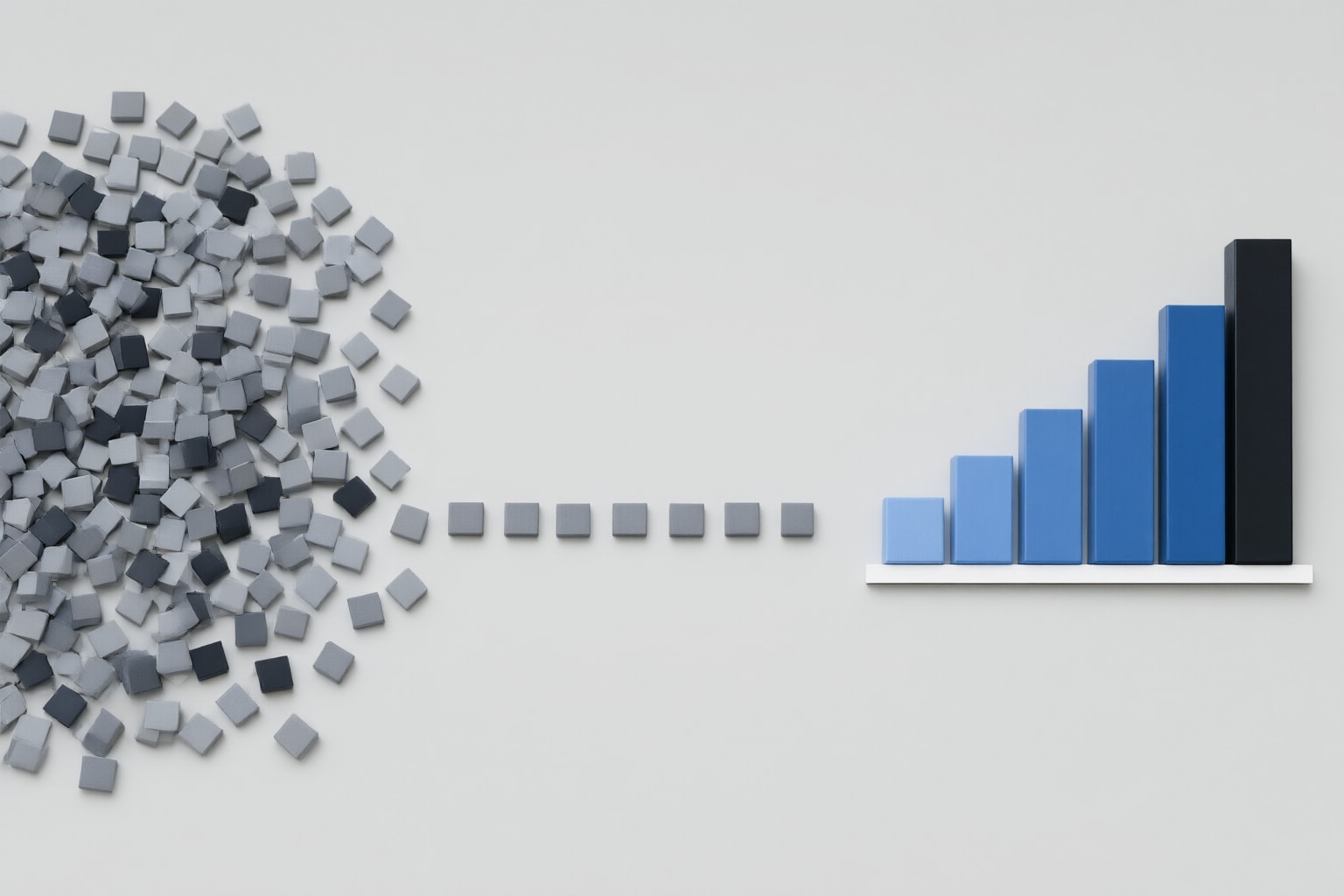
A concise workflow for importing a CSV into ChatGPT, requesting data cleaning, creating a chart, reviewing the results, and downloading the finished findings.
Import your CSV and define the task
OpenAI Academy documents starting a new chat and importing a CSV or XLSX file; it also lists direct connections to Google Drive and OneDrive. After importing the data, you can ask questions in plain language, and ChatGPT writes and runs Python code for the analysis.
As an editorial suggestion, begin with a narrowly defined request rather than combining cleaning, analysis, and visualization in one prompt. OpenAI’s example for an initial question is “Describe this data.” You might adapt that starting point like this:
Describe this data and identify issues that may need cleaning. Do not change the data yet.
This wording is a suggested prompt, not a guarantee that every relevant issue will be detected. For work that depends on a particular business definition, state that definition in the prompt. OpenAI specifically advises defining metrics clearly at the start and confirming them with ChatGPT.

Request a clearly scoped cleaning pass
ChatGPT’s documented data-preparation capabilities include cleaning data, merging columns, spotting anomalies, and creating new fields. OpenAI presents these as tasks that can be requested with a single prompt.
A useful editorial approach is to name the transformations you want and separate definite rules from choices that require judgment. For example, consider asking:
Clean the uploaded CSV using these rules: trim extra spaces in the customer-name field, standardize the specified date format, and flag uncertain values instead of guessing. Summarize the requested changes.
Only include rules that are appropriate for your dataset. If missing or inconsistent values could have more than one valid interpretation, a safer editorial recommendation is to ask for them to be flagged for review rather than silently assigning a value. This is a review practice, not a documented guarantee about the completeness of ChatGPT’s cleaning.

Review the cleaned result before charting
OpenAI advises users to review generated code or output tables carefully. It also warns that ChatGPT can make mistakes and says critical results should be independently verified before they are shared.
As a practical suggestion, compare important totals, record counts, or a small sample of transformed values with the original CSV. Where ChatGPT provides generated Python code or an output table, inspect the parts connected to your key metric. Do not treat a fluent explanation as validation of the calculation.
If a result is unclear, continue with a focused plain-language question. For example, you might ask ChatGPT to explain how a particular metric was calculated or to show the table used for a summary. OpenAI documents iterative refinement through clear prompts, but the suitability of any requested check remains something you should evaluate for the specific dataset.
Create and examine a chart
ChatGPT can analyze uploaded data and generate interactive charts. OpenAI’s example prompt is “Show monthly revenue in a bar chart,” and its guidance says generated tables and charts can be explored or adjusted.
For a more precise request, an editorial suggestion is to specify the metric, grouping, period, and chart type. One possible prompt is:
Show monthly revenue in a bar chart for the requested period, using the confirmed revenue definition.
After the chart appears, compare it with the associated table or calculations. Check whether the requested period, grouping, and metric definition were applied. If the visual does not answer the intended question, refine the prompt and review the revised output. These checks are recommendations; they do not establish that a chart is accurate merely because it was generated successfully.
Conclusion
OpenAI’s documented ChatGPT data analysis workflow covers importing data, preparing it, analyzing it, creating visuals, and downloading finished findings. The same guidance positions ChatGPT for conversational data exploration and points to the OpenAI API for fully automated workflows.
The practical recommendation is to use ChatGPT for an iterative CSV task: import the file, describe the intended cleaning rules, review the generated code or table, request a precisely defined chart, verify critical results independently, and then download the findings you want to keep. If the work must run as a fully automated process, consider the API path identified by OpenAI rather than treating a conversational workflow as the automation design.
Sources
Disclosure
This article was prepared with AI assistance.
Improve this guide
Report a problem or suggest the next question
Submissions enter a private editorial queue. They are reviewed and deduplicated before any public update or new page is created.