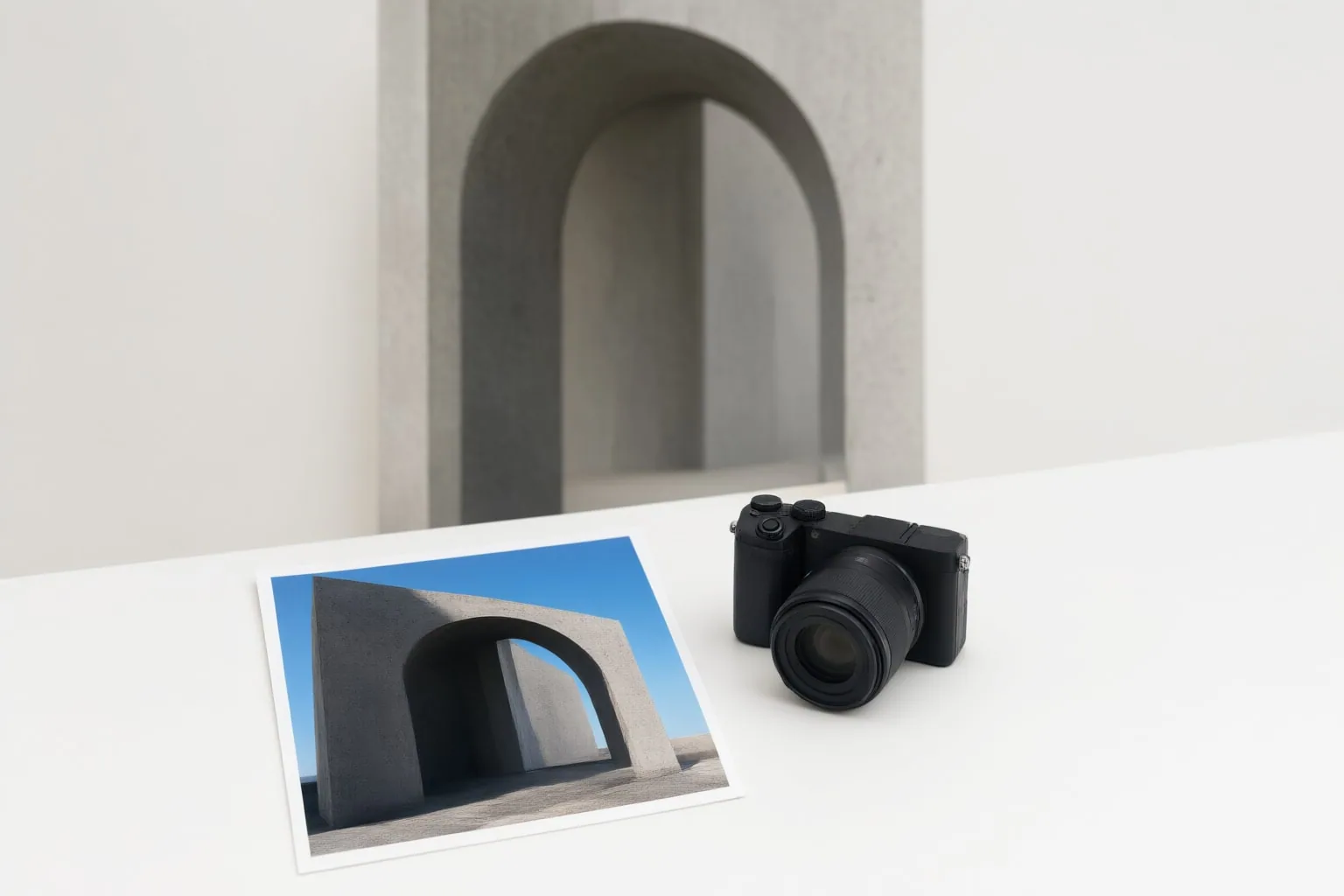
Runway References use an image as a visual anchor for preserving a character, location, style, composition, or other recognizable element while a text prompt describes the new scene and intended changes.
What Runway References Are
Runway presents References as a Gen-4 workflow for creating continuity across generated images. A reference image supplies the visual information for an element you want to retain, while the prompt describes what should change around it.
Runway documents references for preserving character appearance and identity, locations and environments, lighting and color grading, artistic styles, compositions and poses, and particular objects or props. This division of labor is useful for multi-scene narratives or recurring branded visuals: the reference anchors recognizable details, and the prompt directs the setting, action, lighting, pose, camera angle, or mood.
Without that visual anchor, repeatedly writing the same character description may still produce different facial features or a substantially different appearance in later generations.

How to Use a Reference Image in Runway
Runway documents a three-step character-reference workflow:
- Upload a clear image of the character or other visual element you want to preserve.
- Write a prompt describing the desired scene and changes.
- Generate, review the result, and iterate. If an output works well, it can be retained as a reference for subsequent scenes.
For a character reference, Runway recommends an image with at least 1024 pixels on its shortest side. The face should be sharp and unobstructed, with even lighting. Use an image containing one character, preferably shown from the front or at a three-quarter angle against a simple or neutral background.
Avoid blurry, dark, low-resolution, heavily filtered, or obstructed images. Pictures containing multiple people can also make poor character references. According to Runway, these weaknesses may reduce consistency and lead to wasted generations. A cleaner starting image gives the reference a clearer identity and appearance to anchor while the prompt changes other parts of the composition.
Reference Image or Text Prompt Alone?
Use a text prompt alone when the important requirement is the requested scene rather than the retention of a particular visual identity. Runway’s documented prompt role includes describing the setting, action, lighting, pose, camera angle, and mood. Text is therefore the appropriate input for explaining what you want the generated image to depict.
Add a reference image when a specific character, location, style, composition, pose, object, or prop must remain recognizable across generations. For example, a prompt can place a character in a new environment or request different lighting, while the reference supplies the appearance that should carry into the result.
The inputs are complementary rather than interchangeable. A detailed written character description communicates desired traits, but Runway notes that repeating descriptions can result in changed facial features or an entirely different appearance. When continuity matters, use the image as the visual anchor and reserve the prompt for the intended transformation.
Conclusion
Runway References are most relevant when continuity matters across scenes: a recurring character should remain recognizable, a location should carry forward, or a style, pose, composition, object, or prop should be retained. A prompt alone is better suited to directing the content and treatment of a scene when no particular visual element must persist.
Choose one sharp, evenly lit image containing a single unobstructed character or visual element. For a character, prefer a front-facing or three-quarter view, a simple background, and at least 1024 pixels on the shortest side. Use that image as the reference, then write a prompt describing the new scene, action, lighting, pose, camera treatment, or mood you want.
Disclosures and limitations
- This article was prepared with AI assistance and is based on the cited provider-owned Runway materials.
- No hands-on testing or personal product use is claimed.
Sources
- Runway Resources | AI Character References: Tips & Techniques | Runway AI — runway.com
- Gen-4 References | Runway Academy — Runway Academy
Improve this guide
Report a problem or suggest the next question
Submissions enter a private editorial queue. They are reviewed and deduplicated before any public update or new page is created.