Windsurf Rules are now documented as Devin Desktop Rules: user-defined guidance for Cascade with global, workspace, system, and AGENTS.md scopes, plus four activation modes.
Windsurf Rules now belong to Devin Desktop
Devin Desktop is the current name for Windsurf. The provider says the update retains the IDE experience and migrates workflows, settings, extensions, and work in progress. Accordingly, “Windsurf Rules” remains a useful search term, but the current documentation calls the product Devin Desktop.
Within Devin Desktop, Rules are instructions that users define for Cascade. They can express coding conventions, style guidance, or project constraints. The documentation distinguishes Rules from Memories: Cascade generates Memories automatically, while users define Rules manually. It also states that Memories apply only to the legacy Cascade agent and that the default Devin Local agent for new tabs does not persist them.
For durable repository guidance, the provider recommends a Rule or an AGENTS.md file instead of relying on an automatically generated Memory.
Choose a scope and current storage location
Rules can exist at global, workspace, or enterprise system level. Cascade can also infer location-scoped rules from AGENTS.md files.
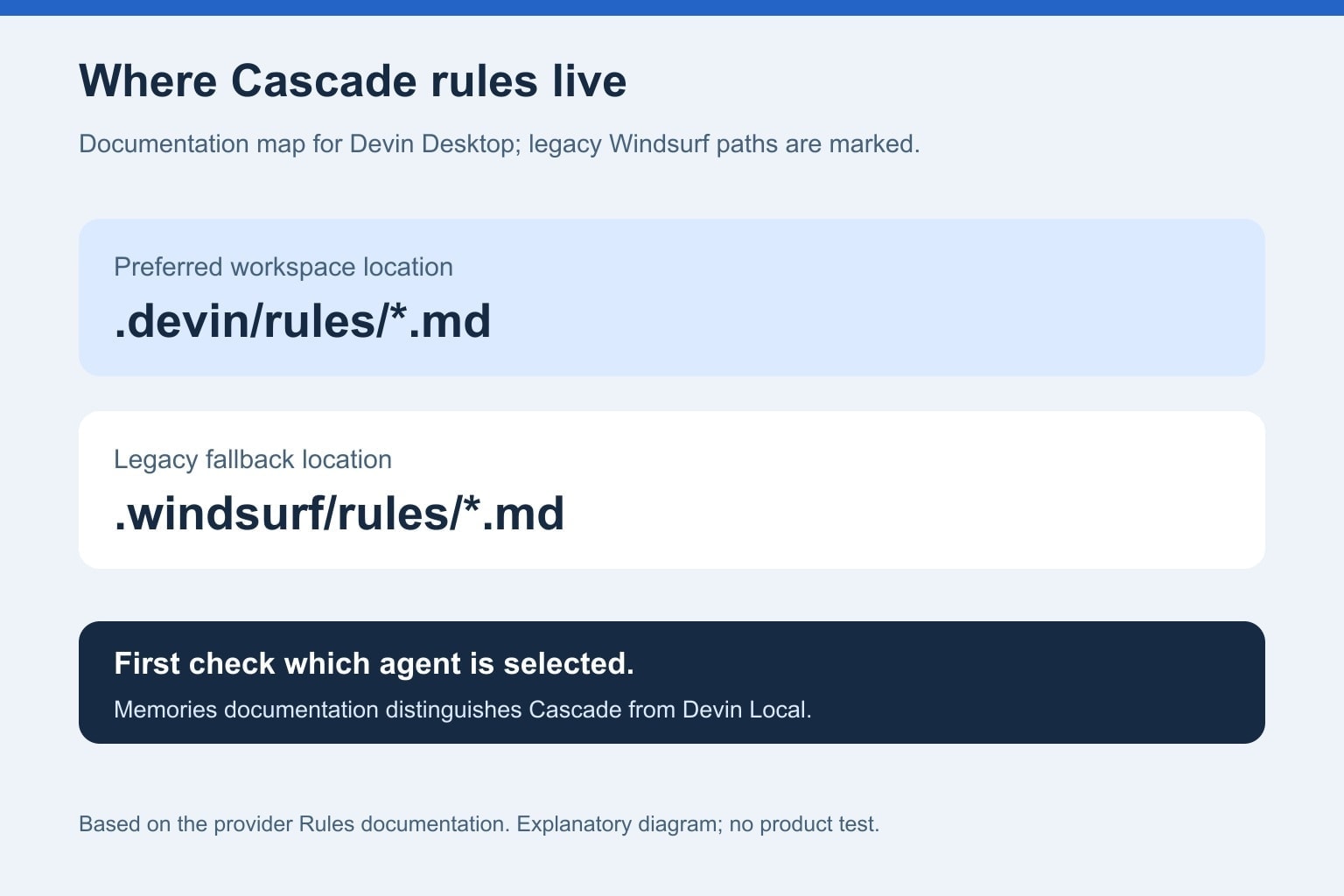
A global rule is stored in ~/.codeium/windsurf/memories/global_rules.md, applies across workspaces, and has a 6,000-character limit. Workspace rules use one Markdown file per rule and have a 12,000-character limit per file. The preferred workspace location is .devin/rules/*.md.
The documentation still recognizes .windsurf/rules/*.md as a fallback for backward compatibility and reads the older root-level .windsurfrules file. However, .devin/ takes precedence over .windsurf/. New rules created for the current workspace are saved under .devin/rules, which may differ from the Git repository root.
As an editorial suggestion, use .devin/rules for new workspace rules and treat the Windsurf paths as compatibility locations for existing repositories.
Understand how project rules are discovered
Devin Desktop searches the current workspace and its subdirectories for rule directories. In a Git repository, it also searches parent directories up to the Git root. When a workspace contains multiple open folders, discovered rules are deduplicated and displayed using the shortest relative path.
An AGENTS.md file at the repository root is always on. An AGENTS.md file in a subdirectory receives an automatic glob scope for that directory. This makes AGENTS.md the documented zero-configuration option for location-specific instructions.
A practical suggestion is to place broad repository conventions at the root and narrowly relevant guidance near the directory it concerns. Review the discovered scope before assuming that a rule applies only to the folder containing the file.
Select one of the four activation modes
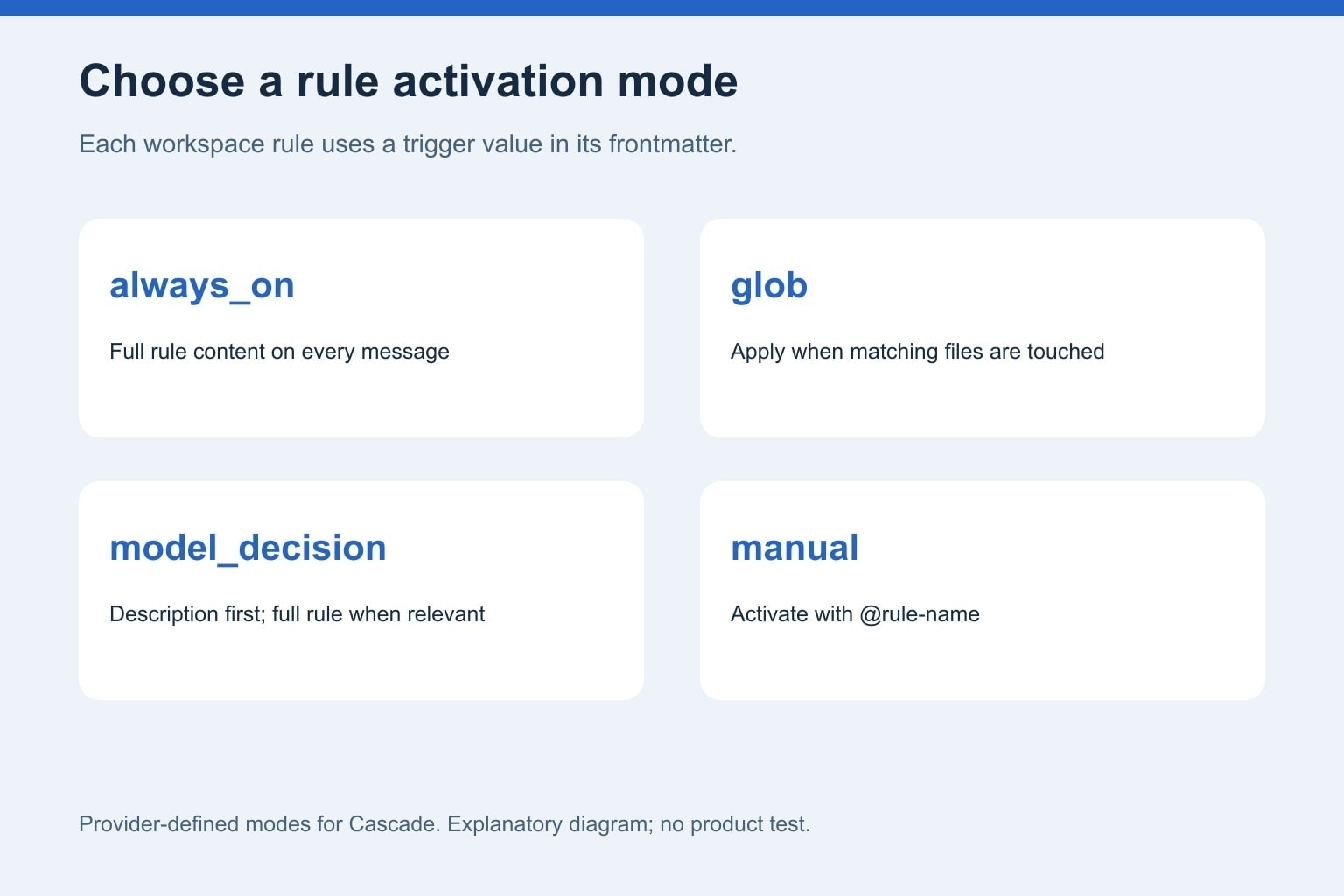
Each workspace rule declares its activation mode through a trigger field in frontmatter:
always_onincludes the complete rule with every message.model_decisioncontinually exposes the description and lets Cascade read the complete rule when it judges that description relevant.globapplies when Cascade reads or edits a file matching the configuredglobspattern.manualstays out of the system prompt until the user types@rule-namein Cascade.
The global rules file and a root-level AGENTS.md do not use this frontmatter because both are always on. The documentation’s glob example targets TypeScript test files and instructs Cascade to use particular test blocks and mock external API calls.
As a suggestion, reserve always_on for short guidance needed throughout a session. Consider glob for file-specific conventions, manual for guidance invoked deliberately, and model_decision when the description gives Cascade enough information to judge relevance.
Create and write a focused rule
The documented interface opens from the Customizations icon in Cascade’s top-right slider menu. From the Rules panel, + Global creates a global rule and + Workspace creates a workspace rule. Existing Rules and Memories can also be reached through Devin Settings in the bottom-right corner.
The provider advises keeping rules simple, concise, and specific because long or vague instructions may confuse Cascade. It recommends Markdown bullets or numbered lists instead of a long paragraph and notes that XML tags can group related instructions. Generic directions such as “write good code” are discouraged.
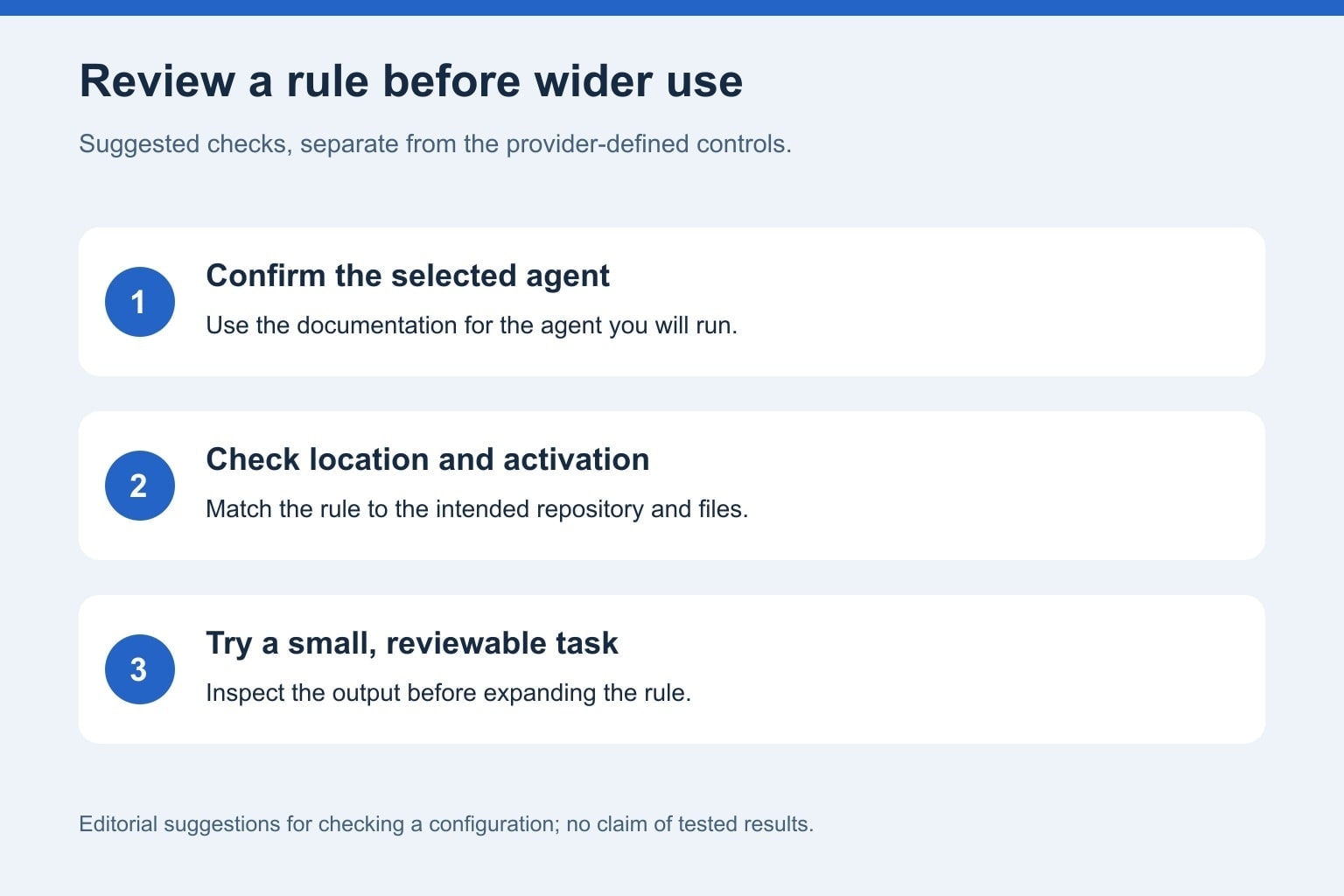
A useful starting suggestion is to create one narrowly scoped rule, choose the least expansive suitable trigger, and review the generated file location. Teams may commit workspace Rules or AGENTS.md because the documentation describes Rules as version-controlled and shareable, but the wording and scope should still be reviewed like other repository guidance.
Conclusion
Windsurf Rules continue under the product’s current Devin Desktop name, while .windsurf paths are retained as documented compatibility fallbacks. The preferred workspace directory is .devin/rules, and workspace rules support always-on, model-selected, glob-based, or manual activation.
My practical recommendation is to put new rules in .devin/rules or use a suitably located AGENTS.md. Start with one concise project convention, select the narrowest appropriate scope, and confirm where Devin Desktop saved or discovered it. Keep legacy Windsurf paths only when maintaining existing configuration that still depends on the documented fallback behavior.
Sources
Disclosure
This article was prepared with AI assistance.
Improve this guide
Report a problem or suggest the next question
Submissions enter a private editorial queue. They are reviewed and deduplicated before any public update or new page is created.